SVG tools.
Rasterize, convert, edit and encode SVG files. 45 tools, free, each running in your browser with nothing uploaded.
Every one of the SVG tools
45 tools.
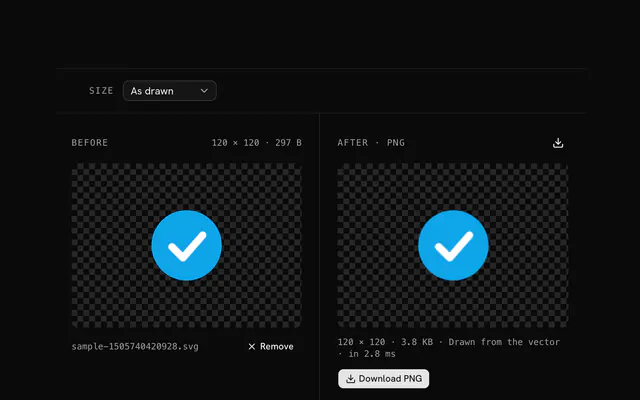 SVG to PNG converterConvertDrop an SVG and get a PNG at its own size or at any size up to 1024 pixels, drawn fresh from the vector.
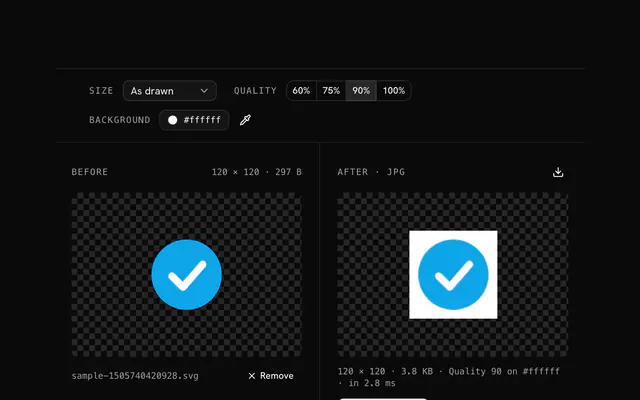 SVG to JPG converterConvertDrop an SVG and get a JPG at any size up to 1024 pixels, with the background color you choose behind the transparent parts.
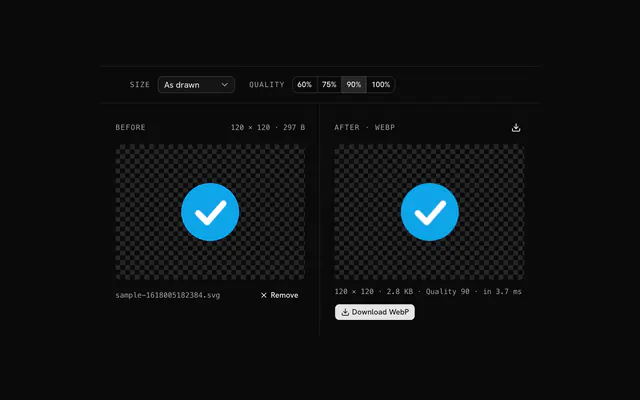 SVG to WebP converterConvertDrop an SVG and get a WebP at any size up to 1024 pixels, transparency kept, at the quality you choose.
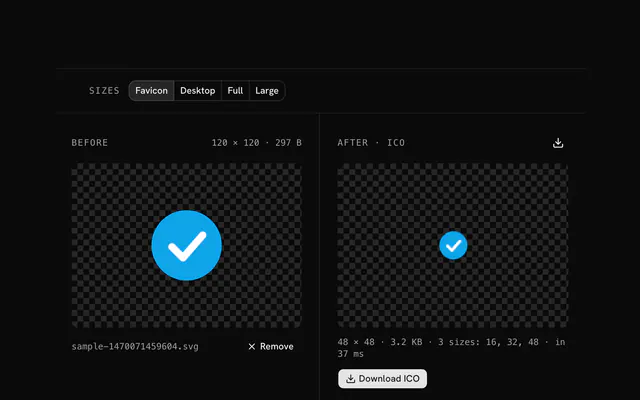 SVG to ICO converterConvertDrop an SVG and get an ICO with every favicon size drawn fresh from the vector, 16 to 256 pixels, transparency kept.
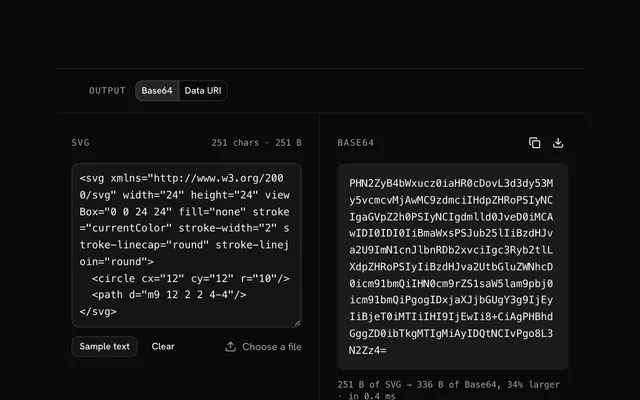 SVG to Base64 encoderBase64 and data URIsPaste SVG markup or drop a file and read its Base64, plain or as a data URI, with the size before and after.
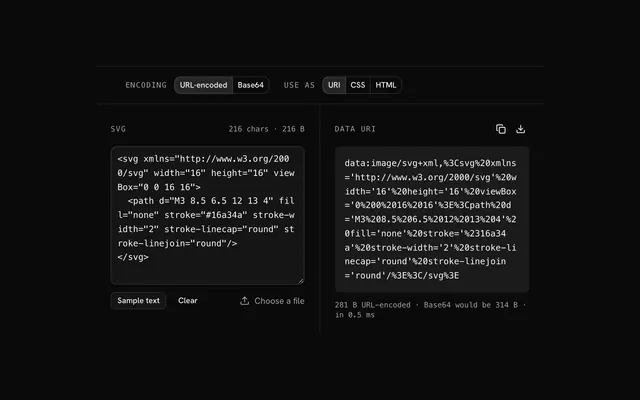 SVG to data URI converterBase64 and data URIsPaste SVG markup or drop a file and get a data URI, URL-encoded so it stays small and readable, or Base64, wrapped for CSS or an img tag.
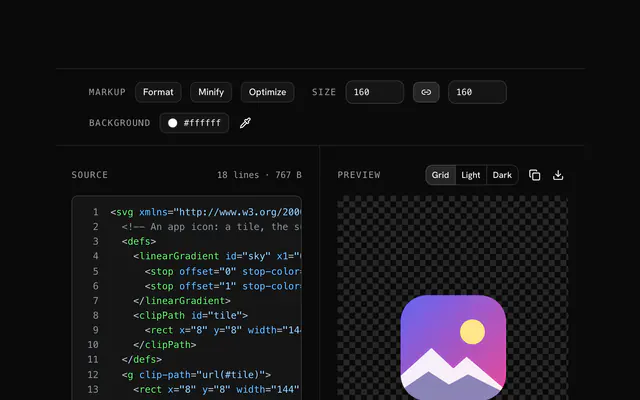 SVG editorEdit and inspectPaste or drop an SVG and edit its source beside a live preview, with helpers for size, fill, stroke, background and minifying.
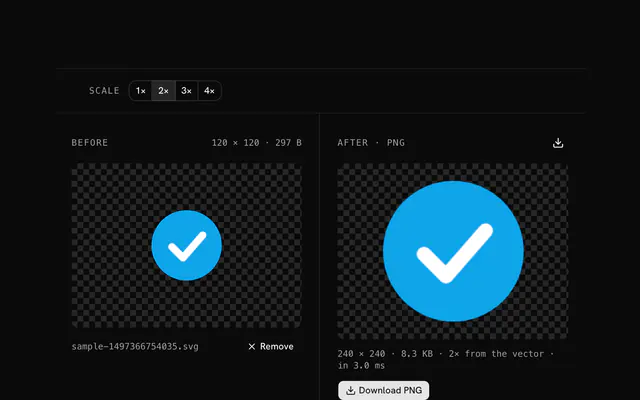 SVG to PNG at 1× to 4×ConvertDrop an SVG and export it as a PNG at 1×, 2×, 3× or 4× its drawn size, for retina screens, drawn fresh from the vector each time.
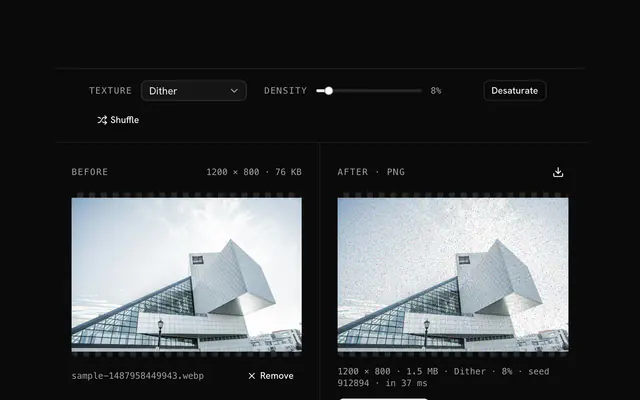
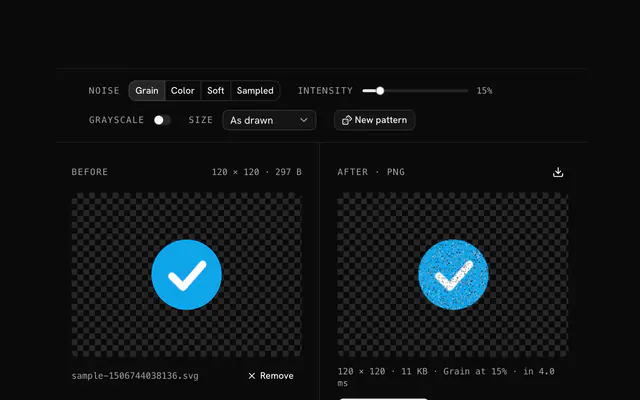 SVG noise filterGrain and textureDrop an SVG and get a PNG with grain over it: four kinds of noise, any intensity, grayscale if you like, a new pattern on request.
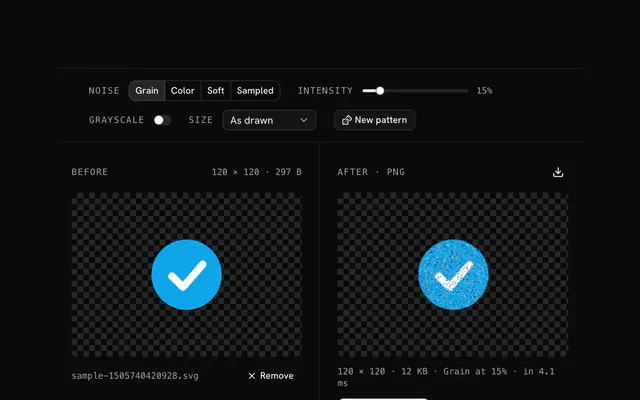 Add grain to an SVGGrain and textureVector art can look too clean.
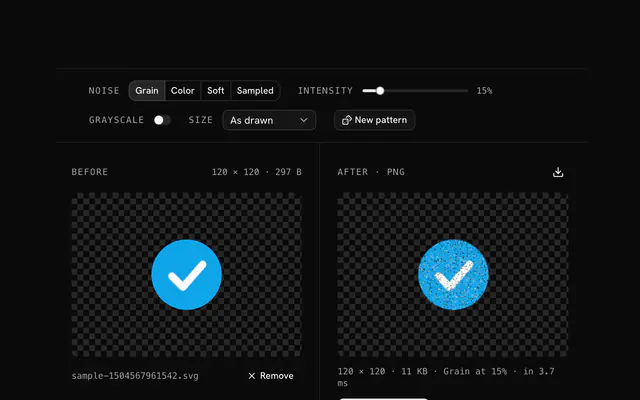 Distressed SVG effectGrain and textureNew designs can look too pristine.
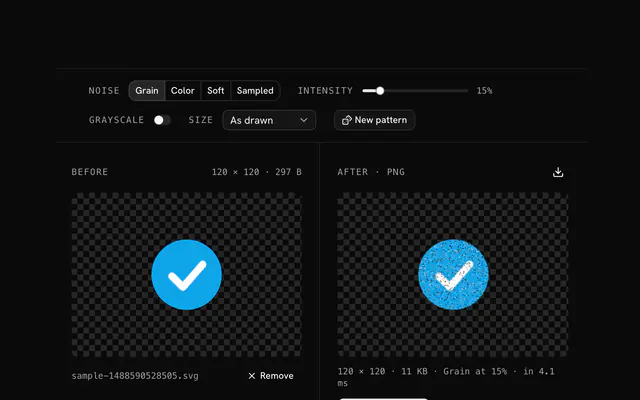 SVG texture overlayGrain and textureFlat vector art lacks the feel of a surface.
Need the product around them? With Pro, your AI agent builds the form, the result card and the rest of the page from a prompt, in your theme.
Get ProOther categories
More free tools. Every category runs in the browser, with nothing uploaded.

Pricing
Free tools, and the product around them with Pro
The tools are free. Pro adds 6,000+ blocks, premium templates and the MCP server, so your AI editor builds the product around them.
4.9/5 out of 5 · 150+ reviewsfrom 150+ founders and developers.
- Secure checkout via Stripe
- Code lives in your repo
- Keep what you've shipped if you cancel
- License terms
FAQ
Frequently asked questions
What the SVG tools can and can't do, how they treat your files and which to pick.
45 free tools handle SVG: converters to PNG, JPG, WebP and ICO, Base64 and data URI encoders, an editor for the markup, a grain filter, and tools that recolor, tone, fade or clear a color. They all run in your browser.
Keep the SVG for logos, icons and illustrations that must stay sharp at every size. Rasterize it to PNG, JPG or WebP when a platform wants a bitmap, such as an app icon, a social image or an email.
The SVG converters read an SVG's markup, and the Base64 and data URI encoders and the editor refuse text that doesn't start with an svg tag. The recolor, tone, opacity and transparency tools on SVG pages are the shared image tools: they take the SVG as a picture and write a PNG, not an SVG.
The SVG editor shows your markup beside a live preview and rewrites the root tag for you: width and height, fill, stroke, a full-size background rectangle, and a minify pass. The preview is an img made from the text, so scripts in the SVG never run on the page.
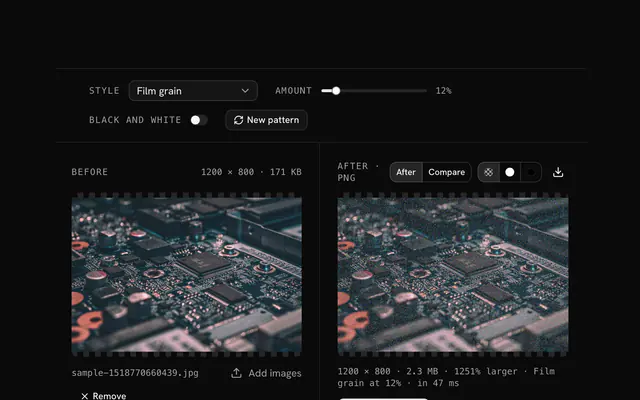
The SVG grain filter draws the SVG and repaints a share of its opaque pixels, set by Intensity (15 percent to start), in one of four modes: Grain, Color, Soft or Sampled. It writes a PNG, because the grain is pixels, not vector shapes.
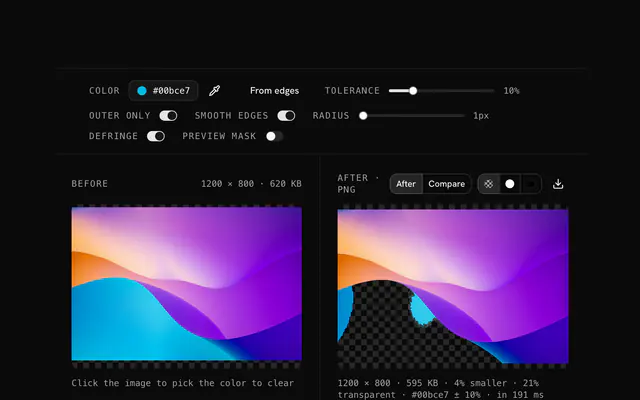
The shared color replacer, tone changer, opacity changer and transparency creator treat the SVG as a picture, so they change pixels and return a PNG. If you want to stay in vector, change the fill and stroke in the SVG editor instead.
The SVG to PNG converter draws the markup at the size you pick, as drawn (its width and height or viewBox) or with the longer side at 16, 32, 64, 128, 256, 512 or 1024 px, keeping the ratio. Transparency is kept, and the status line says it was drawn from the vector.
The SVG to PNG at 1× to 4× tool multiplies the SVG's own size by 1, 2, 3 or 4 and names the file with the scale, such as logo@2x.png. An export can be at most 8192 pixels on a side; larger ones stop with a message.
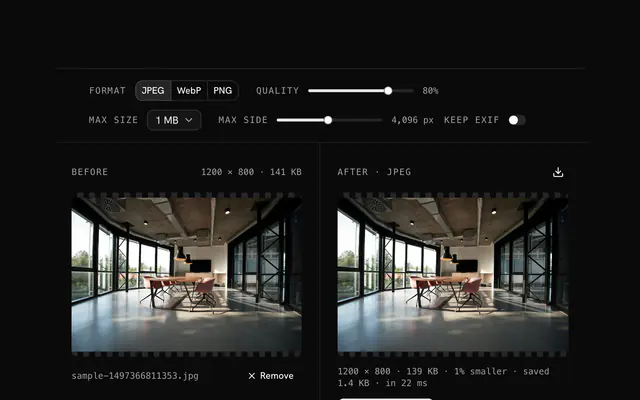
JPG has no transparency, so the SVG to JPG converter paints a Background color (white to start) behind the drawing, then writes the JPG at quality 90 unless you pick 60, 75 or 100 percent.
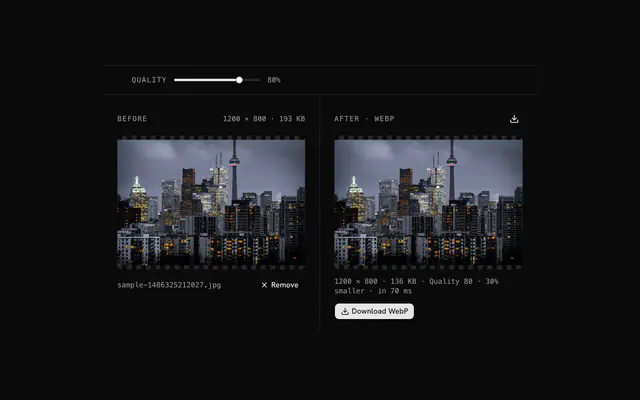
The SVG to WebP converter has the same size choices as the PNG converter and quality choices of 60, 75, 90 (the start) and 100 percent. Transparency is kept.
The SVG to ICO converter draws the SVG fresh at each size of a set and packs them as PNG frames in one ICO: Favicon is 16, 32 and 48 px, Desktop is 16 to 128, Full is 16, 24, 32, 48, 64, 128 and 256, and Large is 64, 128 and 256. A non-square SVG is centred in each square.
The SVG to Base64 tool takes pasted markup or a dropped .svg file and gives plain Base64 or a full data URI (data:image/svg+xml;base64,…). The text is encoded exactly as it is, comments and metadata included.
The SVG to data URI tool writes either a URL-encoded URI (the start, readable and compact) or a Base64 one, and wraps it as a bare URI, a CSS background-image rule or an img tag. The status line shows how long the other encoding would have been, so you can pick the shorter one.
Neither encoder changes the SVG. To shrink it first, open it in the SVG editor and use its minify button, which removes comments, the XML prolog, a DOCTYPE and the whitespace between tags.
No. The SVG is read and drawn in your browser, and no tool sends your file to a server.
Rasterizing draws the SVG through an img element, which is how browsers show an SVG as a picture: scripts inside it do not run and files it links to are not fetched. A linked image or web font that the SVG needs must be embedded to appear.
The converters, grain filter and ICO maker state a limit of 20 MB per SVG. The editor and the Base64 and data URI encoders set no cap of their own: they read the text into your browser's memory.
No, each tool takes one file at a time, and if you drop several only the first is used.
4.9 out of 5 from 150+ developers


Build the product around them
Every block, template and icon, installed by your AI agent in your theme. The tools stay free.
Get Pro