Color converter.
Type a color in any CSS notation and read it in ten at once, with the nearest Tailwind color and a custom property to paste. Colors wider than sRGB are mapped and marked, never clipped silently.
Color converter.
Need the UI around it? With Pro, your AI agent builds the form, the result card and the rest of the page from a prompt.
Get ProHow it works
3 steps, no account. It runs in your browser and nothing is uploaded.
Paste a color
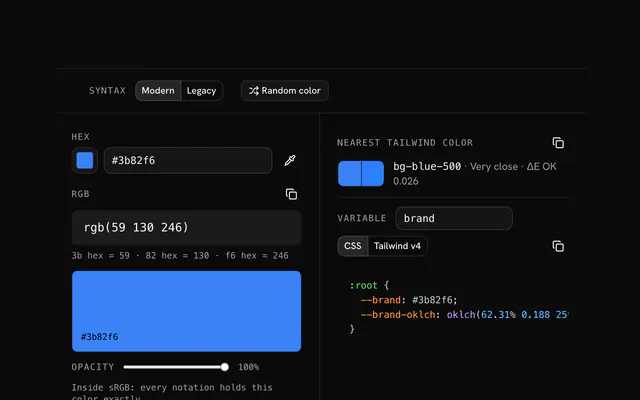
Any CSS color works, from #3b82f6 to oklch() or color(display-p3), or type straight into one notation's row.
Read every notation
The other rows follow, and a mark shows where a notation holds only the nearest color its gamut allows.
Copy what you need
Each row copies with one press, and the variable panel writes a custom property and a Tailwind theme color.
Choosing a notation
Which notation to use. They describe one color, but each is good at something else.
HEX
Short, universal and what every design tool copies. sRGB only, so it can't hold the vivid colors a P3 screen shows.
RGB and HSL
Easy to read and to animate. HSL's lightness isn't perceptual: a yellow and a blue at the same value look nothing alike.
OKLCH
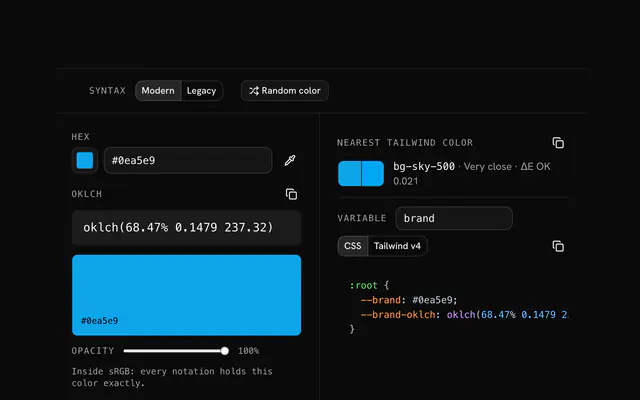
Perceptual lightness, chroma and hue, and any gamut. The best choice for a design system, and what Tailwind v4 uses.
Display P3
color(display-p3 …) names the wide gamut directly. Useful when a design file hands you P3 values.
Related tools
More color tools. Every one free, in the browser.
Pricing
Build it with Pro
The tool is free. Pro adds 6,000+ blocks, premium templates and the MCP server, so your AI editor builds the product around it.
4.9/5 out of 5 · 150+ reviewsfrom 150+ founders and developers.
- Secure checkout via Stripe
- Code lives in your repo
- Keep what you've shipped if you cancel
- License terms
Questions and answers
Before you trust the result: what to know about the format, the limits, your data and the tools next to it.
All three describe the same sRGB colors. HEX writes the red, green and blue channels as two hexadecimal digits each (#3b82f6); RGB writes them as numbers from 0 to 255 (rgb(59 130 246)); HSL turns them into a hue angle, a saturation and a lightness (hsl(217.2 91.2% 59.8%)). Converting between them loses nothing but rounding.
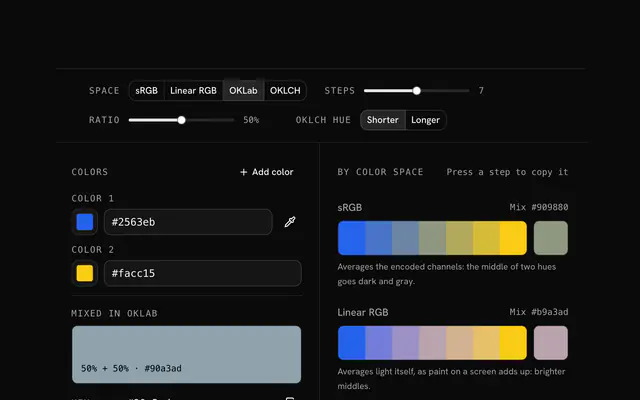
OKLCH is built on OKLab, a space where equal steps look like equal changes. Its lightness means the same thing at every hue, so a yellow and a blue at 70% read as equally light, which HSL's lightness does not do. It also reaches colors outside sRGB, which is why Tailwind v4 writes its whole palette in it.
sRGB is the gamut of an ordinary screen; Display P3, on most phones and Macs, holds about a quarter more color, mostly vivid greens, reds and oranges. An OKLCH or P3 color can sit outside sRGB, and HEX, RGB, HSL and HWB can't write it. The converter then shows the nearest sRGB color, found as CSS Color 4 does it (lower the chroma, keep the lightness and hue), and marks those rows.
No. It's the plain formula (K is one minus the brightest channel, and C, M and Y follow from it), which is fine for a rough idea but isn't what a press prints. Real conversions go through an ICC profile for the paper and inks, such as FOGRA39 or GRACoL, in a layout or image editor.
Anything CSS reads: hex with 3, 4, 6 or 8 digits (with or without the #), the 148 color names, rgb(), rgba(), hsl(), hsla(), hwb(), lab(), lch(), oklab(), oklch(), color() in srgb, srgb-linear, display-p3 and xyz, and cmyk(). Comma and space syntax both work, with percentages, angle units and none. A row also takes its bare numbers, like 59, 130, 246 in the RGB row.
It switches RGB and HSL between modern CSS syntax, rgb(59 130 246 / 0.5), and the older comma syntax, rgba(59, 130, 246, 0.5), which every browser and many design tools still expect. Both mean the same color.
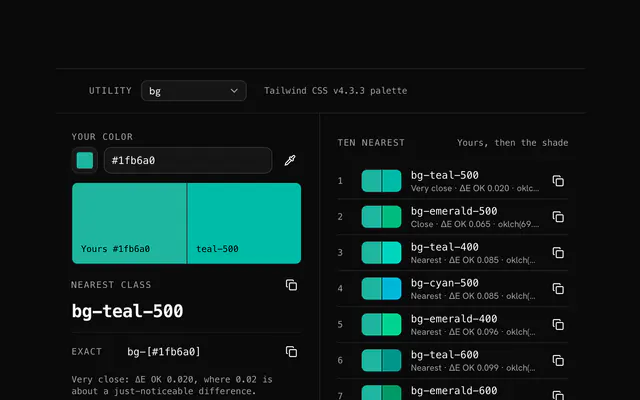
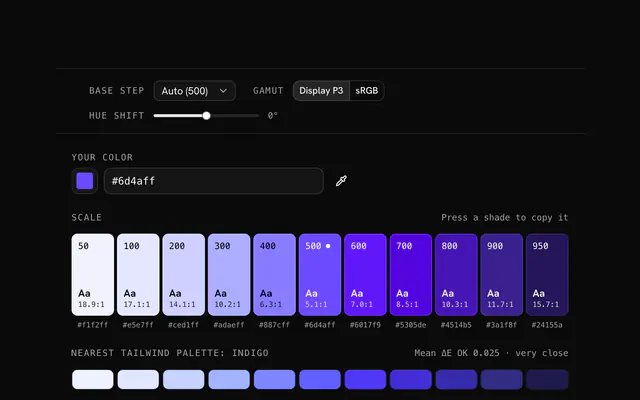
It compares the color with the 286 shades of Tailwind CSS v4's default palette by ΔE OK, the distance in OKLab, and names the closest with its class. Below 0.02 the two are hard to tell apart; above that, use the exact value as an arbitrary class.
No. Every conversion is arithmetic in this page's JavaScript; nothing you type is sent anywhere or saved.
No. The Color converter is free and opens without a sign-in, an account or an install.
Nothing. The Color converter holds your input in the page's memory, so closing or reloading the tab clears it, and it saves nothing in this browser.
Five: the base color at its own lightness plus lighter and darker steps of the same hue, listed with their HEX values in the shade row.
No. It takes a color typed as HEX, RGB or HSL, so no picture is read and there is no file limit to think about.
No. It works with the three channels red, green and blue (or hue, saturation and lightness), so an opacity value isn't part of the conversion.
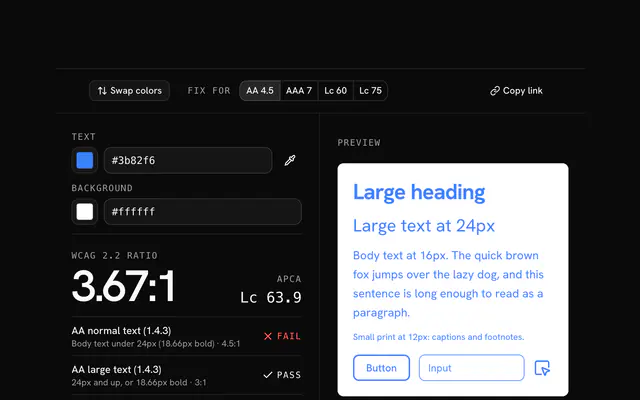
Closest to the Color converter: HEX to RGB converter, HEX to OKLCH converter, Contrast checker, Tailwind color finder. Each opens on its own page, free and in the browser.
The Color converter is one of 17 in its group. The group's page, /tools/color, lists them all.
The tool is free. Its interface is built from shadcn.io's own components (Button, Input, Slider and the rest of the registry under /ui), which come in React, Vue, Svelte and Solid. Pro adds the blocks and templates for the product around it.
4.9 out of 5 from 150+ developers


Build the product around it
Every block, template and icon, installed by your AI agent in your theme. The tools stay free.
Get Pro