Invoice generator.
Fill in who, to whom and what, and read the totals as you type; download the invoice as a PDF. The draft is kept in your browser and nothing is uploaded.
Invoice generator.
Need the UI around it? With Pro, your AI agent builds the form, the result card and the rest of the page from a prompt.
Get ProHow it works
4 steps, no account. It runs in your browser and nothing is uploaded.
Fill in the parties
Your details, the client's, the invoice number and the dates.
Add the lines
A description, a quantity and a rate per line; the amount and the totals follow.
Set tax and discount
A tax rate and a discount, as an amount or a percentage, and any notes or terms.
Download the PDF
The PDF is made in your browser and named after the invoice number.
Related tools
More math and finance. Every one free, in the browser.
Pricing
Build it with Pro
The tool is free. Pro adds 6,000+ blocks, premium templates and the MCP server, so your AI editor builds the product around it.
4.9/5 out of 5 · 150+ reviewsfrom 150+ founders and developers.
- Secure checkout via Stripe
- Code lives in your repo
- Keep what you've shipped if you cancel
- License terms
Questions and answers
Before you trust the result: what to know about the format, the limits, your data and the tools next to it.
Your name, email and address, the client's, an invoice number, the date and the due date, as many lines as you need with a description, a quantity and a rate, a tax rate, a discount as an amount or a percentage, and notes or terms. The totals are worked out as you type.
The lines add up to the subtotal, the discount comes off that, tax is applied to what is left, and the total is the taxed amount plus the tax. Every figure is rounded to the cent so the lines shown add up to the totals shown.
A plain typeset A4 page drawn with jsPDF in your browser: the parties, the dates, a ruled table of lines and the totals, then the notes. No template, no logo field: the point is a correct invoice you can send, not a brochure.
US dollar, euro, pound, Canadian and Australian dollars, Swiss franc, yen, rupee, Singapore dollar and real. Amounts are written in the currency's style by the browser's Intl API.
Your draft is saved in this browser's storage as you type, so closing the tab loses nothing; open the page again on the same device and it is there. New invoice clears it. Nothing is sent to a server, which also means it is not on your other devices.
Fill in at least one line and press Download PDF. The file is named after the invoice number and made entirely in your browser; the PDF library loads the first time you ask for it.
No. The form, the arithmetic and the PDF all run on your device, and the page makes no request with your data. Client names, amounts and addresses never leave the browser.
No. The Invoice generator is free and opens without a sign-in, an account or an install.
10 currencies: USD, EUR, GBP, CAD, AUD, CHF, JPY, INR, SGD, BRL.
Yes. The discount can be an amount or a percentage, and there is a tax rate. The tax is applied to what is left after the discount.
Press New invoice. It clears the form and the draft the page saved for you, then starts a blank invoice dated today.
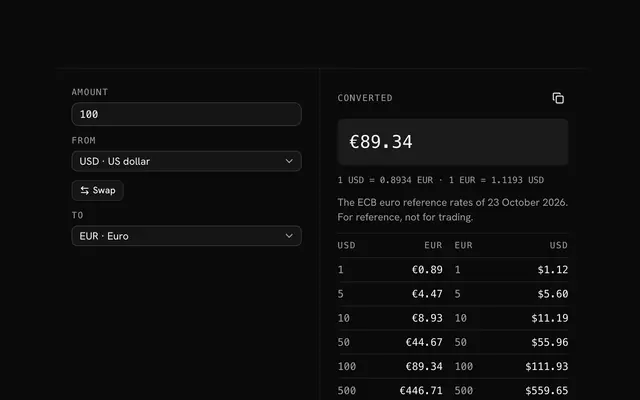
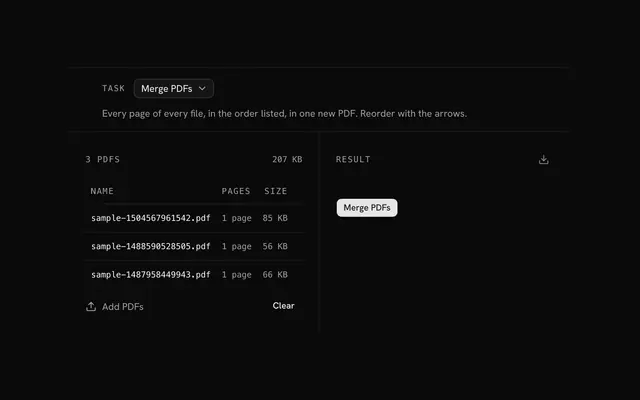
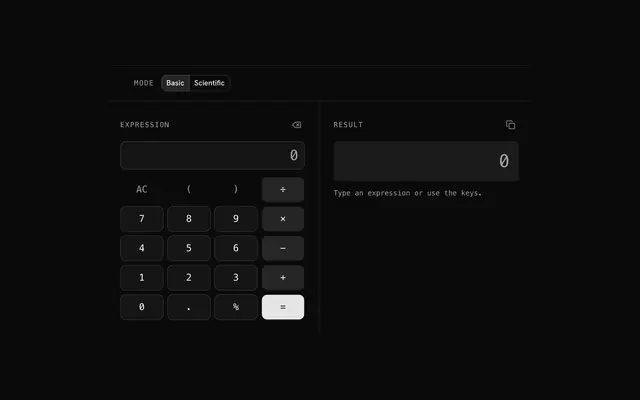
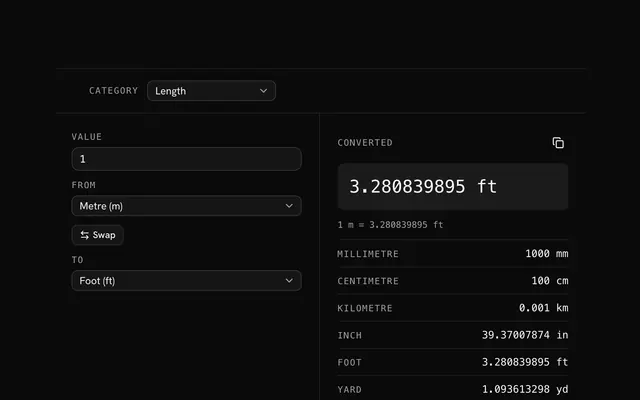
Closest to the Invoice generator: Currency converter, PDF tools, Calculator, Unit converter. Each opens on its own page, free and in the browser.
The Invoice generator is one of 20 in its group. The group's page, /tools/math, lists them all.
The tool is free. Its interface is built from shadcn.io's own components (Button, Input, Slider and the rest of the registry under /ui), which come in React, Vue, Svelte and Solid. Pro adds the blocks and templates for the product around it.
4.9 out of 5 from 150+ developers


Build the product around it
Every block, template and icon, installed by your AI agent in your theme. The tools stay free.
Get Pro