JPEG layer opacity tool.
Turn a JPEG into a layer with real transparency, at a fixed opacity or with a fade, for Photoshop, a slide or a page. The conversion happens in your browser; nothing is uploaded.
JPEG layer opacity tool.
Need the UI around it? With Pro, your AI agent builds the form, the result card and the rest of the page from a prompt.
Get ProHow it works
4 steps, no account. It runs in your browser and nothing is uploaded.
Drop a photo
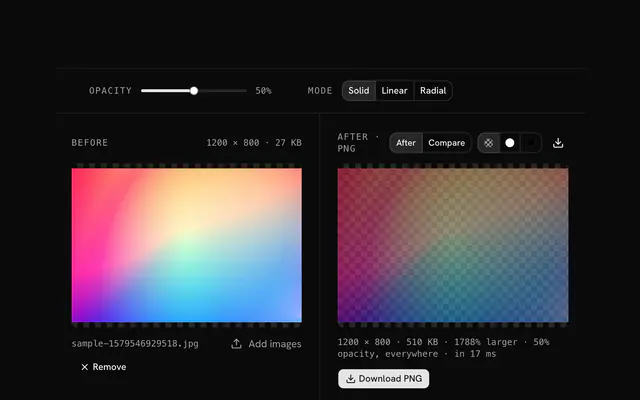
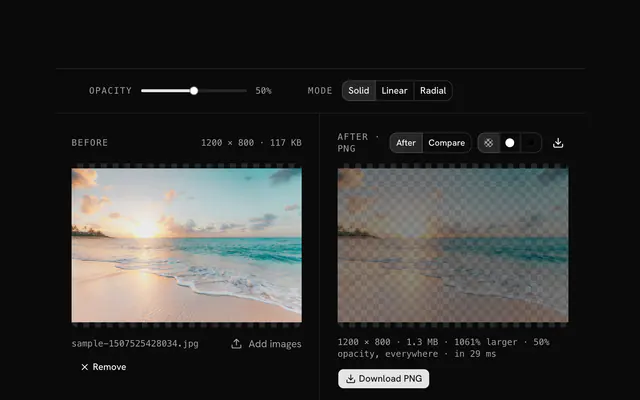
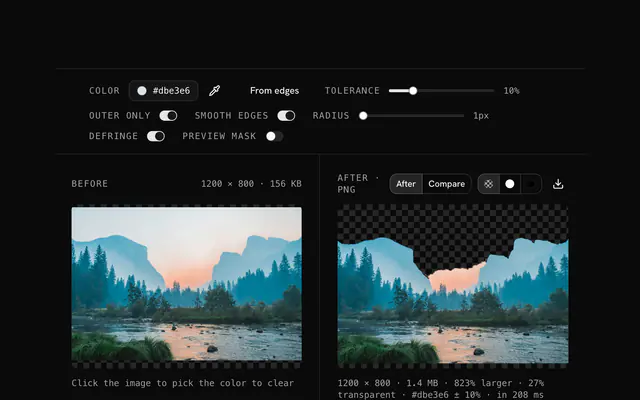
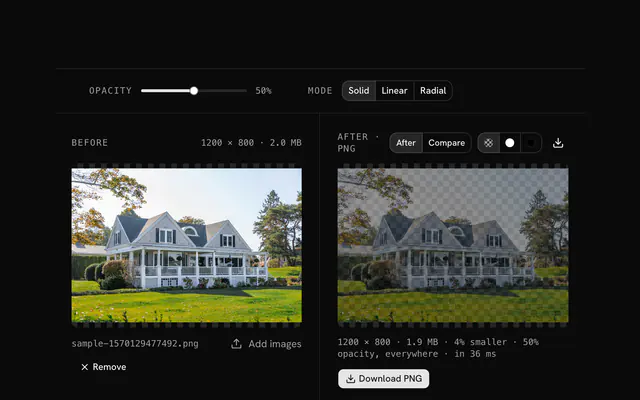
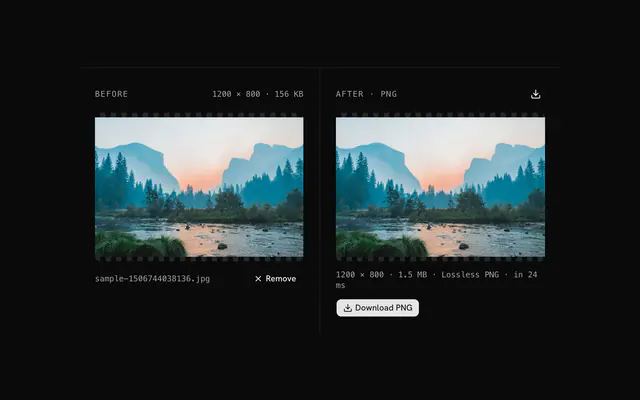
Drop a JPG onto the pane; the photo shows over a checkerboard once it has transparency.
Pick a mode
Uniform for a whole-image opacity, linear to fade an edge, radial to keep the middle and fade the rest.
Set the fade
Set the opacity, direction or radius; select an area to center a radial fade on the subject.
Download and layer
Download the PNG and layer it in your editor, slideshow or page.
Related tools
More JPG tools. Every one free, in the browser.
Pricing
Build it with Pro
The tool is free. Pro adds 6,000+ blocks, premium templates and the MCP server, so your AI editor builds the product around it.
4.9/5 out of 5 · 150+ reviewsfrom 150+ founders and developers.
- Secure checkout via Stripe
- Code lives in your repo
- Keep what you've shipped if you cancel
- License terms
Questions and answers
Before you trust the result: what to know about the format, the limits, your data and the tools next to it.
Layer editing relies on alpha, and JPEG cannot store it. Converted to a PNG with opacity, the photo becomes a proper layer that composites correctly with everything under it.
Keep it at 100 and let the editor's opacity slider do the blending, which stays adjustable. Bake a lower opacity in only when the transparency must be fixed, for a web asset for instance.
Process the JPEG here, download the PNG, place it in Photoshop as a new layer. The transparency comes with it. Useful when Photoshop is out of reach or several photos need the same fixed transparency.
A 50 percent layer is an instant half-and-half blend. For multiply, screen and the other blend modes, import at 100 and use the editor's modes, which need the full image data.
CSS can set opacity and blend modes itself, but a pre-baked PNG saves the browser the work and gives a fixed look across pages. Export the variant you need.
A linear fade makes an edge flow into the layer below; a radial fade makes a focal mask. Both replace manual masking in the editor.
Uniform sets one opacity for the whole photo, from a faint ghost at 10 percent to nearly solid at 90. Linear fades from one edge to the other in the direction you choose; radial keeps the middle solid and fades toward the edges, or the other way round, with a radius you set.
Draw an area selection around the subject. A radial fade then centers on that area rather than on the frame, so an off-center face stays solid while the rest falls away.
No. The file is decoded, drawn and re-encoded by your browser's canvas, and the page makes no request with it. You can load the page, go offline and keep working; nothing is stored either.
No. The JPEG layer opacity tool is free and opens without a sign-in, an account or an install.
Nothing. The JPEG layer opacity tool holds your input in the page's memory, so closing or reloading the tab clears it, and it saves nothing in this browser.
Up to 100 MB per file, the limit the tool states under its drop area. A larger file is refused with a plain message instead of being decoded.
No, it takes one file at a time. If you drop or choose several, only the first is used; run the tool again for the next one.
The edit is written as a PNG because PNG stores every pixel exactly, with a full alpha channel, so the result can be edited again without a second round of loss.
No. The browser decodes the image and the tool writes a new file from its pixels, so camera EXIF, GPS position and text chunks in the original are not copied into the result. Keep the original file if you need them.
No. The result has the same width and height in pixels as the source.
Closest to the JPEG layer opacity tool: JPG opacity changer, Photo blend fade effect, JPG to transparent PNG converter, PNG opacity changer. Each opens on its own page, free and in the browser.
The JPEG layer opacity tool is one of 44 in its group. The group's page, /tools/jpg, lists them all.
The tool is free. Its interface is built from shadcn.io's own components (Button, Input, Slider and the rest of the registry under /ui), which come in React, Vue, Svelte and Solid. Pro adds the blocks and templates for the product around it.
4.9 out of 5 from 150+ developers


Build the product around it
Every block, template and icon, installed by your AI agent in your theme. The tools stay free.
Get Pro