JPG tools.
Convert, compress and edit JPG files without uploading them. 44 tools, free, each running in your browser with nothing uploaded.
Every one of the JPG tools
44 tools.
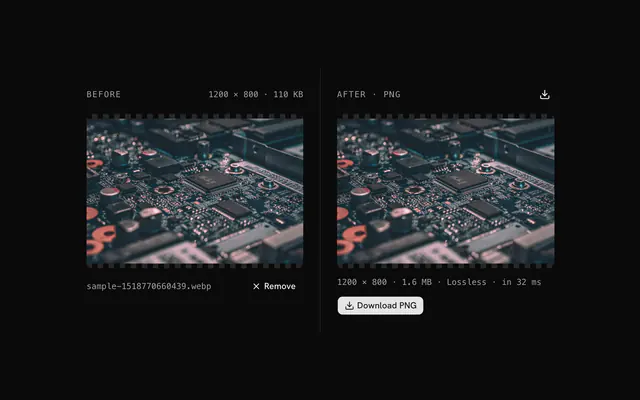
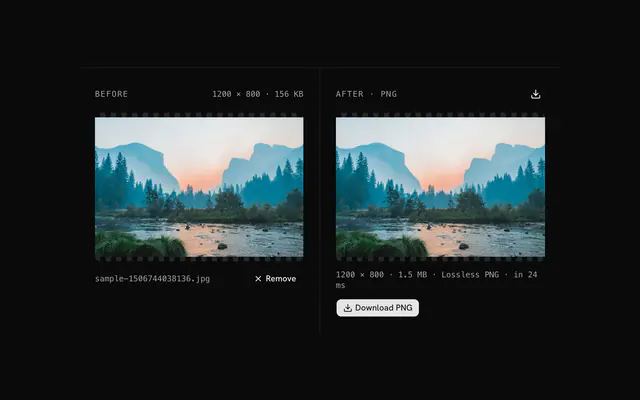 JPG to PNG converterConvertDrop a JPG and download it as a lossless PNG, ready for editing, transparency and exact colors.
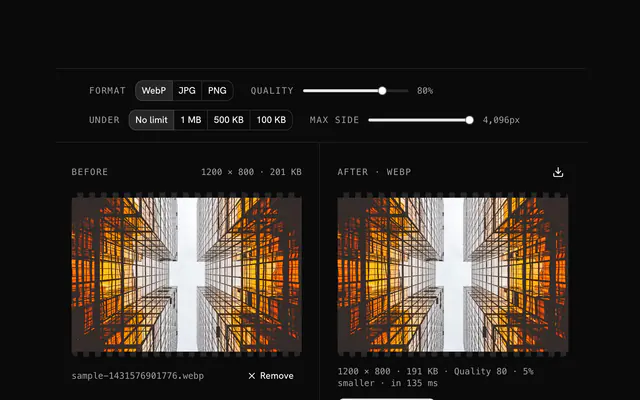
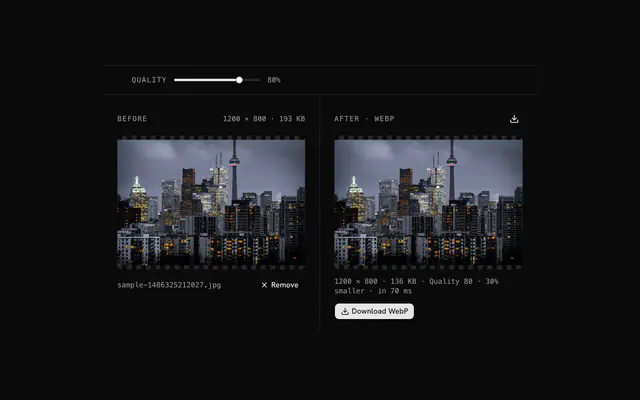 JPG to WebP converterConvertDrop a JPG, set a quality and download it as WebP, usually a quarter to a third smaller at the same look.
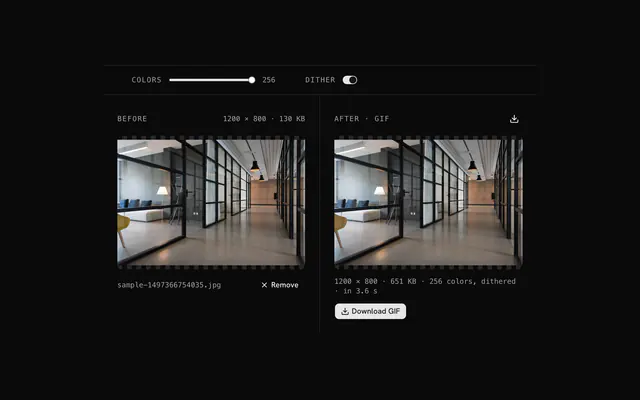 JPG to GIF converterConvertDrop a JPG, choose how many colors it may keep and whether to dither, and download a GIF.
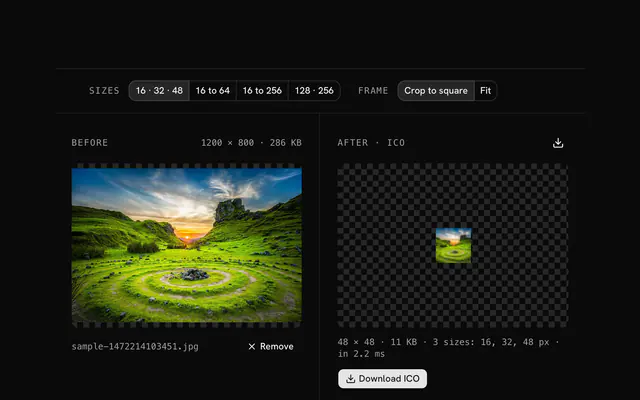 JPG to ICO converterConvertDrop a JPG, choose which icon sizes to include and how to square it, and download one ICO.
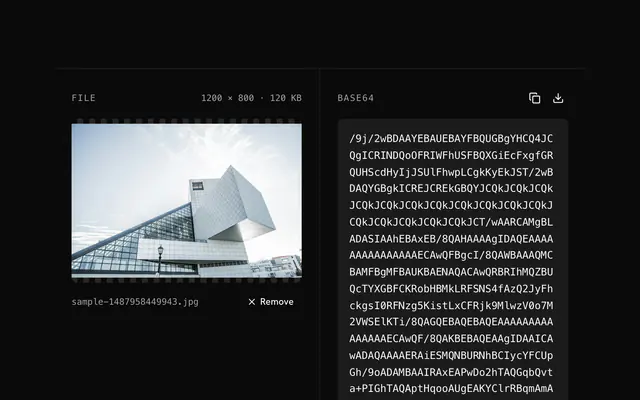 JPG to Base64 encoderBase64 and data URIsDrop a JPG and copy its bytes as a raw Base64 string, without the data URI prefix, for APIs, JSON and databases.
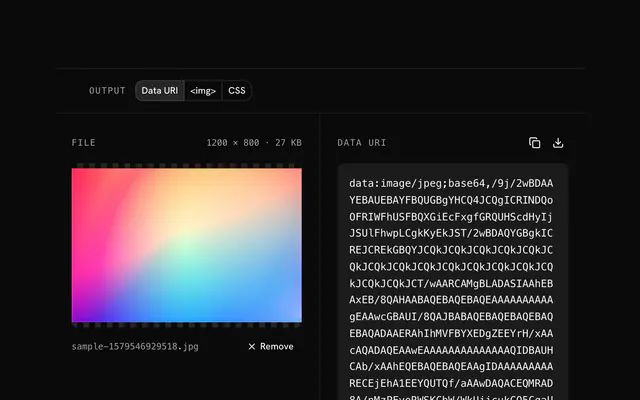 JPG to data URI converterBase64 and data URIsDrop a JPG and copy it as a data URI, or as the img tag or CSS rule that carries it, for pages, stylesheets and email signatures.
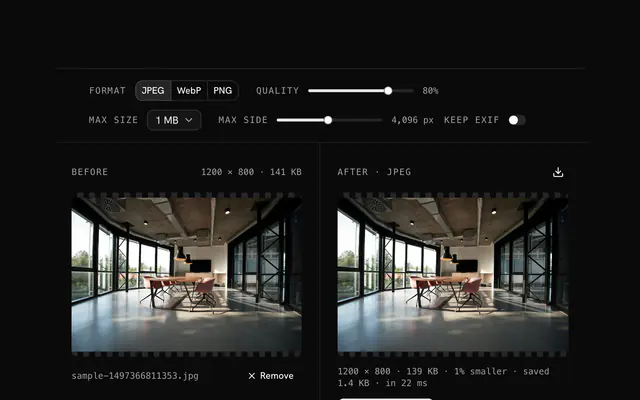 JPG compressorCompressDrop a JPG, set a quality and a size cap, and download a smaller file that still looks like the original.
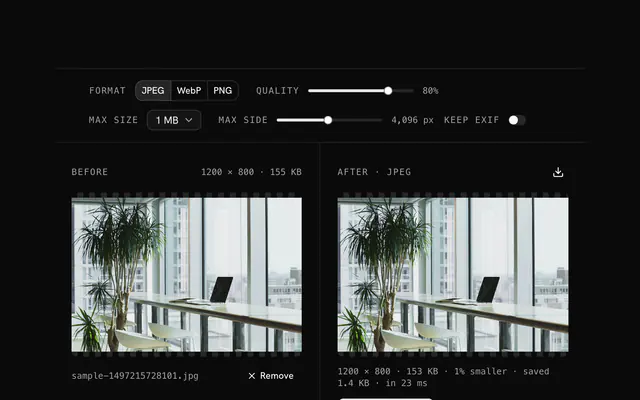 Compress a JPEG onlineCompressCompress a JPEG without installing anything: drop the file, set a quality or a size cap, download the smaller version.
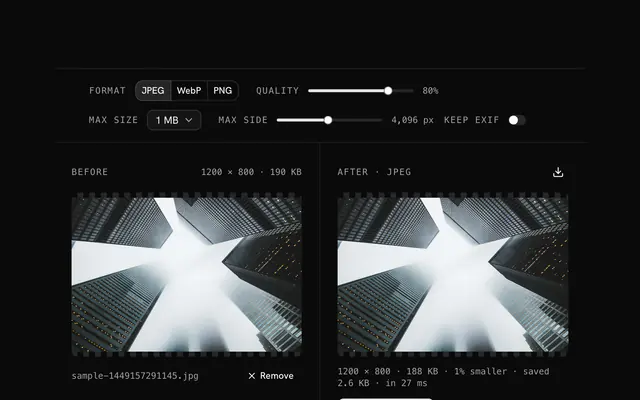 JPEG quality reducerCompressLower a JPEG's quality step by step and watch the size fall and the picture hold, until you find the smallest file that still looks right.
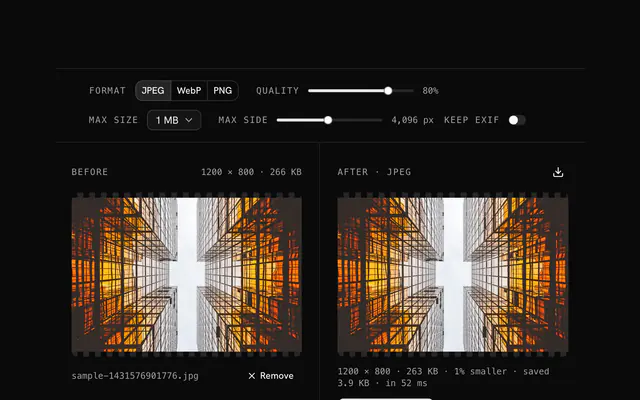 Make a JPG smallerCompressMake a JPG smaller for an upload, an attachment or a form: drop it, keep the defaults or pick a target size, download.
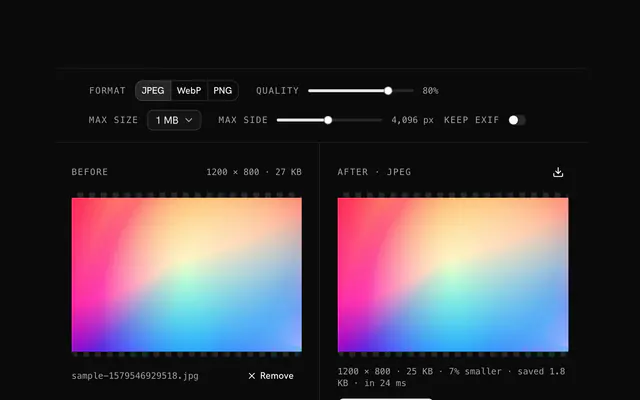 Optimize a JPG for the webCompressOptimize a JPG for a web page: a web quality, a size cap, a longest side that matches the layout, EXIF stripped, WebP if you want it.
 Photo file compressorCompressShrink a photo straight from a camera or a phone, 5 to 20 MB of pixels, to a size you can send, upload or keep, with no visible loss.
Need the product around them? With Pro, your AI agent builds the form, the result card and the rest of the page from a prompt, in your theme.
Get ProOther categories
More free tools. Every category runs in the browser, with nothing uploaded.

Pricing
Free tools, and the product around them with Pro
The tools are free. Pro adds 6,000+ blocks, premium templates and the MCP server, so your AI editor builds the product around them.
4.9/5 out of 5 · 150+ reviewsfrom 150+ founders and developers.
- Secure checkout via Stripe
- Code lives in your repo
- Keep what you've shipped if you cancel
- License terms
FAQ
Frequently asked questions
What the JPG tools can and can't do, how they treat your files and which to pick.
44 free tools handle JPG: converters to PNG, WebP, GIF, ICO, Base64 and data URIs, a compressor, a film-grain generator, and tools that recolor, tone, fade or clear a color. They all run in your browser.
Choose JPG for photographs, where lossy compression gives small files. Choose PNG for screenshots, logos and anything that needs transparency, since JPG has no alpha channel and blurs sharp edges.
The JPG to PNG, WebP, GIF and ICO converters open JPG files (the picker is set to image/jpeg). The compressor takes JPG, PNG or WebP, the grain generator takes JPG, PNG or WebP, and the Base64 and data URI tools take JPG, PNG, WebP or GIF.
The JPG compressor re-encodes with browser-image-compression, loaded on first use. It starts at JPEG, quality 80, a 1 MB size cap and a 4096 px longest side; you can choose WebP or PNG output, caps from 100 KB to 5 MB or none, and a longest side from 256 to 8192 px.
Start with the default quality of 80 and the size cap you need, then check the preview and the saving in the status line. Lower the quality or the longest side only if the file is still too big.
By default the EXIF data (camera, date, GPS) is removed. Turn on Keep EXIF to carry it into the result; it applies only when the output is JPEG.
If the output would not be smaller and you kept the JPEG format, the tool returns your original file and says 'Already as small as it gets', so a recompression never makes the file bigger.
The JPG to PNG converter decodes the photo and writes the pixels as a lossless PNG. Nothing more is lost in that step, but PNG cannot restore detail the JPG already discarded, and the file is usually much larger than the JPG.
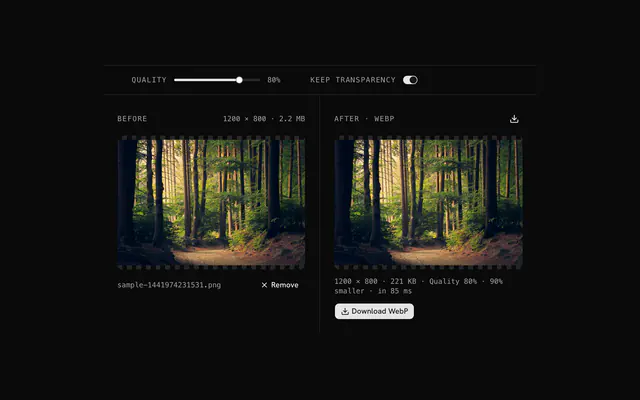
In the JPG to WebP converter, a quality slider from 10 to 100 starts at 80, and the status line shows how much smaller (or larger) the WebP is than your JPG, so you can tune it per image.
Not an animated one. The JPG to GIF converter writes a single still frame with a palette of up to 256 colors and optional dithering, which turns smooth photo gradients into visible steps at low color counts.
The JPG to ICO converter offers four size sets (16, 32 and 48 px; 16 to 64; 16 to 256; 128 and 256 px). A wide photo is cropped to a square from its middle, or fitted over a fill color if you choose Fit.
The JPG to Base64 and JPG to data URI tools encode the file's own bytes, unchanged, so the picture is identical and the text is about a third longer than the file. The data URI tool can also wrap the result as an img tag or a CSS rule.
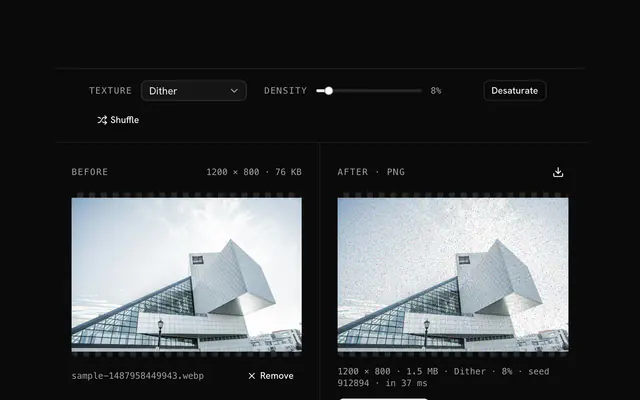
The JPG grain generator offers five styles: film grain, monochrome, color-matched, sampled and tinted. Amount runs from 1 to 100 percent and starts at 12; Black and white and New pattern are buttons beside it. It writes a PNG so the grain isn't squeezed out by a second JPEG compression.
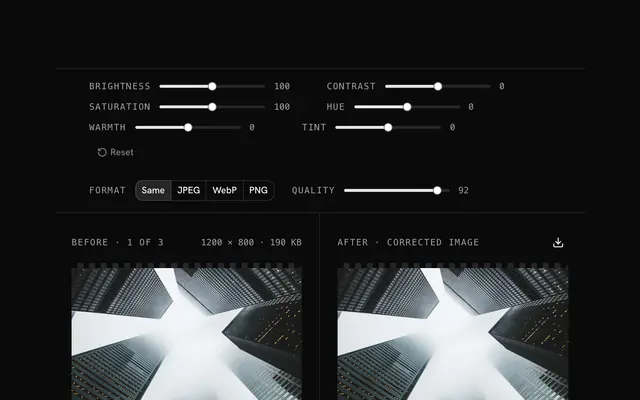
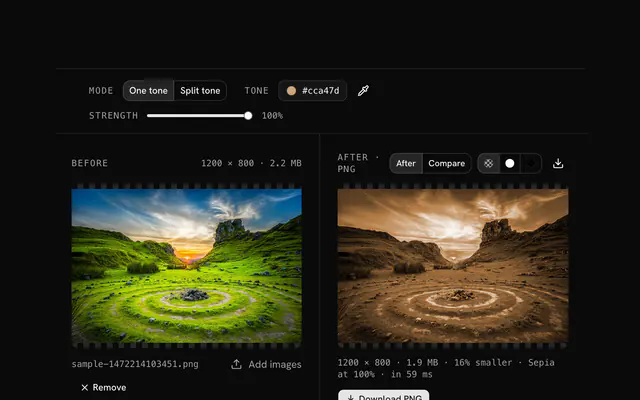
Use the color tone changer, which gives every pixel a tone's hue and saturation while keeping its own lightness; Strength blends from 0 to 100 percent and presets such as Sepia are one click. The result is a PNG.
The color replacer swaps one color for another within a tolerance of up to 50 percent. Photos have gradients and compression noise, so raise the tolerance a little and use Preview matches to see what will change before you download.
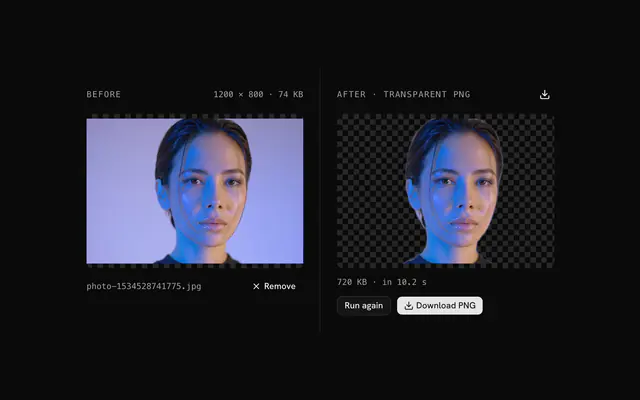
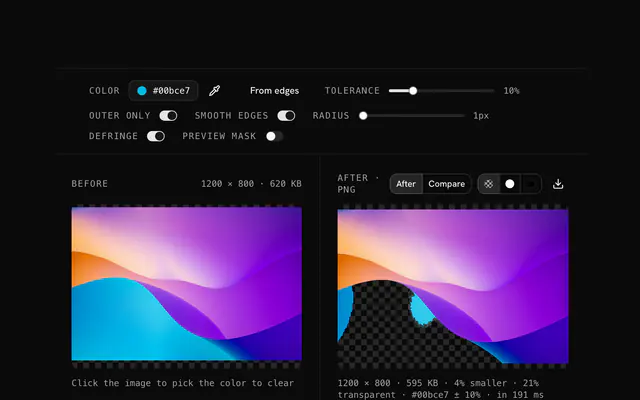
Yes, as a PNG, because JPG cannot store transparency. The transparency creator clears a color you pick (by default the dominant edge color) within a tolerance, and a smoothing radius softens the cut; it is a color match, not an AI cutout.
The opacity changer lowers the alpha channel from 100 to 0 percent, solid or as a linear or radial fade. The output is a PNG, since JPG has no alpha channel to carry the fade.
No. Every JPG tool decodes and edits the photo in your browser, and no tool sends your image to a server.
100 MB per file. A larger file is refused with a message instead of being decoded.
No, each tool takes one file at a time, and if you drop several only the first is used.
The converters and editing tools write a new file from the decoded pixels, so camera EXIF, GPS and text metadata are not copied. The compressor can keep EXIF on request, and the Base64 and data URI tools keep your file's bytes as they are.
4.9 out of 5 from 150+ developers


Build the product around them
Every block, template and icon, installed by your AI agent in your theme. The tools stay free.
Get Pro