JPEG mood color editor.
Shift how a photo feels with one color: warm for inviting and nostalgic, cool for calm or moody, dark and saturated for drama. The toning happens in your browser; nothing is uploaded.
JPEG mood color editor.
Need the UI around it? With Pro, your AI agent builds the form, the result card and the rest of the page from a prompt.
Get ProHow it works
3 steps, no account. It runs in your browser and nothing is uploaded.
Drop a photo
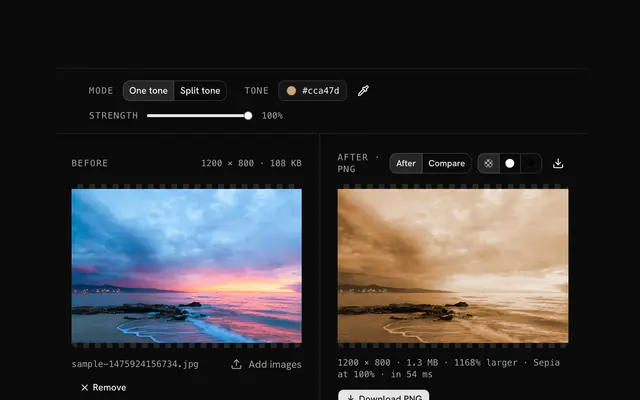
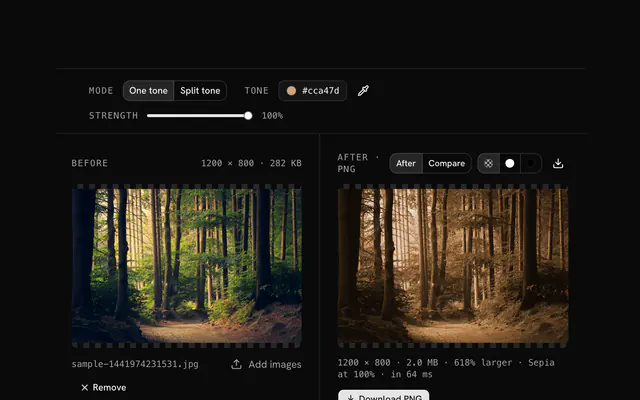
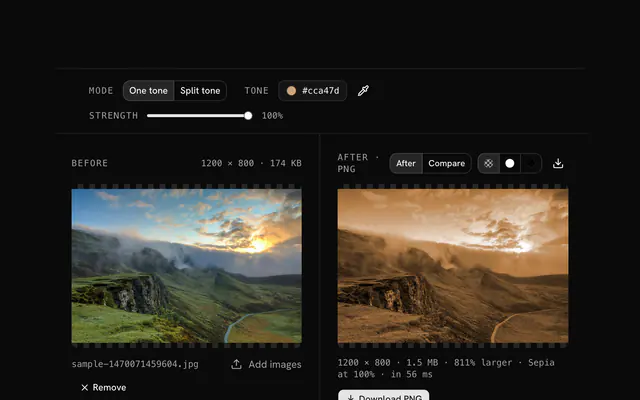
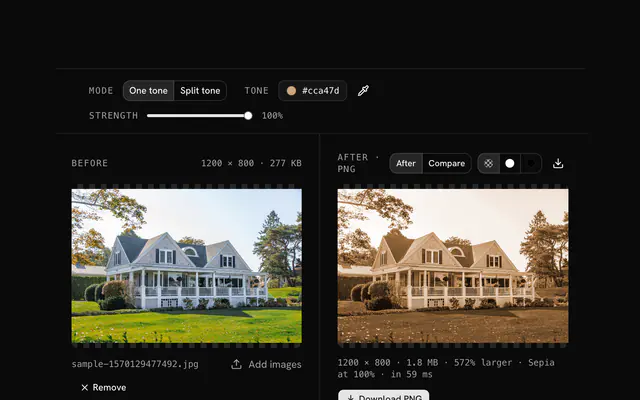
Drop a JPG onto the pane; the original and the toned version show side by side.
Choose a tone
Start from a preset, or open the picker and set the exact color; desaturated tones look most natural.
Compare and download
Compare the previews, then download the PNG and reuse the hex code on the rest of the series.
Related tools
More JPG tools. Every one free, in the browser.
Pricing
Build it with Pro
The tool is free. Pro adds 6,000+ blocks, premium templates and the MCP server, so your AI editor builds the product around it.
4.9/5 out of 5 · 150+ reviewsfrom 150+ founders and developers.
- Secure checkout via Stripe
- Code lives in your repo
- Keep what you've shipped if you cancel
- License terms
Questions and answers
Before you trust the result: what to know about the format, the limits, your data and the tools next to it.
Warm colors, orange, yellow, sepia, read as inviting, nostalgic and happy. Cool ones, blue, teal, slate, read as calm, sad, professional or mysterious. The tone changes how the picture feels before anyone reads what is in it.
A cool, desaturated tone, Slate or Ocean. The blue-gray takes the warmth out and puts distance in, even in a sunny scene.
Sepia, Sunset or Rose. Warm tones draw the viewer in and feel friendly.
Deep teal, blue or violet: dark, saturated cool tones create tension. Think of a thriller poster.
Soft, desaturated tones, a light slate, a muted teal, a gentle blue. Saturation is energy; softness is calm.
It adds interest. A flat photo gains character from the right tone. It will not fix the composition, but it changes the emotional weight.
Ask what the picture is for. Product shots: warm. Corporate portraits: neutral or slightly cool. Travel memories: warm and nostalgic. Art: whatever serves the idea.
Pick a preset such as Sepia, Ocean, Teal, Sunset, Rose or Slate, or open the picker and set any color; a hex code you know can be typed straight in. The photo's light and shade stay as they were, and only the hue moves toward the color you chose.
Note the hex code of the tone you settled on and apply it to each photo in turn. The same code gives the same cast, so a shoot, an album or a feed reads as one set even when the originals were lit differently.
No. The file is decoded, drawn and re-encoded by your browser's canvas, and the page makes no request with it. You can load the page, go offline and keep working; nothing is stored either.
No. The JPEG mood color editor is free and opens without a sign-in, an account or an install.
Nothing. The JPEG mood color editor holds your input in the page's memory, so closing or reloading the tab clears it, and it saves nothing in this browser.
Up to 100 MB per file, the limit the tool states under its drop area. A larger file is refused with a plain message instead of being decoded.
The edit is written as a PNG because PNG stores every pixel exactly, with a full alpha channel, so the result can be edited again without a second round of loss.
No. The browser decodes the image and the tool writes a new file from its pixels, so camera EXIF, GPS position and text chunks in the original are not copied into the result. Keep the original file if you need them.
No. The result has the same width and height in pixels as the source.
Closest to the JPEG mood color editor: JPG color tone changer, Warm and cool photo tones, Cinematic color grading, Vintage photo effect. Each opens on its own page, free and in the browser.
The JPEG mood color editor is one of 44 in its group. The group's page, /tools/jpg, lists them all.
The tool is free. Its interface is built from shadcn.io's own components (Button, Input, Slider and the rest of the registry under /ui), which come in React, Vue, Svelte and Solid. Pro adds the blocks and templates for the product around it.
4.9 out of 5 from 150+ developers


Build the product around it
Every block, template and icon, installed by your AI agent in your theme. The tools stay free.
Get Pro