JPG to data URI converter.
Drop a JPG and copy it as a data URI, or as the img tag or CSS rule that carries it, for pages, stylesheets and email signatures. The encoding happens in your browser; nothing is uploaded.
JPG to data URI converter.
Need the UI around it? With Pro, your AI agent builds the form, the result card and the rest of the page from a prompt.
Get ProHow it works
3 steps, no account. It runs in your browser and nothing is uploaded.
Drop a JPG
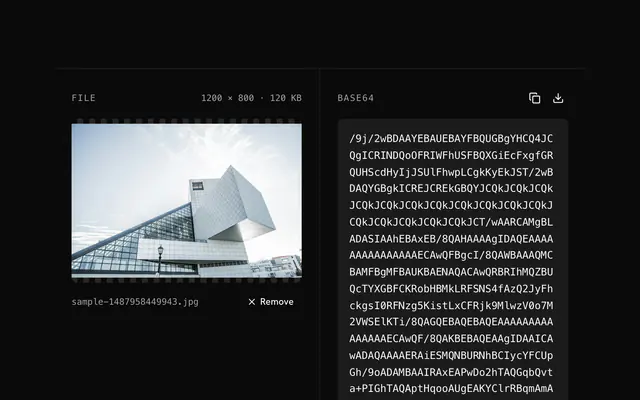
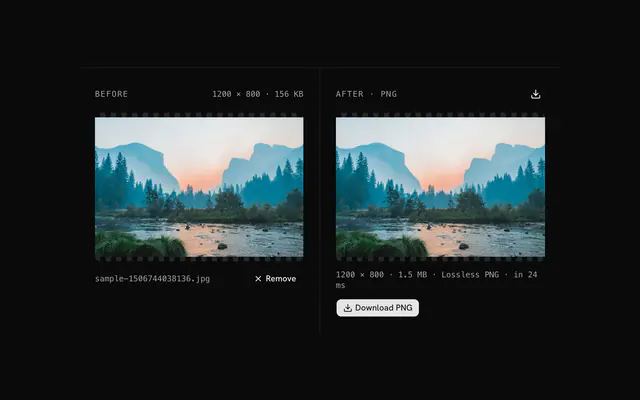
Drop a JPG onto the pane or choose it; its preview and size show on the left.
Pick the form
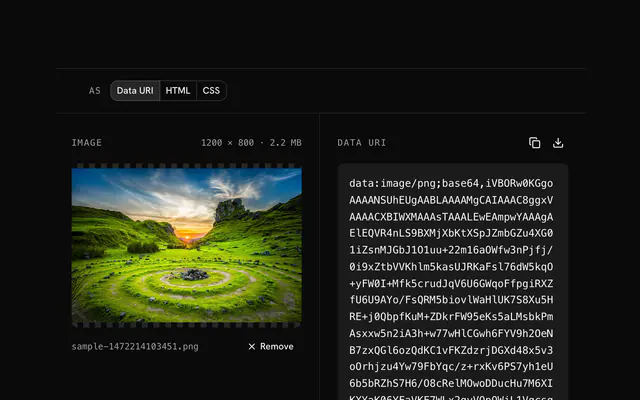
The bare data URI, an img tag, or a CSS background-image rule.
Copy or download
Copy the whole string to the clipboard, or download it as a text, HTML or CSS file.
Related tools
More JPG tools. Every one free, in the browser.
Pricing
Build it with Pro
The tool is free. Pro adds 6,000+ blocks, premium templates and the MCP server, so your AI editor builds the product around it.
4.9/5 out of 5 · 150+ reviewsfrom 150+ founders and developers.
- Secure checkout via Stripe
- Code lives in your repo
- Keep what you've shipped if you cancel
- License terms
Questions and answers
Before you trust the result: what to know about the format, the limits, your data and the tools next to it.
Most mail clients block external images until the reader asks for them, and an embedded data URI needs no request, so a headshot or logo in a signature shows at once. Keep it small: a few kilobytes is fine, and some clients, Gmail among them, still strip data URIs from the body.
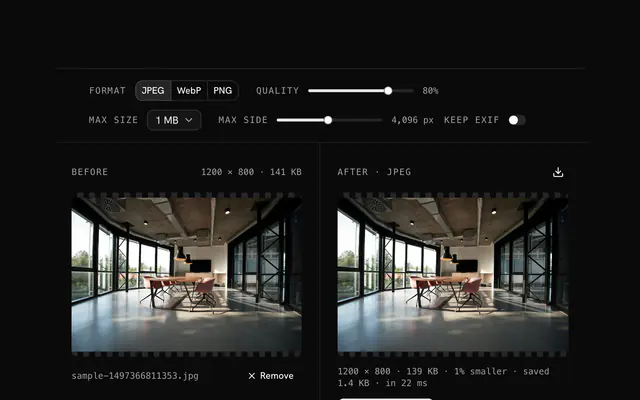
Yes. Base64 adds a third to whatever you start with, so start small: a JPG at 70 to 80 quality looks the same and is much lighter. Compress first, then encode.
JPEG is smaller for photographs and anything with gradients; PNG is better for sharp edges, text and transparency, which JPEG cannot hold. For a transparent image, convert to PNG and use the PNG data URI tool.
Yes, and it suits small decorative images that appear on many pages: one request fewer. The CSS snippet here is a background-image rule. Keep such images small, since the stylesheet blocks rendering until it has loaded.
Every current browser does, on phones too. A very large data URI, though, costs memory and parse time on every page that carries it and cannot be cached on its own, so keep inline images under about 20 KB and link anything bigger.
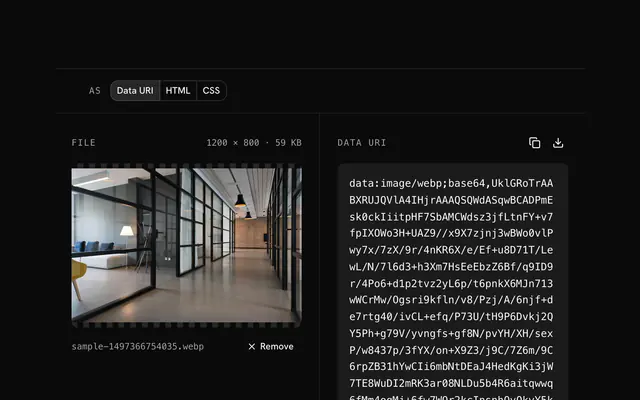
Drop the JPG and pick the output: the bare data URI, an img tag carrying it, or a CSS background-image rule. The pane shows the start of the string with its length and size; copy takes all of it, download writes a .txt, .html or .css file.
Paste the img form into the page, or the data URI into any src or url(). The alt attribute is left empty for you to fill in.
No. The file is decoded, drawn and re-encoded by your browser's canvas, and the page makes no request with it. You can load the page, go offline and keep working; nothing is stored either.
No. The JPG to data URI converter is free and opens without a sign-in, an account or an install.
Nothing. The JPG to data URI converter holds your input in the page's memory, so closing or reloading the tab clears it, and it saves nothing in this browser.
Up to 100 MB per file, the limit the tool states under its drop area. A larger file is refused with a plain message instead of being decoded.
No, it takes one file at a time. If you drop or choose several, only the first is used; run the tool again for the next one.
No. The text is made from the file's own bytes, unchanged, so EXIF and every other metadata field stay inside it. Nothing is re-encoded or resized.
About a third longer: Base64 writes every three bytes as four characters. The status line shows the exact character count and the overhead for your file.
Closest to the JPG to data URI converter: JPG to Base64 encoder, JPG compressor, PNG to data URI converter, WebP to data URI converter. Each opens on its own page, free and in the browser.
The JPG to data URI converter is one of 44 in its group. The group's page, /tools/jpg, lists them all.
The tool is free. Its interface is built from shadcn.io's own components (Button, Input, Slider and the rest of the registry under /ui), which come in React, Vue, Svelte and Solid. Pro adds the blocks and templates for the product around it.
4.9 out of 5 from 150+ developers


Build the product around it
Every block, template and icon, installed by your AI agent in your theme. The tools stay free.
Get Pro