Text diff viewer.
Paste two versions of a text and read what changed, line by line with line numbers. The comparison runs in your browser; nothing is uploaded.
Text diff viewer.
Need the UI around it? With Pro, your AI agent builds the form, the result card and the rest of the page from a prompt.
Get ProHow it works
3 steps, no account. It runs in your browser and nothing is uploaded.
Enter both texts
Paste the original on the left and the changed version on the right.
Read the differences
Added lines carry a plus, removed lines a minus, each with its line number.
Copy the patch
Copy the diff as a patch or download it to share what changed.
Related tools
More text tools. Every one free, in the browser.
Pricing
Build it with Pro
The tool is free. Pro adds 6,000+ blocks, premium templates and the MCP server, so your AI editor builds the product around it.
4.9/5 out of 5 · 150+ reviewsfrom 150+ founders and developers.
- Secure checkout via Stripe
- Code lives in your repo
- Keep what you've shipped if you cancel
- License terms
Questions and answers
Before you trust the result: what to know about the format, the limits, your data and the tools next to it.
A diff is the list of changes that turns one text into another: which lines were removed, which were added, which stayed. It is how version control shows a commit and how reviewers read a pull request; here it answers 'what changed between these two versions' for any text.
The tool finds the longest common subsequence of the two texts' lines, the same idea as the classic diff algorithm, so a line inserted in the middle shifts nothing and shows as one addition rather than a cascade of changes. Lines that match stay as context with their numbers on both sides.
The diff is line-based: a line with one changed word shows as the old line removed and the new line added. That is what patch files and version control do, and it keeps the view honest for code and configuration, where one character matters.
A patch is the diff in text form: each line prefixed with a plus for added, a minus for removed and a space for unchanged. Paste it into a message or an issue to show exactly what changed.
No. The comparison runs in your browser as you type and the page makes no request with either text. Contracts, code and drafts stay on your machine.
Each text can have up to 4,000 lines; the comparison is instant well below that. Split a longer document, or compare the section that changed.
Added lines carry a plus and removed lines a minus in the glyph column, on a tinted row, with the original's line number on the left and the changed text's on the right. The mark, not only the tint, says which is which.
Windows line endings (CRLF) and Unix line endings (LF) are treated as the same line break, so a file saved on another system doesn't show every line as changed.
No. The Text diff viewer is free and opens without a sign-in, an account or an install.
Nothing. The Text diff viewer holds your input in the page's memory, so closing or reloading the tab clears it, and it saves nothing in this browser.
4,000 lines each. Past that, split the document or compare the section that changed.
The copy button on the Patch output copies the changes as text, and the download saves them as changes.patch: plus for added lines, minus for removed ones and a space for unchanged ones.
No. Windows (CRLF) and Unix (LF) line endings are the same line break to the comparison, so a file saved on another system doesn't show every line as changed.
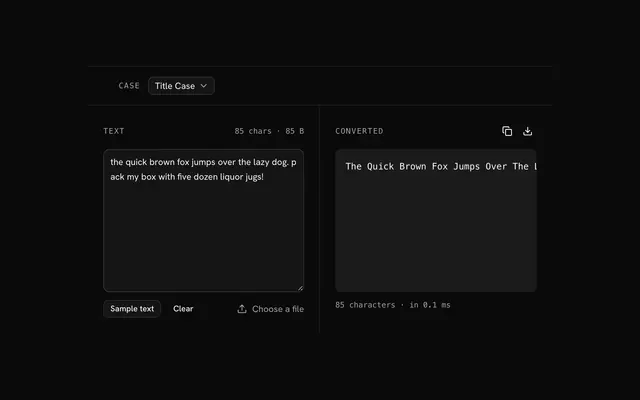
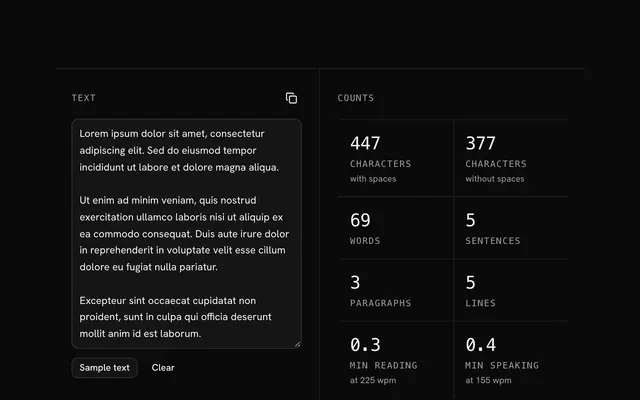
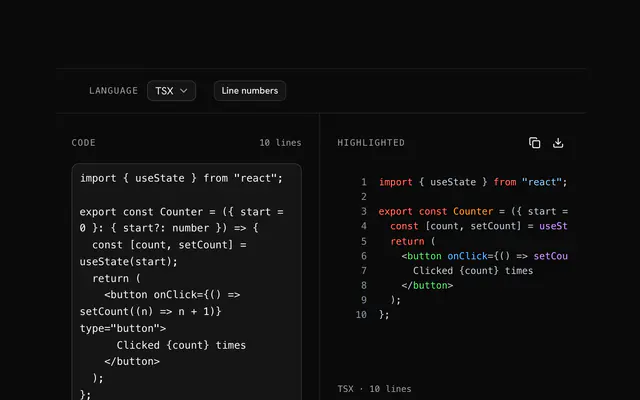
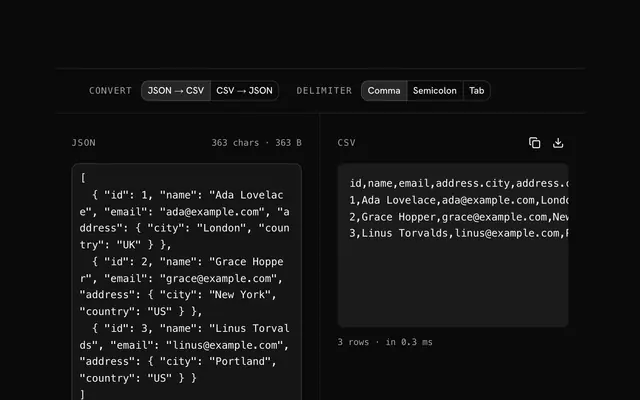
Closest to the Text diff viewer: Text case converter, Text counter, Code highlighter, JSON to CSV converter. Each opens on its own page, free and in the browser.
The Text diff viewer is one of 7 in its group. The group's page, /tools/text, lists them all.
The tool is free. Its interface is built from shadcn.io's own components (Button, Input, Slider and the rest of the registry under /ui), which come in React, Vue, Svelte and Solid. Pro adds the blocks and templates for the product around it.
4.9 out of 5 from 150+ developers


Build the product around it
Every block, template and icon, installed by your AI agent in your theme. The tools stay free.
Get Pro