Password strength checker.
Type a password and see how an attacker would guess it: the patterns it is made of, the guesses that takes and the time at five attack speeds. An estimate, made in your browser.
Password strength checker.
Need the UI around it? With Pro, your AI agent builds the form, the result card and the rest of the page from a prompt.
Get ProHow it works
4 steps, no account. It runs in your browser and nothing is uploaded.
Type a password
It stays in this page; the eye button shows it while you type.
See the patterns
The common passwords, words, keyboard walks, dates and repeats it is made of.
Read the estimate
The score, the guesses and the crack times at five attack speeds.
Make it stronger
The advice says what to change; the generator makes a strong one.
Related tools
More security and dev tools. Every one free, in the browser.
Pricing
Build it with Pro
The tool is free. Pro adds 6,000+ blocks, premium templates and the MCP server, so your AI editor builds the product around it.
4.9/5 out of 5 · 150+ reviewsfrom 150+ founders and developers.
- Secure checkout via Stripe
- Code lives in your repo
- Keep what you've shipped if you cancel
- License terms
Questions and answers
Before you trust the result: what to know about the format, the limits, your data and the tools next to it.
Attackers don't try every combination; they try likely ones first: leaked passwords, words, names, dates, keyboard runs, and those with capitals and l33t swaps. The checker finds those patterns in what you type and counts how many guesses each would take, so P@ssw0rd2024! scores low despite its four classes.
It splits the password into the cheapest set of patterns (a common password, a dictionary word, a keyboard walk, a sequence, a repeat, a date, or random characters), multiplies their guess counts, and turns the total into a score from 0 to 4 and crack times.
An estimate, and a deliberately pessimistic one for passwords made of patterns. It doesn't know whether a password was in a breach after the list was made, or whether you reuse it; a randomly generated password from a manager is the reliable answer.
The time to find it by guessing at the given rate: a login form that locks out after a few tries, one that doesn't, an offline attack on a slow hash such as bcrypt, and offline attacks on a fast hash with one GPU or a rig of them.
Type it in the field. The meter, the patterns found, the crack times and the advice update as you type; the eye button shows or hides it.
No. The password is checked by code running in this page; there is no request, no logging and no storage, and the tool works offline once loaded. You can turn off your network to see.
Make it longer and less predictable: a passphrase of four or five random words, or a random password from the password generator, kept in a password manager.
No. The "Password strength checker" tool is free and opens without a sign-in, an account or an install.
Nothing. The "Password strength checker" tool holds your input in the page's memory, so closing or reloading the tab clears it, and it saves nothing in this browser.
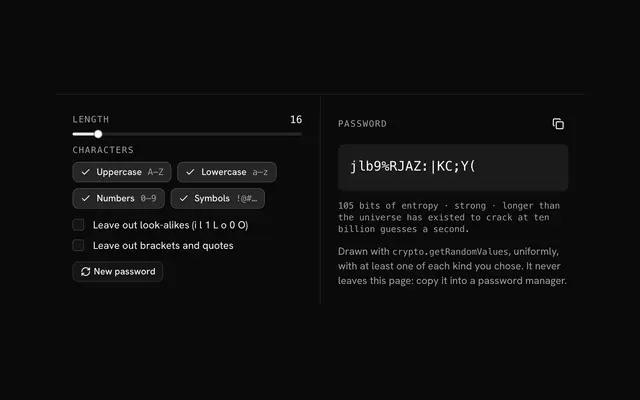
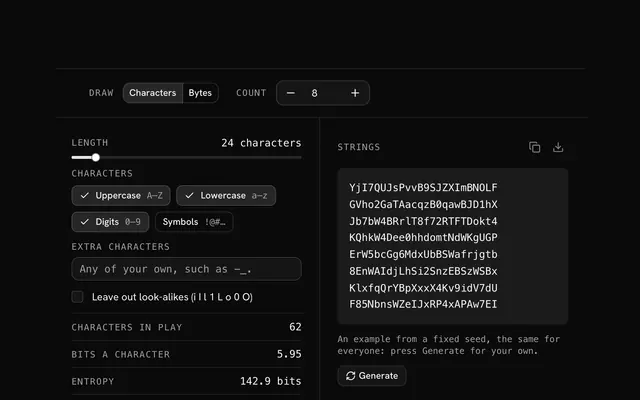
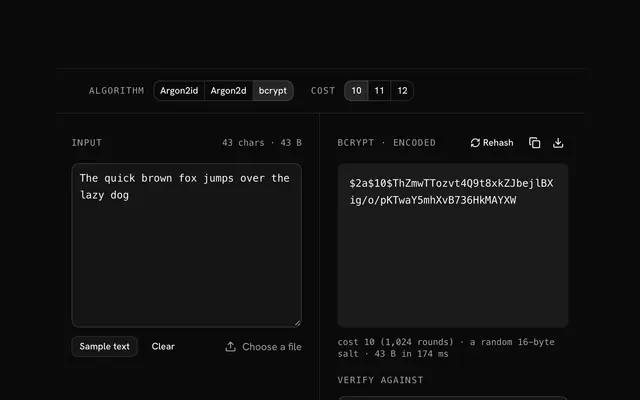
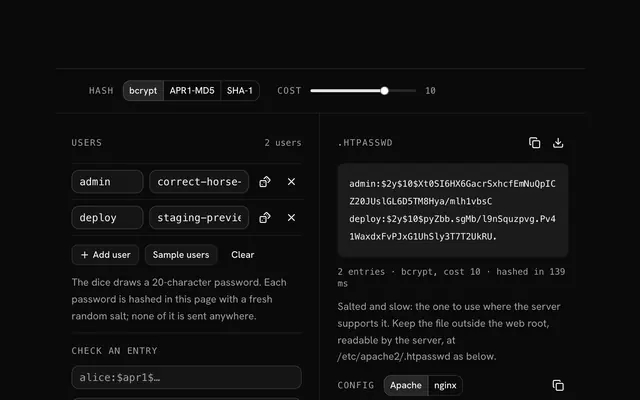
Closest to the "Password strength checker" tool: Password generator, Random string generator, bcrypt hash generator, .htpasswd generator. Each opens on its own page, free and in the browser.
The "Password strength checker" tool is one of 20 in its group. The group's page, /tools/security, lists them all.
The tool is free. Its interface is built from shadcn.io's own components (Button, Input, Slider and the rest of the registry under /ui), which come in React, Vue, Svelte and Solid. Pro adds the blocks and templates for the product around it.
4.9 out of 5 from 150+ developers


Build the product around it
Every block, template and icon, installed by your AI agent in your theme. The tools stay free.
Get Pro