.htpasswd generator.
Make the user:hash lines Apache and nginx read for basic auth, with bcrypt, APR1-MD5 or SHA-1, and the config to switch it on. Hashed in your browser.
.htpasswd generator.
Need the UI around it? With Pro, your AI agent builds the form, the result card and the rest of the page from a prompt.
Get ProHow it works
3 steps, no account. It runs in your browser and nothing is uploaded.
Add the users
One or several, each with a password you type or draw at random.
Pick the hash
bcrypt where the server supports it, APR1-MD5 for the widest support.
Copy the file and the config
Download .htpasswd and paste the Apache or nginx lines into your config.
Related tools
More security and dev tools. Every one free, in the browser.
Pricing
Build it with Pro
The tool is free. Pro adds 6,000+ blocks, premium templates and the MCP server, so your AI editor builds the product around it.
4.9/5 out of 5 · 150+ reviewsfrom 150+ founders and developers.
- Secure checkout via Stripe
- Code lives in your repo
- Keep what you've shipped if you cancel
- License terms
Questions and answers
Before you trust the result: what to know about the format, the limits, your data and the tools next to it.
A text file of user:hash lines that Apache's mod_auth_basic and nginx's auth_basic read to password-protect a site or a folder. The browser asks for the name and password, the server hashes the password the same way and compares.
bcrypt ($2y$) where the server supports it: it is salted and deliberately slow. APR1-MD5 ($apr1$) is salted but fast, and was Apache's default for years; SHA-1 ({SHA}) is unsalted and fast, for old setups only.
nginx hands the hash to the system's crypt() function. APR1 and {SHA} always work; bcrypt works where the C library supports it (libxcrypt on current Debian, Ubuntu and Fedora, the BSDs), and fails on older glibc systems, where APR1 is the safe choice.
Basic auth sends the name and password with every request, Base64-encoded, not encrypted, so it must only be used over HTTPS. It suits staging sites and internal tools, not a product's login.
Type a username and a password (or draw a random one), add more users if you need them, and pick the hash. The file text is ready to copy or download, with the Apache and nginx lines to point at it.
Paste a line from your file and type the password; the verifier says whether they match, for bcrypt, APR1 and SHA-1 lines alike.
No. The hashing runs in your browser (bcrypt and MD5 on a WebAssembly build, SHA-1 on Web Crypto) and the page makes no request with the names or passwords.
No. The .htpasswd generator is free and opens without a sign-in, an account or an install.
Nothing. The .htpasswd generator holds your input in the page's memory, so closing or reloading the tab clears it, and it saves nothing in this browser.
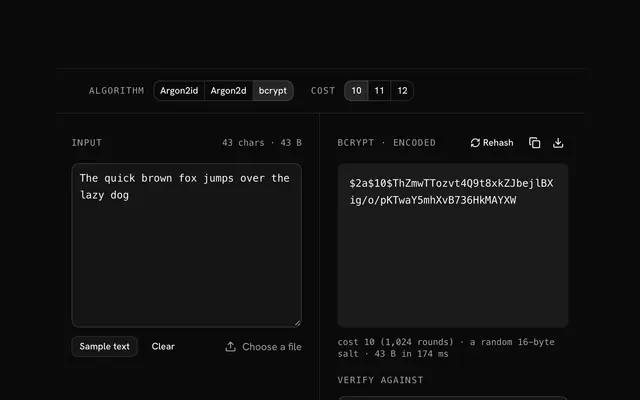
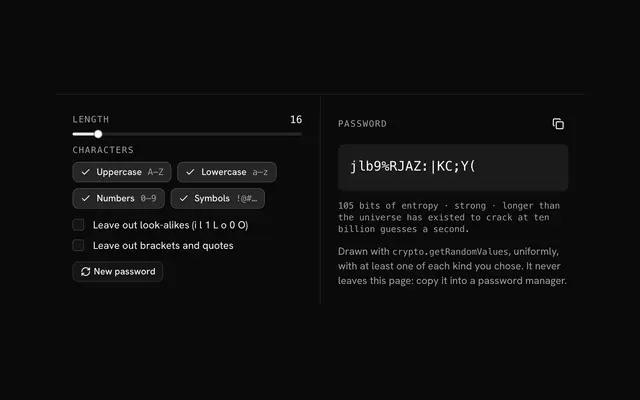
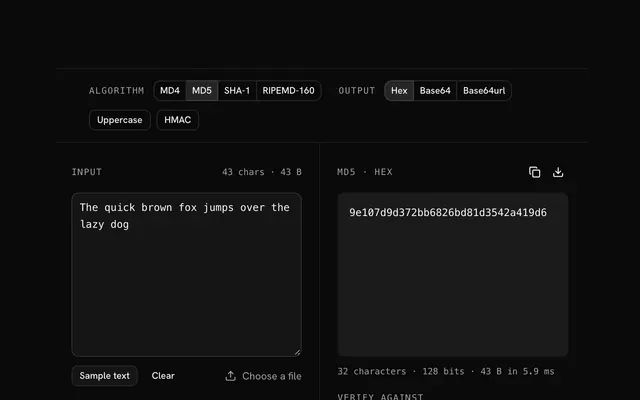
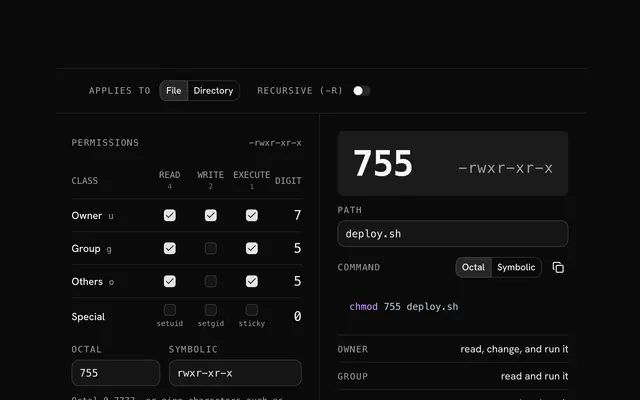
Closest to the .htpasswd generator: bcrypt hash generator, Password generator, MD5 hash generator, Chmod calculator. Each opens on its own page, free and in the browser.
The .htpasswd generator is one of 20 in its group. The group's page, /tools/security, lists them all.
The tool is free. Its interface is built from shadcn.io's own components (Button, Input, Slider and the rest of the registry under /ui), which come in React, Vue, Svelte and Solid. Pro adds the blocks and templates for the product around it.
4.9 out of 5 from 150+ developers


Build the product around it
Every block, template and icon, installed by your AI agent in your theme. The tools stay free.
Get Pro