PNG background remover.
Remove a solid background from a PNG and keep the subject. The background color is read from the image's edges, the tolerance takes in its shades, and the download is a transparent PNG.
PNG background remover.
Need the UI around it? With Pro, your AI agent builds the form, the result card and the rest of the page from a prompt.
Get ProHow it works
4 steps, no account. It runs in your browser and nothing is uploaded.
Drop the PNG
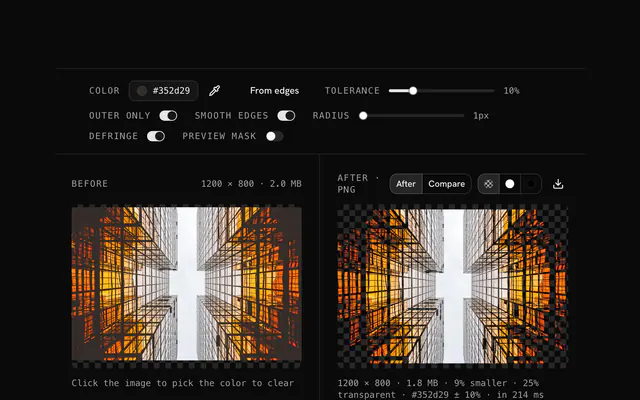
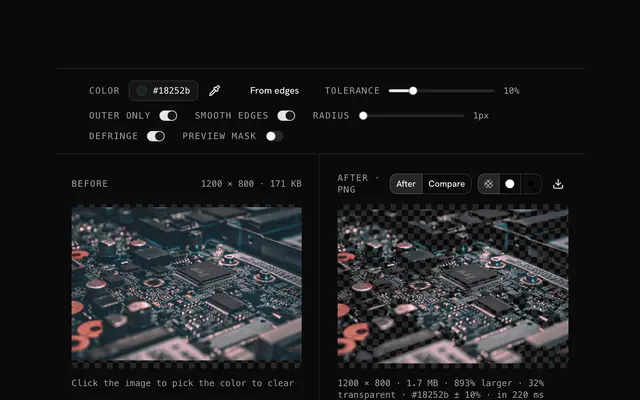
Drop the PNG; the most common edge color becomes the background to remove.
Cover the background
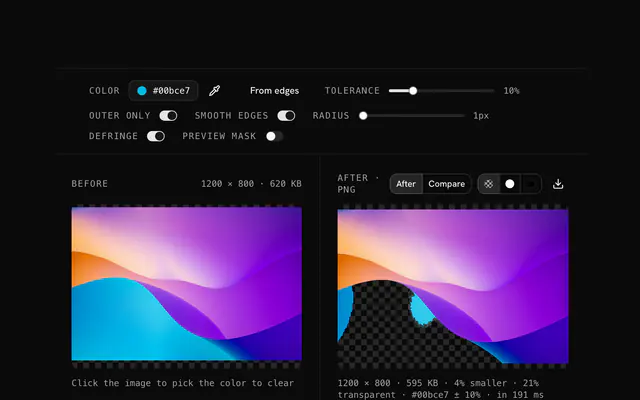
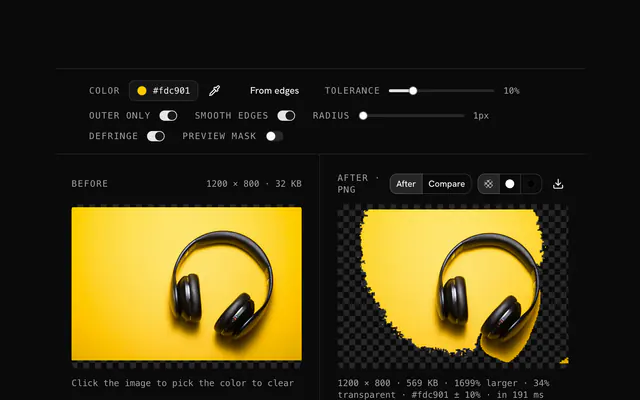
Turn on Preview mask and raise the tolerance until the whole background is magenta.
Protect the subject
Outer only keeps the background color where it appears inside the subject; Smooth edges softens the cut.
Download
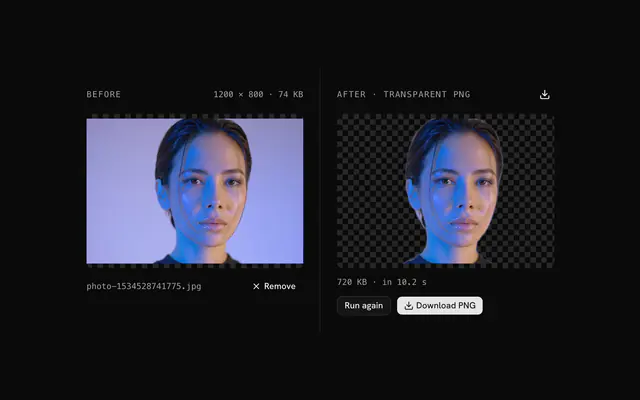
Turn the mask off and download the PNG with a transparent background.
Related tools
More PNG tools. Every one free, in the browser.
Pricing
Build it with Pro
The tool is free. Pro adds 6,000+ blocks, premium templates and the MCP server, so your AI editor builds the product around it.
4.9/5 out of 5 · 150+ reviewsfrom 150+ founders and developers.
- Secure checkout via Stripe
- Code lives in your repo
- Keep what you've shipped if you cancel
- License terms
Questions and answers
Before you trust the result: what to know about the format, the limits, your data and the tools next to it.
A solid one: a studio white, a plain fill behind a logo, a green or blue screen, a scanned page. The tool selects by color, so the more uniform the background, the cleaner the result. Busy photo backgrounds with many colors are a job for machine-learning removal instead.
This tool selects by color, which is exact and fast when the background is one flat tone: a white studio sweep, a green screen, a logo on a plain fill. Machine-learning removal finds the subject instead and works on busy photos, but it guesses at edges and runs a model. For a solid background, color selection gives a cleaner cut.
Yes. Drop a JPG, WebP, GIF, BMP or anything else your browser decodes; the output is a PNG, because that is the format that stores transparency. A JPG background carries compression noise, so expect to use a tolerance of 10 or more.
Files up to 100 MB are accepted, and the real limit is your device's memory: every pixel is held as four bytes, so a 4,000 by 4,000 image takes 64 MB to process. Most phones and laptops handle that in under a second. The result keeps the original pixel size.
When an image loads, the tool samples its border and picks the most common color there, which is the background in nearly every product shot, logo and scan. Open the picker to change it, type a hex code, or press From edges to sample again after you have changed it.
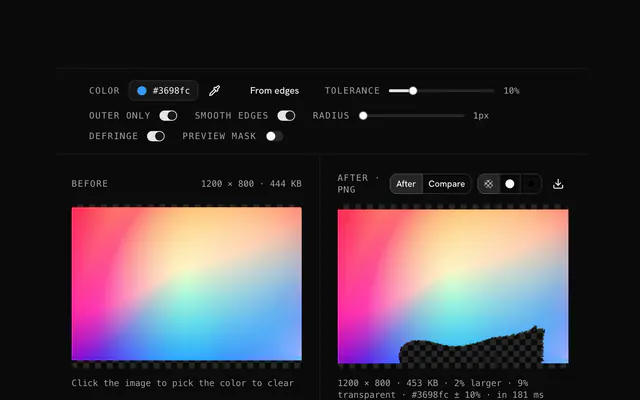
Tolerance decides how close a pixel's color must be to the picked color to become transparent, as a percentage of the distance between black and white in RGB. At 0 only an exact match goes; at 10 to 20, nearby shades go too. Raise it when a background has gradients, shadows or JPG noise, and lower it when it starts eating into the subject.
With Outer only on, the tool flood-fills from the four edges of the image and only pixels connected to the border become transparent. The same color inside the subject stays: white text on a logo survives the removal of its white background. Turn it off to remove the color everywhere, including enclosed areas.
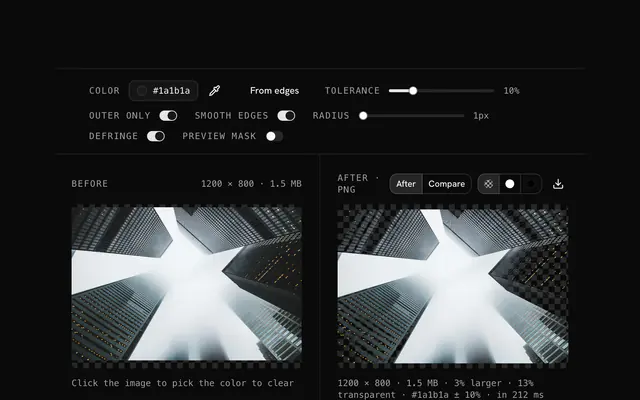
A fringe is left when the edge pixels are a blend of the background and the subject, which every anti-aliased or JPG-compressed edge has. Raise the tolerance a little so those blended pixels count, and keep Smooth edges on so they fade out instead of cutting hard. Preview mask shows whether the fringe is now covered.
Smooth edges blends the boundary between the removed area and the subject: within the chosen radius, pixels are made partly transparent instead of fully, so the cut is anti-aliased rather than jagged. A radius of 1 or 2 pixels suits logos and screenshots; 4 or more softens photos. It only affects pixels that were already going to be removed.
No. Your browser decodes the file and does the pixel work with its Canvas API, and the page makes no request with it. You can load the page, go offline and keep working; the download is written from memory on your device.
No. The PNG background remover is free and opens without a sign-in, an account or an install.
Nothing. The PNG background remover holds your input in the page's memory, so closing or reloading the tab clears it, and it saves nothing in this browser.
No, it takes one file at a time. If you drop or choose several, only the first is used; run the tool again for the next one.
The edit is written as a PNG because PNG stores every pixel exactly, with a full alpha channel, so the result can be edited again without a second round of loss.
No. The browser decodes the image and the tool writes a new file from its pixels, so camera EXIF, GPS position and text chunks in the original are not copied into the result. Keep the original file if you need them.
No. The result has the same width and height in pixels as the source.
Closest to the PNG background remover: PNG transparency creator, Remove a white background from a PNG, Remove a color from an image, Background remover. Each opens on its own page, free and in the browser.
The PNG background remover is one of 47 in its group. The group's page, /tools/png, lists them all.
The tool is free. Its interface is built from shadcn.io's own components (Button, Input, Slider and the rest of the registry under /ui), which come in React, Vue, Svelte and Solid. Pro adds the blocks and templates for the product around it.
4.9 out of 5 from 150+ developers


Build the product around it
Every block, template and icon, installed by your AI agent in your theme. The tools stay free.
Get Pro