PNG tools.
Convert, compress, make transparent, recolor and inspect PNG files. 47 tools, free, each running in your browser with nothing uploaded.
Every one of the PNG tools
47 tools.
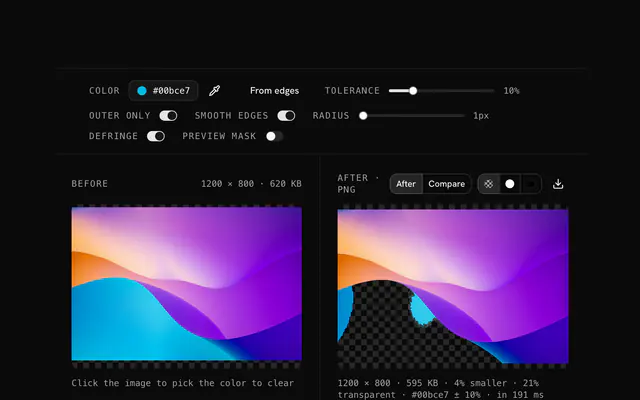 PNG transparency creatorTransparencyDrop an image, pick the background color and get a PNG with that color made transparent.
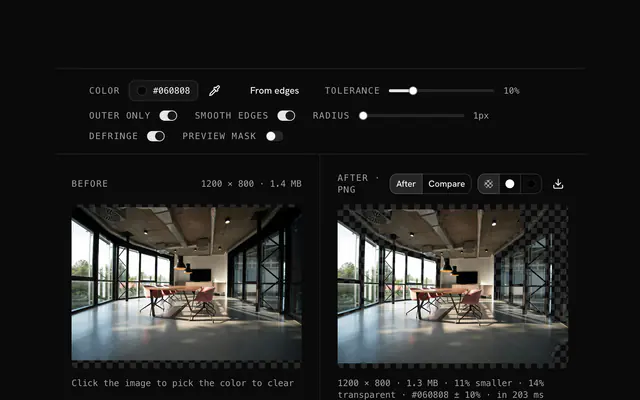 Convert an image to a transparent PNGTransparencyTurn a JPG, WebP, GIF or any other image into a transparent PNG by removing its background color.
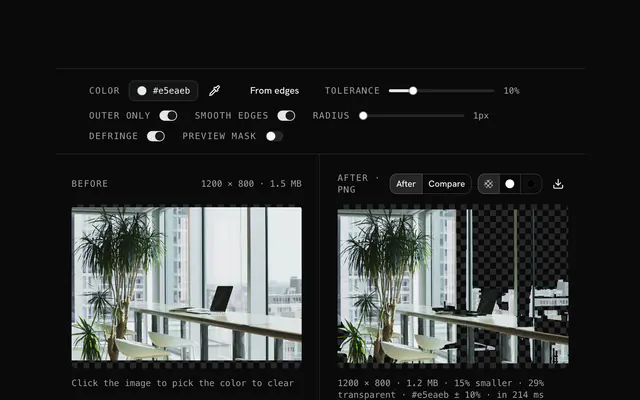 PNG background removerTransparencyRemove a solid background from a PNG and keep the subject.
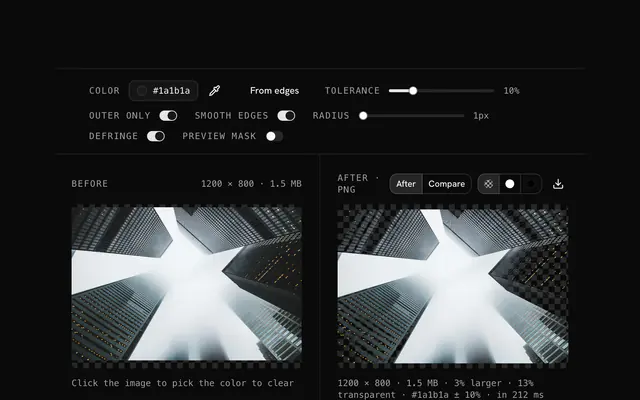 Remove a color from an imageTransparencyPick any color in an image and make it transparent: a green screen, a blue backdrop, a colored fill.
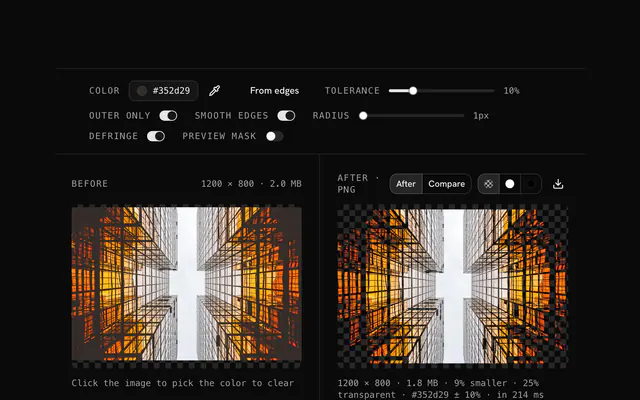 Remove a white background from a PNGTransparencyRemove the white background from a PNG and get a transparent one.
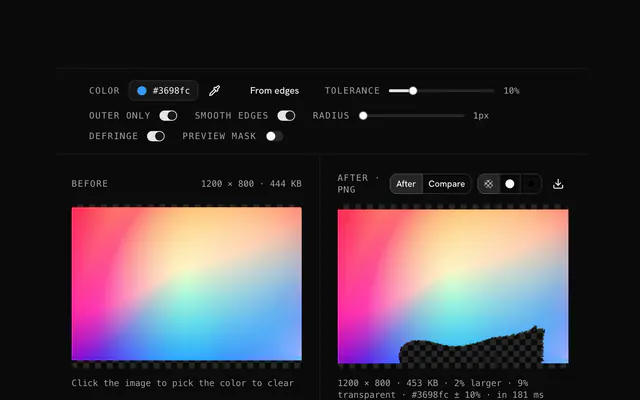 Transparent logo makerTransparencyRemove the background from a logo and download it as a transparent PNG.
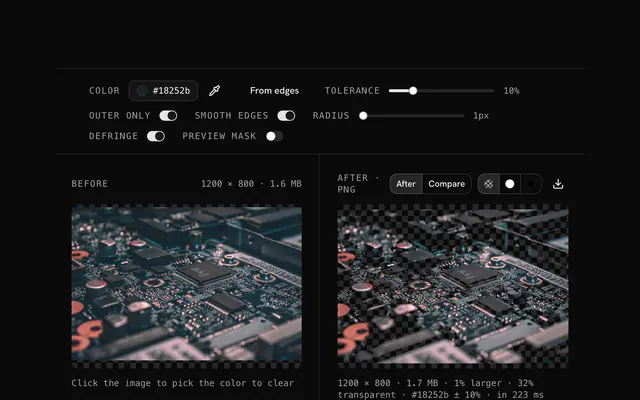 Transparent PNG makerTransparencyMake a transparent PNG from any image by removing its background color.
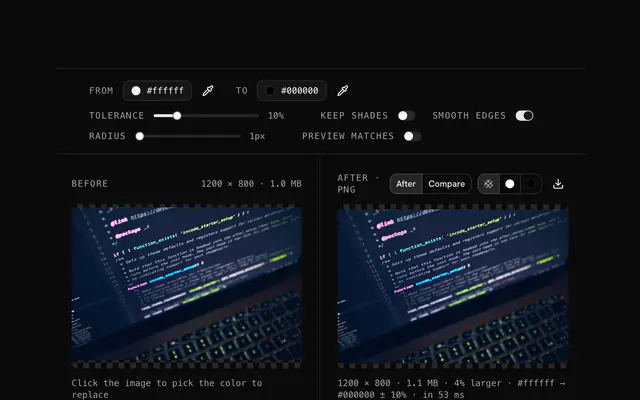 PNG color replacerColorFind one color in a PNG and replace it with another.
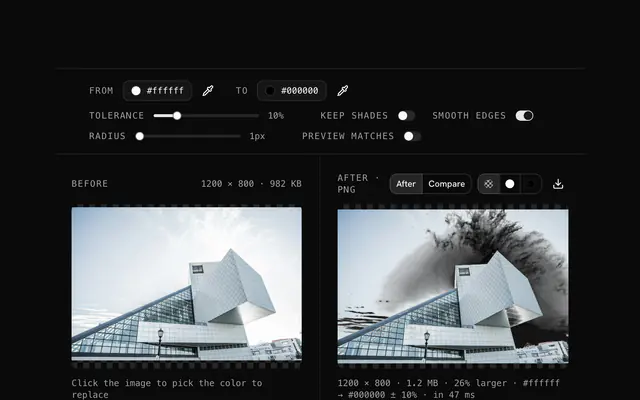 Change a color in an imageColorChange one color in an image to another and keep everything else.
 Free online color changer for imagesColorChange a color in any image from your browser, on any device.
 Recolor a logoColorRecolor a logo for a dark background, a new brand palette or a seasonal campaign.
 Replace a color in a PNGColorReplace a color in a PNG and keep its alpha channel exactly as it was.
Need the product around them? With Pro, your AI agent builds the form, the result card and the rest of the page from a prompt, in your theme.
Get ProOther categories
More free tools. Every category runs in the browser, with nothing uploaded.

Pricing
Free tools, and the product around them with Pro
The tools are free. Pro adds 6,000+ blocks, premium templates and the MCP server, so your AI editor builds the product around them.
4.9/5 out of 5 · 150+ reviewsfrom 150+ founders and developers.
- Secure checkout via Stripe
- Code lives in your repo
- Keep what you've shipped if you cancel
- License terms
FAQ
Frequently asked questions
What the PNG tools can and can't do, how they treat your files and which to pick.
47 free tools cover PNG: converters to JPG, WebP, GIF, ICO and data URIs, a compressor, tools that make a color transparent, replace a color, tint, fade or add grain, and three that only read a file (viewer, metadata, dimensions). They all run in your browser.
Use PNG for screenshots, logos, icons and anything with sharp edges or transparency, because it stores every pixel exactly with a full alpha channel. For photographs, JPG or WebP are usually far smaller; the converters on this page write both.
Most PNG tools accept PNG, JPG, WebP, GIF or AVIF and any other image your browser can open, and say so under the drop area. The metadata viewer is the exception: it reads PNG chunks, so other formats have nothing for it to show.
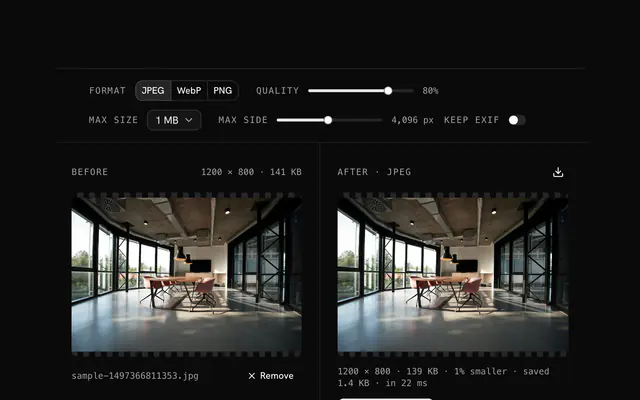
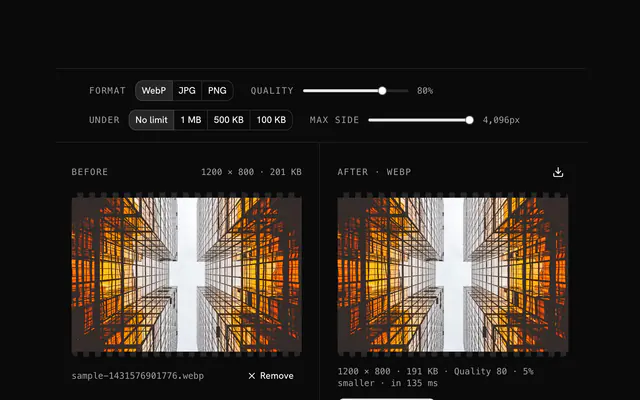
The PNG compressor re-encodes the image with browser-image-compression, loaded when you first use it. You pick the output format (PNG, JPEG or WebP), a quality from 10 to 100, a size cap (none, 100 KB, 500 KB or 1 MB), a longest-side cap (original, 2048, 1024 or 512) and whether to keep EXIF.
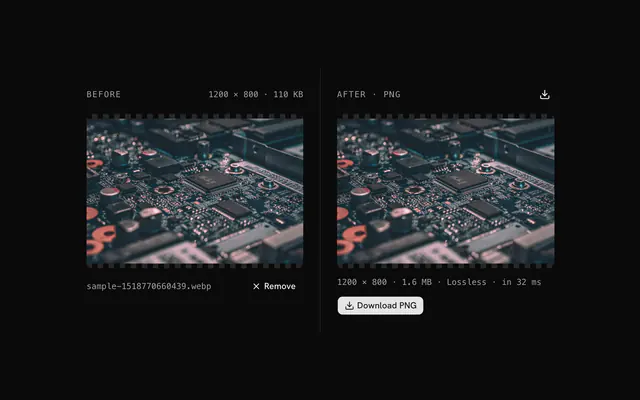
PNG is lossless, so a quality percentage does not apply to PNG output. To save more, lower the longest side, set a size cap, or switch the output to WebP or JPEG, which trade some exactness for much smaller files.
When the result would not be smaller and the format is unchanged, the compressor returns your original file and says 'Already as small' in the status line, so you never download something bigger by accident.
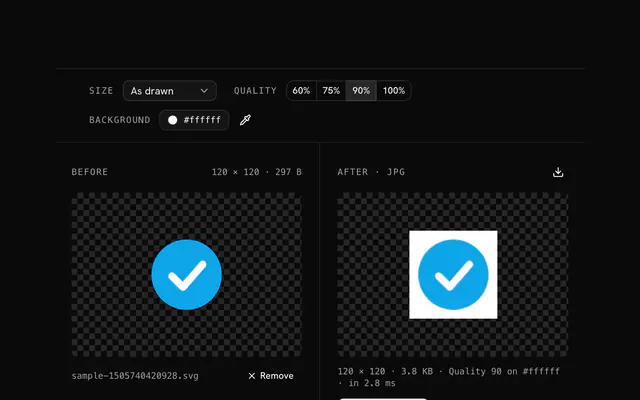
JPG has no transparency, so the PNG to JPG converter lays transparent pixels over a Background color, white by default, and writes the JPG at quality 85 unless you change it. Pick the color the picture will sit on.
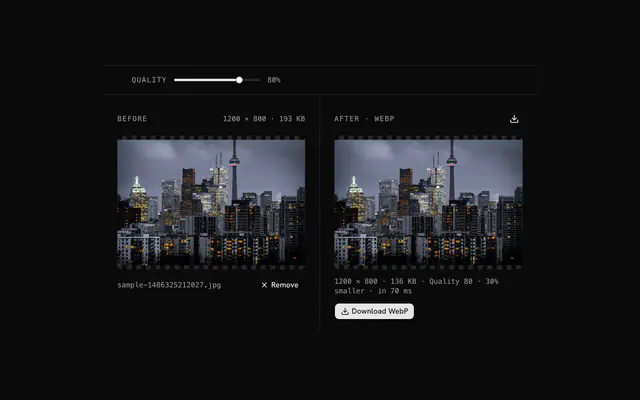
In the PNG to WebP converter, Keep transparency is on by default and the quality starts at 80. Turn it off to flatten the image over a Background color of your choice before the WebP is written.
Not here. The PNG to GIF converter writes one still frame, a GIF89a with up to 256 colors, optional dithering and on-or-off transparency set by a threshold. It does not combine several PNGs into an animation.
Choose any of 16, 32, 48, 64, 128 and 256 px in the PNG to ICO converter, with 16, 32 and 48 selected to start. The image is fitted and centered in each square, and all sizes go into one ICO file of PNG frames.
Yes. The PNG to data URI tool outputs a data URI, an HTML img tag or a CSS background rule, built from the file's own bytes. The page shows the start of a long result; Copy and Download carry all of it.
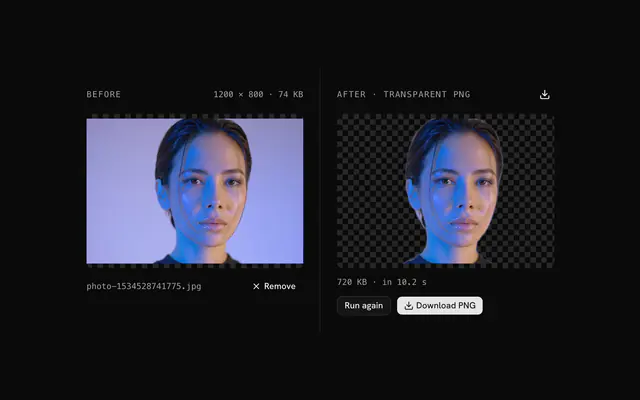
Use the transparency creator. It picks the most common color along the image edge as the target (the busiest of 16-level bins), lets you change it, and clears matching pixels to transparent. It is a color match, not an AI model, so it works best on flat backgrounds like a white logo sheet.
Tolerance (0 to 50 percent) is how far from the target color a pixel may be and still go. Outer only, on by default, clears only matching pixels connected to the image's edges, so the same color inside the subject, like white teeth, stays. Smooth edges softens the boundary over 1 to 10 px.
Use the color replacer: choose From and To colors, a tolerance up to 50 percent, and optionally Keep shades to preserve each pixel's lightness. Preview matches paints the pixels it would change in magenta first.
The opacity changer scales the alpha channel from 0 to 100 percent. Mode Solid applies it everywhere; Linear fades along a direction (left to right, right to left, top to bottom, bottom to top); Radial fades the edges like a vignette or the center like a spotlight.
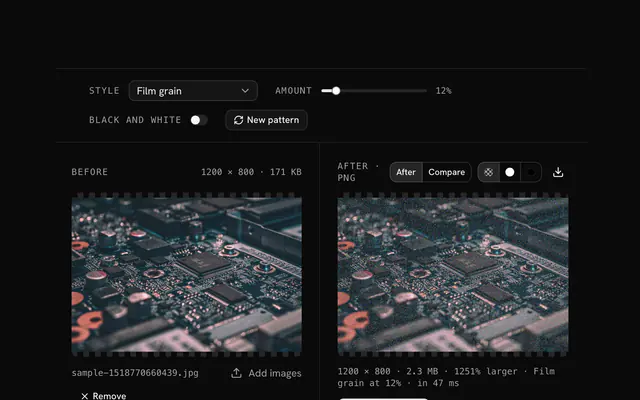
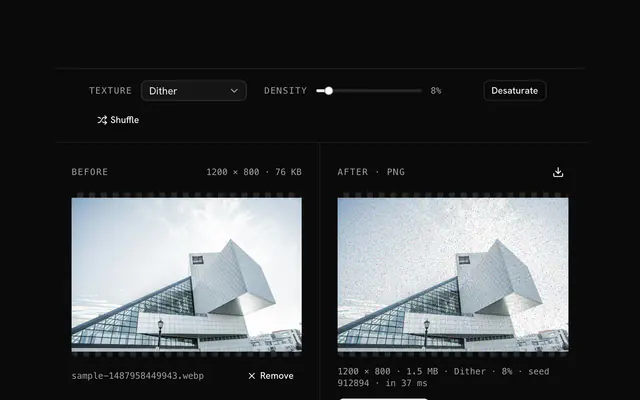
The PNG noise maker repaints a share of pixels (1 to 100 percent) in random colors, grays, colors near the pixel's own, or a list you type. The status line shows the seed, and New pattern draws a different one; the same settings and seed give the same grain.
It reads the PNG's header and chunks: width, height, bit depth, color type, interlacing, physical size, last-modified time, gamma, sRGB intent, chromaticity, an ICC profile and the text chunks (tEXt, zTXt, iTXt), plus a list of every chunk. The whole result can be copied or downloaded as JSON.
The PNG viewer shows the image as is, in grayscale, inverted, and as its alpha mask, with the share of opaque, translucent and transparent pixels, and two palettes: the ten most frequent exact colors and six median-cut dominant colors.
The dimensions finder lists width, height, aspect ratio, orientation, pixel count in megapixels, file size in bytes and the file type, and lets you copy or download those rows as text.
No. Every PNG tool decodes and edits the file in your browser, and no tool sends your image to a server. You can check the Network tab while you use one.
100 MB per file. A larger file is refused with a message before it is decoded. The tools work in memory, so very large images can also be slow on a small device.
No, each tool takes one file at a time, and if you drop several only the first is used. Run the tool again for the next file.
Mostly yes. The converters and pixel tools write a new file from the decoded pixels, so EXIF and text chunks are not copied. The compressor drops EXIF unless you switch Keep EXIF on, and the data URI tool leaves your file's bytes untouched.
4.9 out of 5 from 150+ developers


Build the product around them
Every block, template and icon, installed by your AI agent in your theme. The tools stay free.
Get Pro