Background remover.
Drop a photo, press the button and get the subject on a transparent PNG. The model runs in your browser, so the image never leaves your device.
Background remover.
Need the UI around it? With Pro, your AI agent builds the form, the result card and the rest of the page from a prompt.
Get ProHow it works
3 steps, no account. It runs in your browser and nothing is uploaded.
Add an image
Drop a PNG, JPG or WebP onto the page, or choose one; it's shown as it is.
Press Remove background
The first press fetches the 40 MB model once; the status line shows the download, then the inference.
Download the PNG
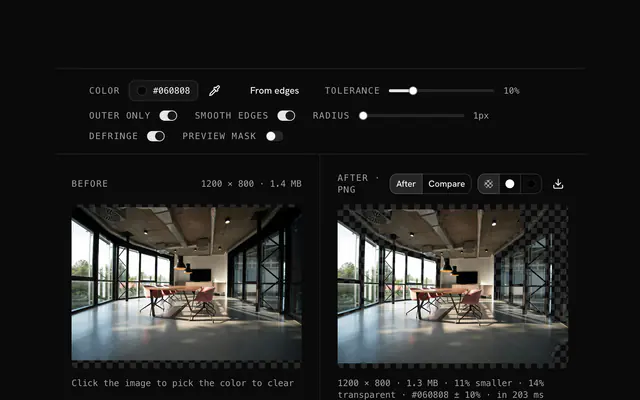
The subject appears on a checkerboard; download it as a PNG with a real alpha channel.
Related tools
More image tools. Every one free, in the browser.

Pricing
Build it with Pro
The tool is free. Pro adds 6,000+ blocks, premium templates and the MCP server, so your AI editor builds the product around it.
4.9/5 out of 5 · 150+ reviewsfrom 150+ founders and developers.
- Secure checkout via Stripe
- Code lives in your repo
- Keep what you've shipped if you cancel
- License terms
Questions and answers
Before you trust the result: what to know about the format, the limits, your data and the tools next to it.
A segmentation model (img.ly's open-source background removal, built on the ISNet network) looks at the whole image and predicts, pixel by pixel, how much of it belongs to the subject. That prediction becomes the alpha channel of a PNG, so the subject stays and everything else turns transparent.
Product photos, portraits, pets and logos on a plain or busy ground all work well. Fine hair, glass, smoke and motion blur are the hard cases for every tool, and the edge there may need a touch-up. A subject that fills the frame with clear contrast against its ground gives the cleanest cut.
Yes. The first run fetches the model, about 40 MB, from img.ly's CDN, and your browser usually keeps it in its cache so later runs start sooner. The image itself is never sent anywhere: the model runs on your device with WebAssembly, or on your GPU where WebGPU is available.
A few seconds on a recent laptop for a photo-sized image, longer on a phone or for a very large image. The time goes into the model's inference, which runs on your own processor, so a faster machine finishes sooner. The status line says what it's doing.
No. The image stays in your browser's memory: the model is fetched from a CDN once, the inference happens on your device, and the PNG is written there too. There is no upload, no account and no watermark.
Drop or choose an image, then press Remove background. Nothing runs until you press it, so a page visit costs nothing. When the result appears, download it as a PNG; the checkerboard behind it is the page showing transparency, not part of the file.
PNG, JPG, WebP, GIF and AVIF, anything the browser decodes, up to 100 MB. The result is always a PNG, since JPG can't hold transparency. For a smaller file afterwards, run the PNG through the image compression tool or convert it to WebP, which keeps the alpha channel.
No. The Background remover is free and opens without a sign-in, an account or an install.
Nothing. The Background remover holds your input in the page's memory, so closing or reloading the tab clears it, and it saves nothing in this browser.
The status line shows the model loading with its downloaded size, then 'Finding the subject…' while it runs on your device. Nothing runs until you press Remove background.
A PNG with a transparent background, named after your file with -no-background added. The Run again button repeats the removal on the same image.
One image at a time: dropping a second file replaces the first. Download the PNG, then drop the next picture.
Images up to 100 MB each. A bigger file is declined with a message before anything is decoded, because the browser holds the whole picture in memory.
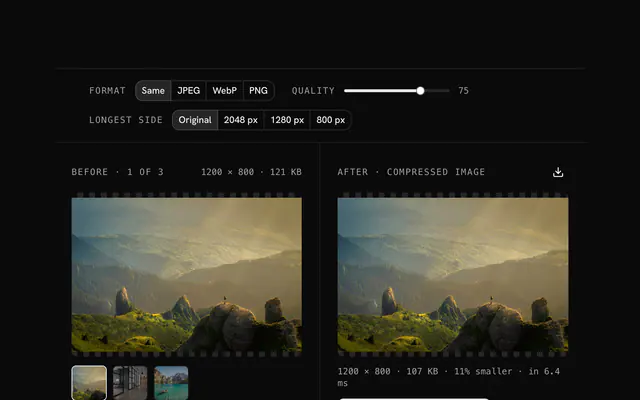
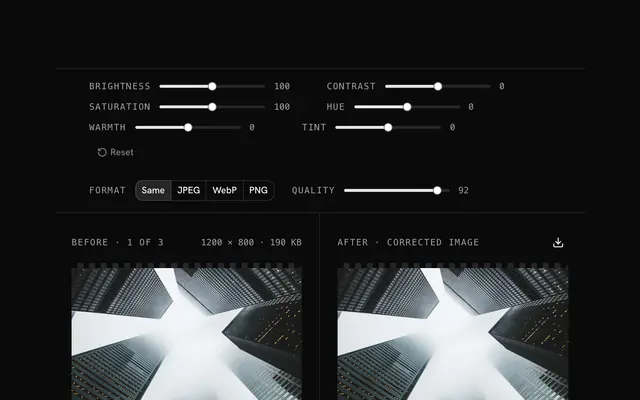
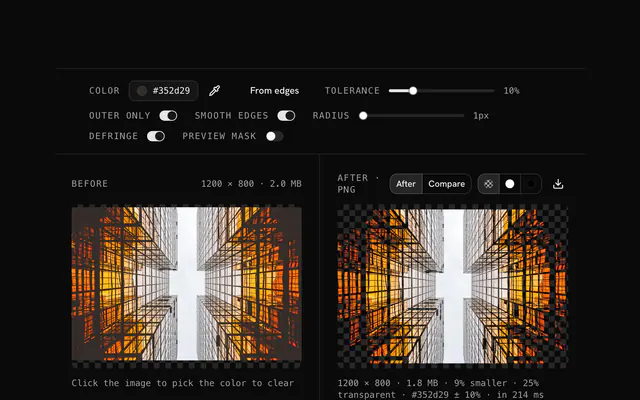
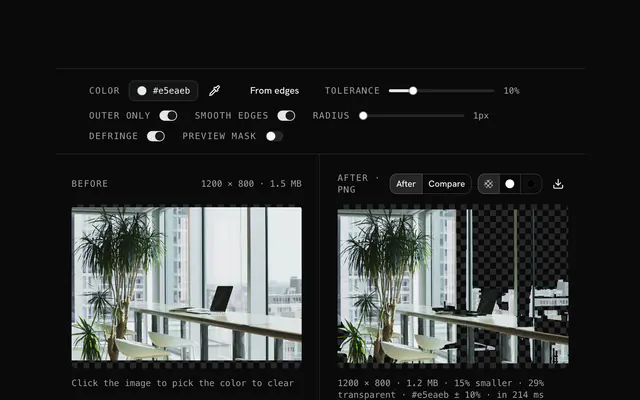
Closest to the Background remover: Image compressor, Image converter, Color correction, Remove a white background from a PNG. Each opens on its own page, free and in the browser.
The Background remover is one of 18 in its group. The group's page, /tools/image, lists them all.
The tool is free. Its interface is built from shadcn.io's own components (Button, Input, Slider and the rest of the registry under /ui), which come in React, Vue, Svelte and Solid. Pro adds the blocks and templates for the product around it.
4.9 out of 5 from 150+ developers


Build the product around it
Every block, template and icon, installed by your AI agent in your theme. The tools stay free.
Get Pro