SQL formatter.
Paste a query and read it formatted for your database, with keywords in the case you want, or minified to one line. It runs in your browser; your SQL is never uploaded.
SQL formatter.
Need the UI around it? With Pro, your AI agent builds the form, the result card and the rest of the page from a prompt.
Get ProHow it works
4 steps, no account. It runs in your browser and nothing is uploaded.
Pick the dialect
Choose your database from sixteen dialects so its quotes, casts and keywords are read right.
Paste the SQL
Type, paste or drop a .sql file; the formatted SQL updates as you type.
Set the style
Keyword case, indent, standard or tabular layout, blank lines between statements and dense operators.
Copy or download
Copy the result or download it as a .sql file.
Related tools
More data tools. Every one free, in the browser.
Pricing
Build it with Pro
The tool is free. Pro adds 6,000+ blocks, premium templates and the MCP server, so your AI editor builds the product around it.
4.9/5 out of 5 · 150+ reviewsfrom 150+ founders and developers.
- Secure checkout via Stripe
- Code lives in your repo
- Keep what you've shipped if you cancel
- License terms
Questions and answers
Before you trust the result: what to know about the format, the limits, your data and the tools next to it.
Each database quotes and extends SQL its own way: backticks around names in MySQL, square brackets in SQL Server, dollar-quoted function bodies and :: casts in PostgreSQL, QUALIFY in Snowflake. The formatter reads the query with the rules of the dialect you pick, so a construct the standard doesn't know is kept rather than mangled or rejected.
Upper-case keywords (SELECT, FROM, WHERE) are the long-standing convention and set the structure apart from table and column names; many teams now write lower case, which reads quieter. The choice also applies to data types and function names. As typed leaves them alone, and names and strings are never changed.
Standard puts each clause's keyword on its own line with its expressions indented under it. Tabular left and Tabular right pad the keywords to one width, aligned left or right, so every clause's expressions start in the same column; it is a style some teams use for long reports and dbt models.
No. Formatting changes whitespace, line breaks and the case of keywords; names, strings, numbers and comments come through as written. Minify also drops comments, except optimizer hints such as /*+ INDEX(t i) */ and MySQL's /*! … */, which the database reads.
No. The formatter is a JavaScript library (sql-formatter) loaded into the page, and the query never leaves your browser. That matters for SQL that names production tables or holds customer data in literals.
It needs balanced parentheses and closed strings and comments, and it reads the dialect you picked. The status line gives the line and column, the line is marked in the input, and Go to line puts the cursor there. A wrong dialect is the other usual cause.
Yes. Statements separated by semicolons are formatted one after another with one or two blank lines between them, and the status line counts them. Migrations and long scripts work the same way.
It puts the SQL on one line: comments removed, each run of whitespace one space, none beside parentheses and commas. Strings, quoted names and dollar-quoted bodies are kept byte for byte. It suits logs, query strings and SQL embedded in code.
No. The "SQL formatter" tool is free and opens without a sign-in, an account or an install.
Nothing. The "SQL formatter" tool holds your input in the page's memory, so closing or reloading the tab clears it, and it saves nothing in this browser.
The "SQL formatter" tool runs on your device with no request made for your data.
The "SQL formatter" tool is free and needs no account.
No. The input is gone when you close the tab.
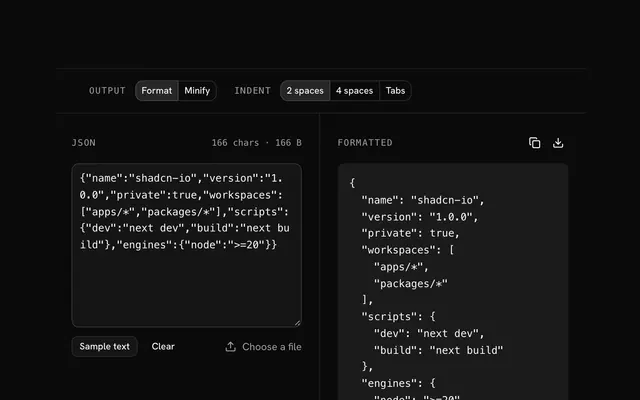
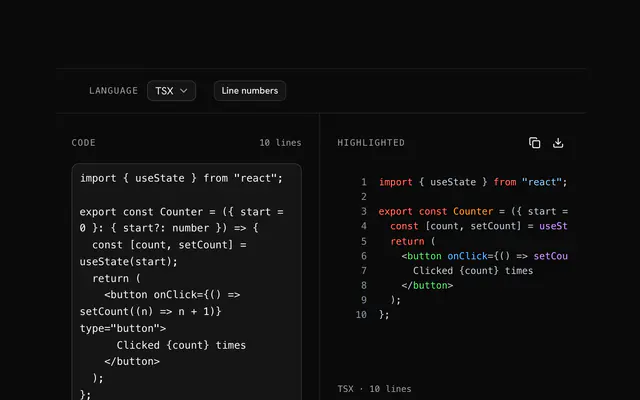
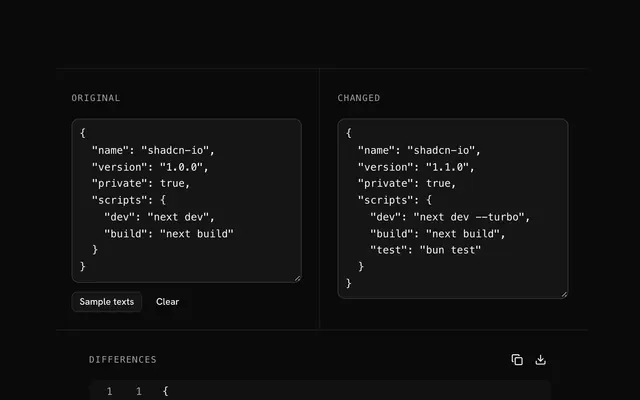
Closest to the "SQL formatter" tool: JSON formatter and validator, Code highlighter, Text diff viewer. Each opens on its own page, free and in the browser.
The "SQL formatter" tool is one of 7 in its group. The group's page, /tools/data, lists them all.
The tool is free. Its interface is built from shadcn.io's own components (Button, Input, Slider and the rest of the registry under /ui), which come in React, Vue, Svelte and Solid. Pro adds the blocks and templates for the product around it.
4.9 out of 5 from 150+ developers


Build the product around it
Every block, template and icon, installed by your AI agent in your theme. The tools stay free.
Get Pro