shadcn.io is an independent project built on shadcn/ui
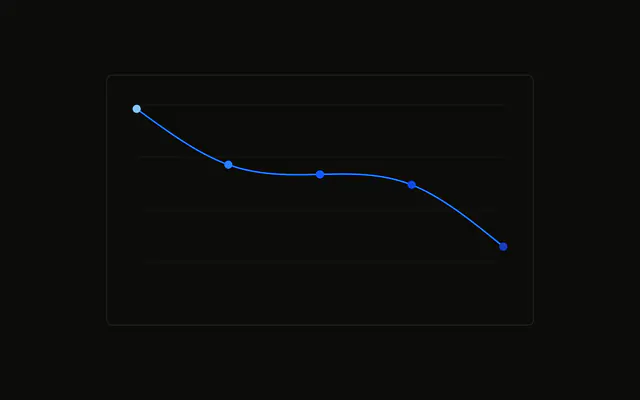
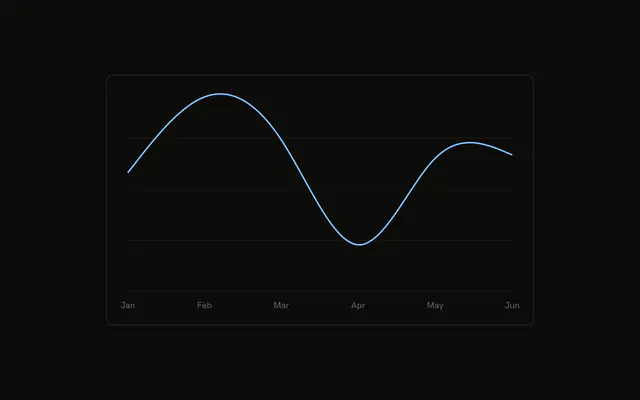
A desktop line where each point is a commit icon instead of a dot. The icon is stroked in the series color and filled so the line does not show through.
Use an icon when the point means something, such as a release on a timeline. A plain dot is enough for a generic trend. A Table is enough when there is no shape to show. In React, Ark UI does not draw the icon. You render it at each point.
Installation
Anatomy

Usage
<div className="w-full max-w-xl rounded-md border bg-background p-4">
  <ChartContainer config={chartConfig}>
    <LineChart
      accessibilityLayer
      data={chartData}
      margin={{
        left: 12,
        right: 12,
      }}
    >
      <CartesianGrid vertical={false} />
      <XAxis
        axisLine={false}
        dataKey="month"
        tickFormatter={formatMonth}
        tickLine={false}
        tickMargin={8}
      />
      <ChartTooltip content={renderTooltipContent} cursor={false} />
      <Line
        dataKey="desktop"
        dot={renderDot}
        stroke="var(--color-desktop)"
        strokeWidth={2}
        type="natural"
      />
    </LineChart>
  </ChartContainer>
</div>
FAQ
How are the dots drawn as icons?
Line sets dot to renderDot, which returns a GitCommitVerticalIcon centered on the point. DOT_SIZE is 24, and x and y are cx and cy minus half of that size.
How is the icon colored?
The icon sets stroke to var(--color-desktop), className to fill-background, and aria-hidden to true. width and height are both DOT_SIZE. key is payload.month.
What does the line itself use?
Line uses dataKey desktop, type natural, stroke var(--color-desktop), and strokeWidth 2. config maps desktop to var(--chart-1) and the label Desktop.
How are the month ticks shortened?
XAxis uses dataKey month and tickFormatter set to formatMonth, the first three characters. axisLine and tickLine are false, tickMargin is 8, and the side margins are 12.
API Reference
Chart
Sets config={chartConfig}, content={renderTooltipContent} and cursor={false}. The rest is on the Chart page.