shadcn.io is an independent project built on shadcn/ui
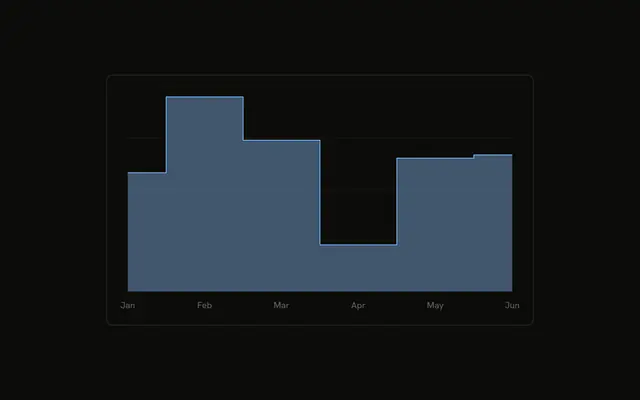
Desktop visitors as a staircase. The line stays flat between months, then jumps. There are no dots on the points.
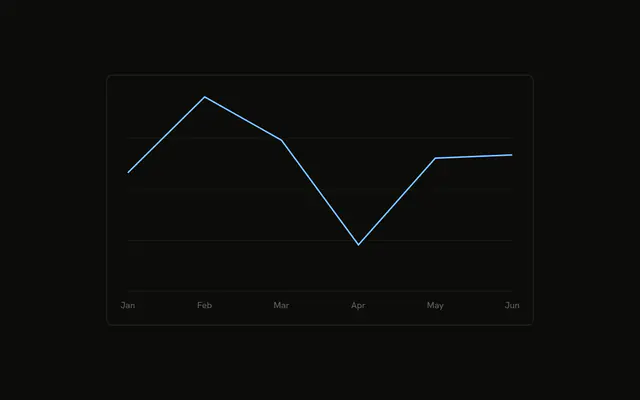
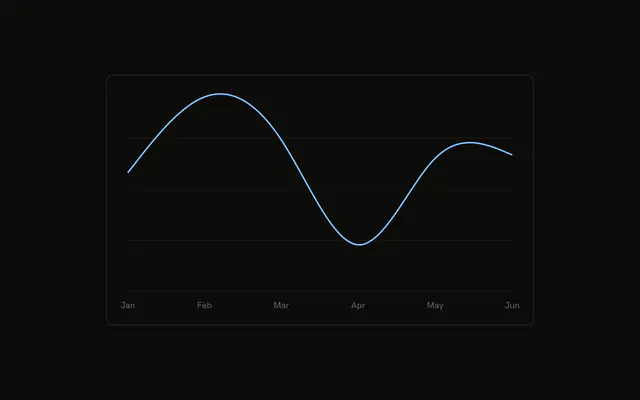
Use a step line for values that stay put until they change, like a price or a stock level. A smooth line implies in-between values you do not have. For the figures, use a Table. In React, Ark UI does not build the staircase. You set the line type.
Installation
Anatomy

Usage
<div className="w-full max-w-xl rounded-md border bg-background p-4">
  <ChartContainer config={chartConfig}>
    <LineChart
      accessibilityLayer
      data={chartData}
      margin={{
        left: 12,
        right: 12,
      }}
    >
      <CartesianGrid vertical={false} />
      <XAxis
        axisLine={false}
        dataKey="month"
        tickFormatter={formatMonth}
        tickLine={false}
        tickMargin={8}
      />
      <ChartTooltip content={renderTooltipContent} cursor={false} />
      <Line
        dataKey="desktop"
        dot={false}
        stroke="var(--color-desktop)"
        strokeWidth={2}
        type="step"
      />
    </LineChart>
  </ChartContainer>
</div>
FAQ
How does the line get its staircase shape?
Line sets type to step. The stroke runs flat at each desktop value, then jumps vertically to the next month. dot is false, stroke is var(--color-desktop), and strokeWidth is 2.
Where does the stroke color come from?
config sets desktop to the label Desktop and color var(--chart-1). ChartContainer turns that into --color-desktop for the stroke.
How are the month ticks shortened?
XAxis uses dataKey month and tickFormatter set to formatMonth, the first three characters. axisLine and tickLine are false, tickMargin is 8, and the side margins are 12.
What is drawn behind the steps?
CartesianGrid sets vertical to false. LineChart sets accessibilityLayer, so the points can be reached from the keyboard.
API Reference
Chart
Sets config={chartConfig}, content={renderTooltipContent} and cursor={false}. The rest is on the Chart page.