shadcn.io is an independent project built on shadcn/ui
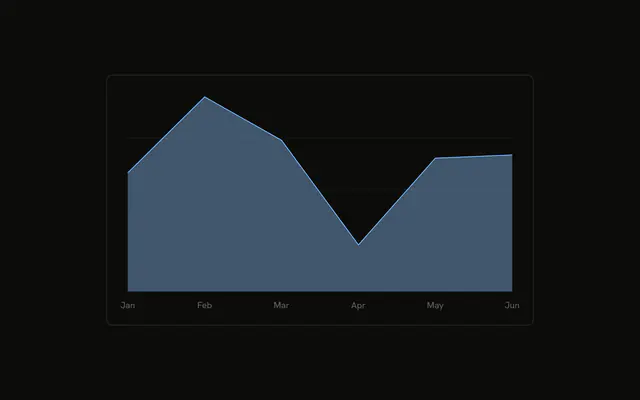
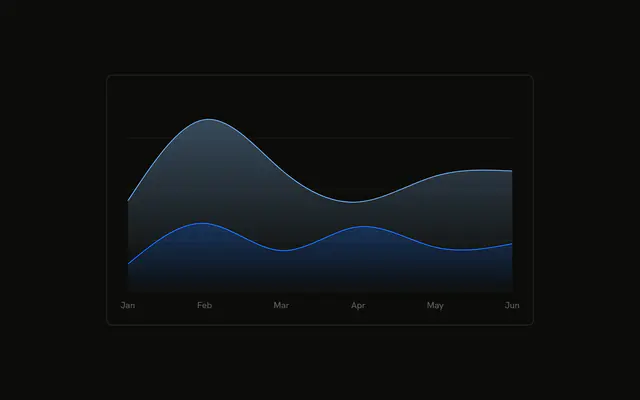
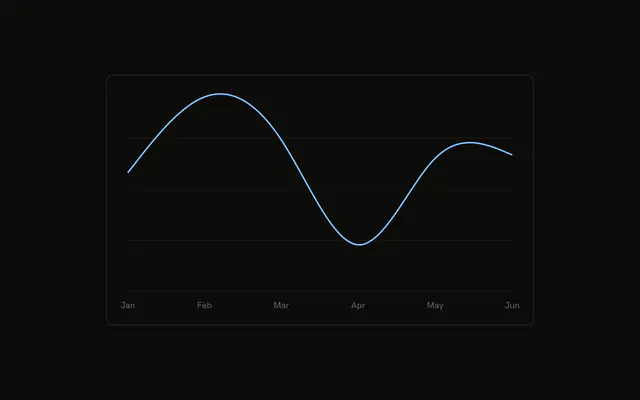
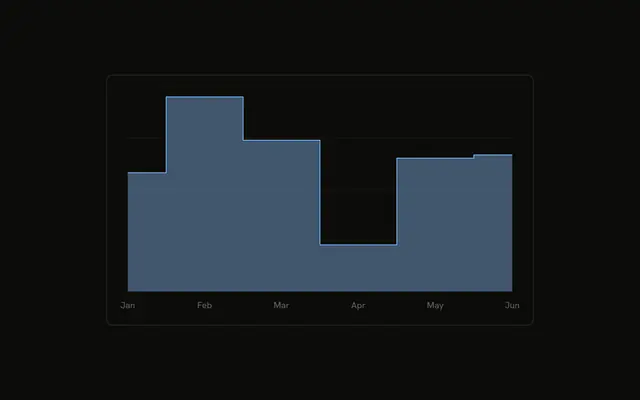
One smooth desktop curve across six months, with the area under it filled. Grid lines are horizontal. The tooltip uses a line marker.
Use an area when the volume under the trend matters, not just the line. A line is lighter when the fill adds nothing. A Table is better for the raw months. In React, Ark UI does not fill under the curve. You pass the series and its color.
Installation
Anatomy

Usage
<div className="w-full max-w-xl rounded-md border bg-background p-4">
  <ChartContainer config={chartConfig}>
    <AreaChart
      accessibilityLayer
      data={chartData}
      margin={{
        left: 12,
        right: 12,
      }}
    >
      <CartesianGrid vertical={false} />
      <XAxis
        axisLine={false}
        dataKey="month"
        tickFormatter={formatMonth}
        tickLine={false}
        tickMargin={8}
      />
      <ChartTooltip content={renderTooltipContent} cursor={false} />
      <Area
        dataKey="desktop"
        fill="var(--color-desktop)"
        fillOpacity={0.4}
        stroke="var(--color-desktop)"
        type="natural"
      />
    </AreaChart>
  </ChartContainer>
</div>
FAQ
How do I get the smooth curve?
Area sets type="natural", dataKey="desktop", fill="var(--color-desktop)", and stroke="var(--color-desktop)". fillOpacity={0.4} fades the area under that stroke. The color comes from config, where desktop is var(--chart-1) and the label is Desktop.
Why do the ticks say Jan?
XAxis uses dataKey="month" and tickFormatter={formatMonth}. formatMonth returns value.slice(0, 3), so January becomes Jan. axisLine and tickLine are false, and tickMargin is 8.
Why are the grid lines only horizontal?
CartesianGrid sets vertical={false}, so only the horizontal lines render. AreaChart sets accessibilityLayer and a margin of left: 12 and right: 12.
What does the tooltip show?
ChartTooltipContent sets indicator="line", a short bar in the series color. With one series, the month sits in that row with the Desktop label and the value. cursor={false} on ChartTooltip turns the hover cursor off.
API Reference
Chart
Sets config={chartConfig}, content={renderTooltipContent} and cursor={false}. The rest is on the Chart page.