shadcn.io is an independent project built on shadcn/ui
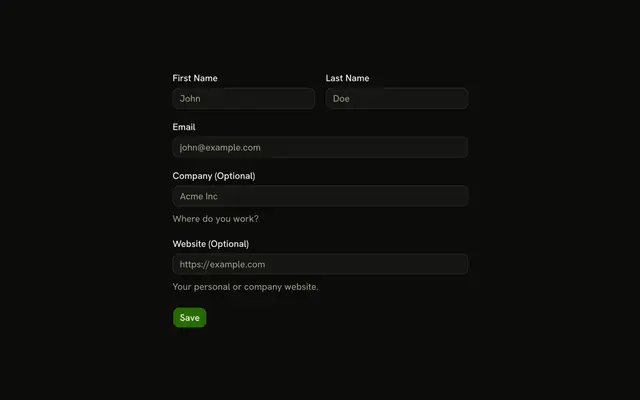
The form starts as one checkbox, I have a company. Checking it reveals Company Name and an optional website. The name must be at least 2 characters only while that box is on.
Use it when a section applies to some people and not others. Fields that are always visible can stay on a plain Input. In React, Ark UI does not hide the fields. The checkbox does.
Installation
Usage
<form
  className="w-full max-w-md"
  noValidate
  onSubmit={form.handleSubmit(onSubmit)}
>
  <FieldGroup>
    <Controller
      control={form.control}
      name="hasCompany"
      render={({ field, fieldState }) => (
        <Field invalid={fieldState.invalid} orientation="horizontal">
          <Checkbox
            checked={field.value}
            name={field.name}
            onCheckedChange={({ checked }) =>
              field.onChange(checked === true)
            }
          />
          <FieldContent>
            <FieldLabel>I have a company</FieldLabel>
            <FieldDescription>
              Check this if you represent a company.
            </FieldDescription>
          </FieldContent>
        </Field>
      )}
    />
    {hasCompany ? (
      <>
        <Controller
          control={form.control}
{/* The rest of the file is under Installation. */}
FAQ
How do the company fields appear?
useWatch({ control: form.control, name: "hasCompany" }) returns the checkbox's current value, and the Company Name and Company Website fields render only while it's true. The box starts unchecked from defaultValues.
How is the checkbox connected?
A horizontal Field holds the Checkbox, then a FieldContent with the label I have a company and the description "Check this if you represent a company." checked={field.value}, and onCheckedChange passes checked === true to field.onChange.
When is the company name required?
The schema's refine passes when hasCompany is false, or when companyName has at least 2 characters. Otherwise it fails with "Company name is required" on path: ["companyName"], so the error lands in that field's FieldError.
API Reference
Field
Sets invalid={fieldState.invalid} and orientation="horizontal". The rest is on the Field page.
Checkbox
Sets checked={field.value}, name={field.name}, onCheckedChange and checked. The rest is on the Checkbox page.
Input
Sets field, placeholder="Acme Inc", placeholder="https://example.com" and type="url". The rest is on the Input page.
Button
Sets type="submit". The rest is on the Button page.