shadcn.io is an independent project built on shadcn/ui
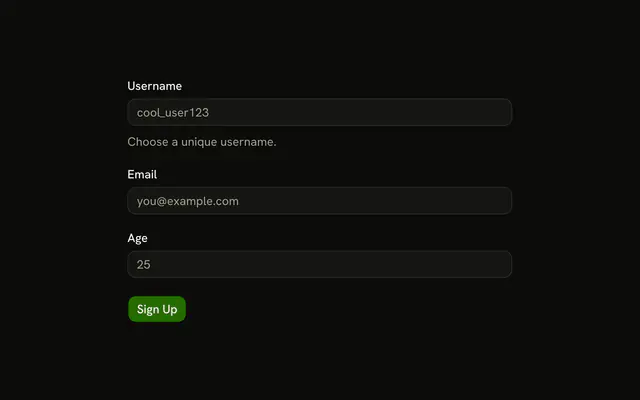
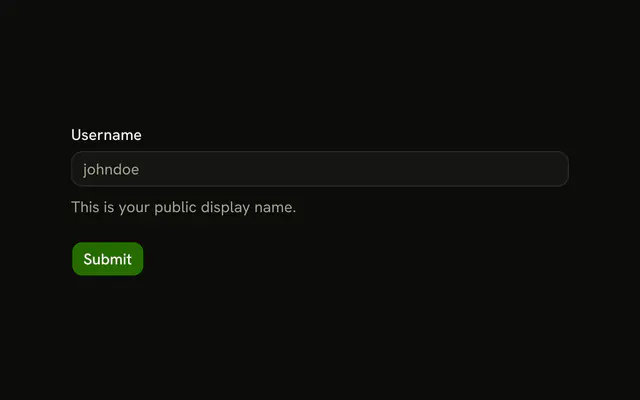
Username and email show their errors as you type. Username needs 3 characters of letters, numbers, or underscores. Submit stays disabled until both fields pass.
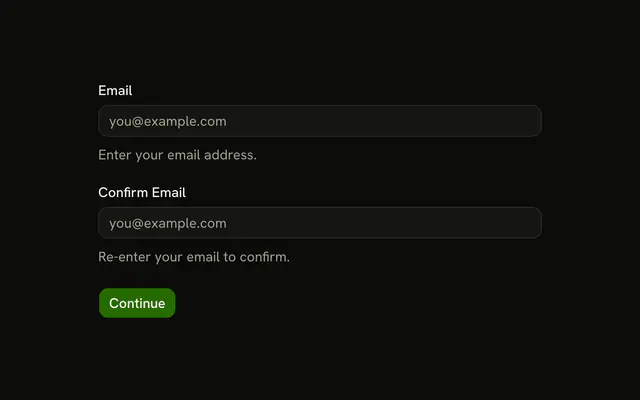
Use it when waiting for a click would hide a typo. Checking once, on submit, is the usual Field pattern. In React, Ark UI does not disable Submit. The form state does.
Installation
Usage
<form
  className="w-full max-w-md"
  noValidate
  onSubmit={form.handleSubmit(onSubmit)}
>
  <FieldGroup>
    <Controller
      control={form.control}
      name="username"
      render={({ field, fieldState }) => (
        <Field invalid={fieldState.invalid}>
          <FieldLabel>Username</FieldLabel>
          <Input {...field} placeholder="Enter username" />
          <FieldDescription>
            Validation happens as you type.
          </FieldDescription>
          <FieldError>{fieldState.error?.message}</FieldError>
        </Field>
      )}
    />
    <Controller
      control={form.control}
      name="email"
      render={({ field, fieldState }) => (
        <Field invalid={fieldState.invalid}>
          <FieldLabel>Email</FieldLabel>
          <Input {...field} placeholder="you@example.com" type="email" />
          <FieldDescription>
            Instant feedback on your input.
          </FieldDescription>
          <FieldError>{fieldState.error?.message}</FieldError>
{/* The rest of the file is under Installation. */}
FAQ
How does this form validate on each keystroke?
useForm sets mode: "onChange" with resolver: zodResolver(formSchema), so React Hook Form runs the schema on every change. The username description says "Validation happens as you type."
What username characters are allowed?
Letters, numbers and underscores, at least 3 of them: .min(3, "Username must be at least 3 characters") and .regex(/^[a-zA-Z0-9_]+$/, "Only letters, numbers, and underscores allowed"). The FieldError shows the first that fails.
What does the email field check?
email is z.email("Please enter a valid email address"). The Input is type="email" with placeholder you@example.com, and its description says "Instant feedback on your input."
API Reference
Field
Sets invalid={fieldState.invalid} and orientation="horizontal". The rest is on the Field page.
Input
Sets field, placeholder="Enter username", placeholder="you@example.com" and type="email". The rest is on the Input page.
Button
Sets disabled={!form.formState.isValid} and type="submit". The rest is on the Button page.