shadcn.io is an independent project built on shadcn/ui
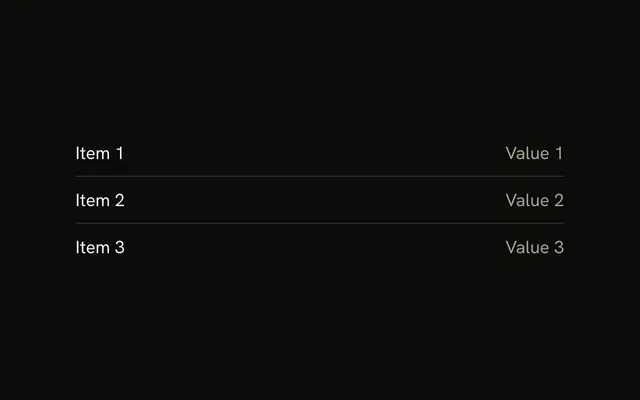
Inbox sits above a horizontal line, and Drafts sits below it. The gap on each side is 4 pixels, so the rows stay tight.
Use the tight gap for list rows and dense settings. Open the space, or move the groups into Tabs, when they are really different sections. In React, Base UI leaves the gap to the parent.
Installation
Anatomy
Usage
<div className="flex w-full max-w-sm flex-col gap-1">
  <p className="text-sm">Inbox</p>
  <Separator />
  <p className="text-sm">Drafts</p>
</div>
FAQ
When should I use tight spacing?
For dense lists, sidebar rows and mobile stacks. When the items are siblings in one group, a 4 pixel gap plus a one-pixel line is enough; use wider gaps when they're different sections.
Does tight spacing work better on mobile?
Often, because more content fits on screen. Keep interactive rows at least 44 pixels tall, though: the gap doesn't make a hit area bigger.
Does tight spacing hurt accessibility?
Screen readers ignore visual gaps. People with low vision still need contrast on the line and a clear type hierarchy, so test the layout at 200 percent zoom.
Should tight spacing open up on desktop?
Use gap-1 md:gap-4 when the same list becomes a roomy settings page on large screens. Keep it tight everywhere for data-dense dashboards.
API Reference
Separator
No extra props in this demo. The rest is on the Separator page.