Add days to a date.
Need the UI around it? With Pro, your AI agent builds the form, the result card and the rest of the page from a prompt.
Get ProHow it works
4 steps, no account. It runs in your browser and nothing is uploaded.
Pick the start date
Any date from the year 1 to 9999, or Today.
Add or subtract an amount
A whole number of days, weeks, months, years or working days.
Set the working week
For working days: the weekend, a country's public holidays and your own days off.
Read the date
With its weekday, ISO week and day of the year, and the common offsets under it.
Related tools
More math and finance. Every one free, in the browser.
Pricing
Build it with Pro
The tool is free. Pro adds 6,000+ blocks, premium templates and the MCP server, so your AI editor builds the product around it.
4.9/5 out of 5 · 150+ reviewsfrom 150+ founders and developers.
- Secure checkout via Stripe
- Code lives in your repo
- Keep what you've shipped if you cancel
- License terms
Questions and answers
Before you trust the result: what to know about the format, the limits, your data and the tools next to it.
28 February, or 29 in a leap year. The day of the month is kept when the target month has it; when it doesn't, the date moves back to the month's last day, and the status line says so.
As Excel's WORKDAY adds them: the start date isn't counted, and each step lands on a day that is neither weekend nor holiday. Five working days after a Friday is the next Friday, with a Saturday and Sunday weekend.
No: the count starts the day after. 90 days after 12 March 2026 is 10 June 2026, and subtracting counts back the same way.
US federal holidays with their observed days, the bank holidays of England and Wales, and the nationwide holidays of Germany and France, plus any dates you type. The holidays skipped on the way are listed under the result.
Choose Subtract in the bar, or type a negative amount. The common offsets under the result then read before the start: 7, 30, 60 and 90 days, 6 months and a year.
How many calendar days it moved, the ISO date, the day of the year and the ISO week. The copy button copies the date as YYYY-MM-DD.
No. The dates are worked out in your browser and the page makes no request with them.
No. The "Add days to a date" tool is free and opens without a sign-in, an account or an install.
The "Add days to a date" tool keeps nothing on a server; only the invoice generator saves its draft, in this browser's localStorage on your device. Nothing else is saved, and nothing is sent to shadcn.io.
Days, weeks, months, years and working days. Months and years keep the day of the month and move it back to the month's last day when the month is shorter; working days skip the weekend and the holidays you choose.
Any date from the year 1 to 9999. A move that would land outside those years is refused with a sentence saying so.
Yes. Adding a year to 29 February lands on 28 February in a year without a leap day, and a count of days includes 29 February whenever it falls in between.
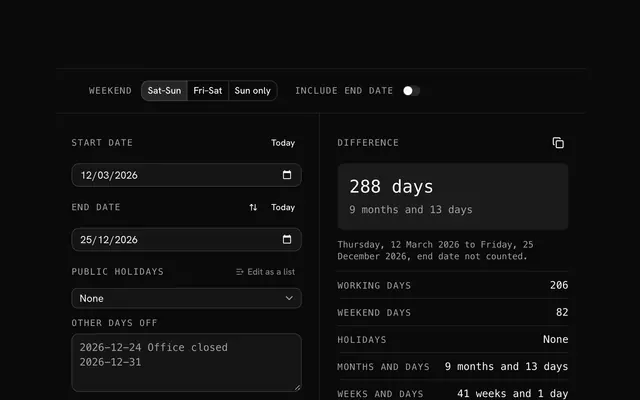
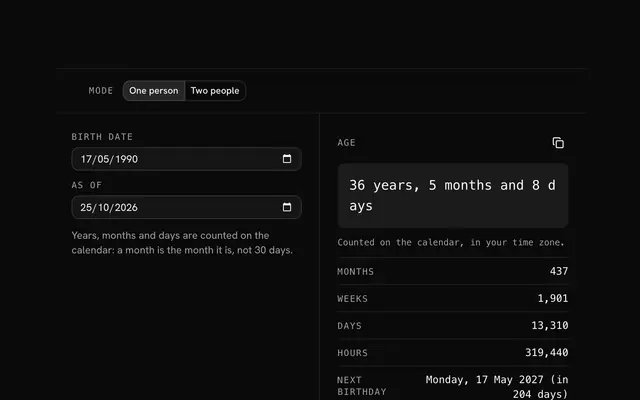
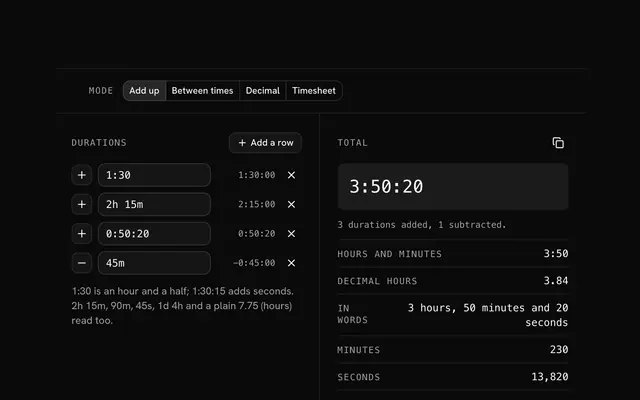
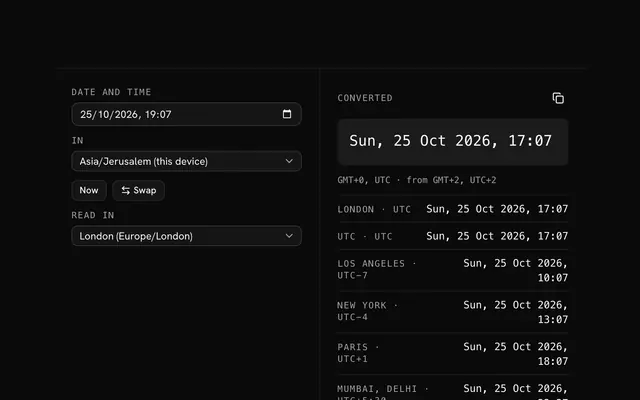
Closest to the "Add days to a date" tool: Date difference calculator, Age calculator, Time duration calculator, Time zone converter. Each opens on its own page, free and in the browser.
The "Add days to a date" tool is one of 20 in its group. The group's page, /tools/math, lists them all.
The tool is free. Its interface is built from shadcn.io's own components (Button, Input, Slider and the rest of the registry under /ui), which come in React, Vue, Svelte and Solid. Pro adds the blocks and templates for the product around it.
4.9 out of 5 from 150+ developers


Build the product around it
Every block, template and icon, installed by your AI agent in your theme. The tools stay free.
Get Pro