Aspect ratio calculator.
Work out a width or a height from an aspect ratio, simplify a ratio, and see the common resolutions that share it.
Aspect ratio calculator.
Need the UI around it? With Pro, your AI agent builds the form, the result card and the rest of the page from a prompt.
Get ProHow it works
4 steps, no account. It runs in your browser and nothing is uploaded.
Enter the ratio
Type two numbers, such as 1920 and 1080 or 2.39 and 1, or pick a common ratio from the list.
Read it simplified
See the ratio in its smallest whole terms, as a decimal and by its common name.
Resize
Type a width to get the height, or a height to get the width, rounded to whole or even pixels or kept exact.
Copy the CSS
Copy the CSS aspect-ratio, the Tailwind class or the padding fallback, or press a common resolution to use it.
Related tools
More design tools. Every one free, in the browser.
Pricing
Build it with Pro
The tool is free. Pro adds 6,000+ blocks, premium templates and the MCP server, so your AI editor builds the product around it.
4.9/5 out of 5 · 150+ reviewsfrom 150+ founders and developers.
- Secure checkout via Stripe
- Code lives in your repo
- Keep what you've shipped if you cancel
- License terms
Questions and answers
Before you trust the result: what to know about the format, the limits, your data and the tools next to it.
It's the shape of a rectangle: its width compared with its height, written as two numbers. 16:9 is 16 units wide for every 9 tall, so 1280 × 720 and 1920 × 1080 are both 16:9 and have the same shape.
Divide the width and the height by their greatest common divisor. For 1920 × 1080 that's 120, which leaves 16:9. Some sizes don't reduce to a familiar pair: 1366 × 768 is 683:384, close to 16:9 but not exactly.
Multiply the width by the ratio's second number and divide by its first. At 16:9, a box 1000 px wide is 1000 × 9 ÷ 16 = 562.5 px tall, which rounds to 563, or to 562 when you need even pixels for video.
Ultrawide monitors sold as 21:9 are 2560 × 1080 (64:27) or 3440 × 1440 (43:18), both about 2.37 or 2.39 to 1. An exact 21:9 is 7:3, about 2.33 to 1. The calculator names each one and says which is which.
No. Everything is worked out in your browser as you type; nothing is sent anywhere.
Set aspect-ratio: 16 / 9 with a width, and the browser works out the height; every current browser supports it. In Tailwind it's aspect-video, aspect-square or, in v4, aspect-4/3 for any ratio. The padding tab gives the older padding-top trick for browsers from before 2021.
It rounds the worked-out side to the nearest even number of pixels. Video encoders such as H.264 want both sides divisible by 2, and an odd one can fail or gain a black line. Whole rounds to any integer and Exact keeps two decimals.
No. The Aspect ratio calculator is free and opens without a sign-in, an account or an install.
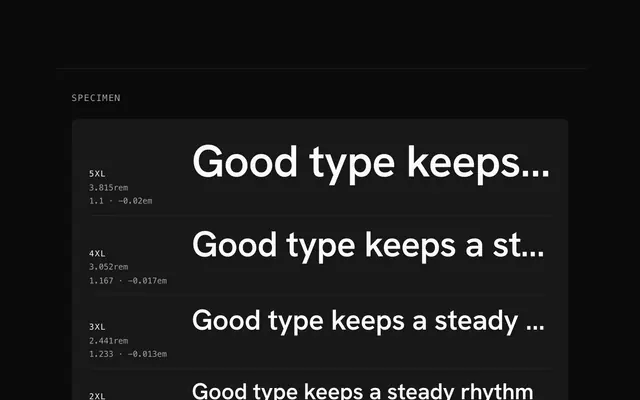
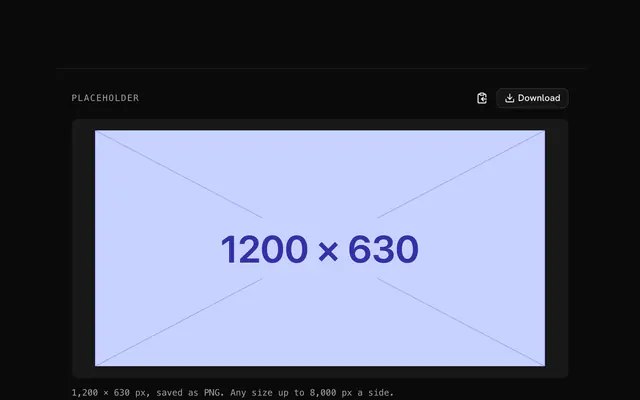
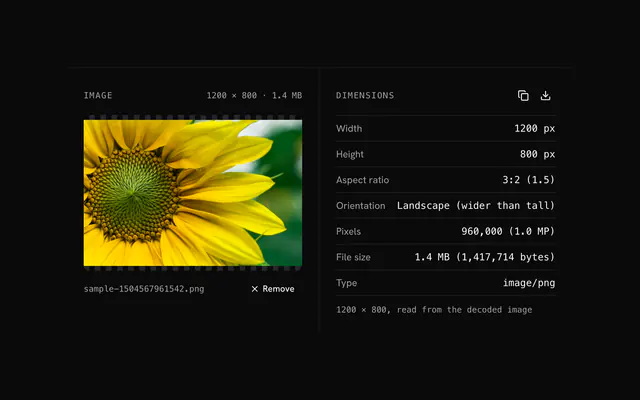
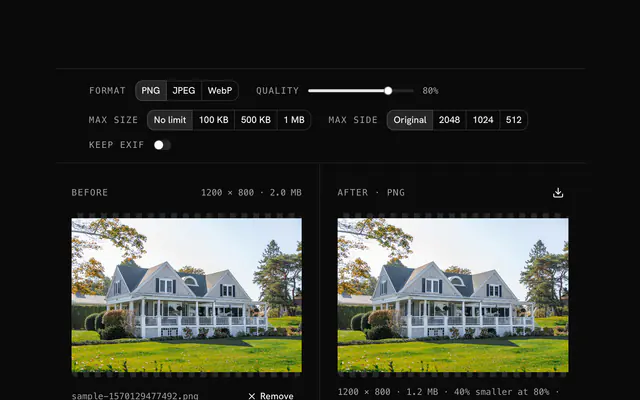
Closest to the Aspect ratio calculator: Type scale generator, Placeholder image generator, PNG dimensions finder, Image size reducer. Each opens on its own page, free and in the browser.
The Aspect ratio calculator is one of 11 in its group. The group's page, /tools/design, lists them all.
The tool is free. Its interface is built from shadcn.io's own components (Button, Input, Slider and the rest of the registry under /ui), which come in React, Vue, Svelte and Solid. Pro adds the blocks and templates for the product around it.
4.9 out of 5 from 150+ developers


Build the product around it
Every block, template and icon, installed by your AI agent in your theme. The tools stay free.
Get Pro