Image size reducer.
Shrink an image on whatever device you have in hand. No app, no account: drop the file, choose a quality or a cap, and save the smaller copy.
Image size reducer.
Need the UI around it? With Pro, your AI agent builds the form, the result card and the rest of the page from a prompt.
Get ProHow it works
4 steps, no account. It runs in your browser and nothing is uploaded.
Drop an image
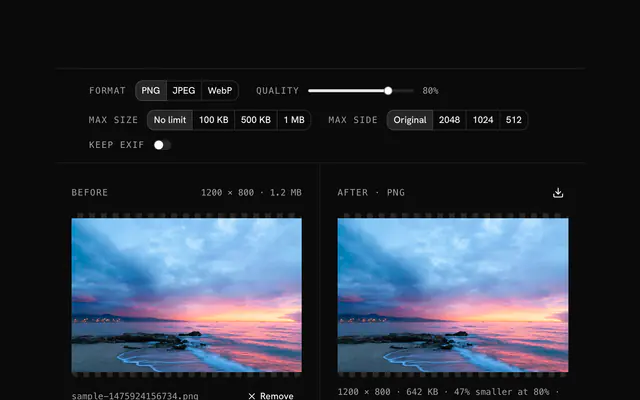
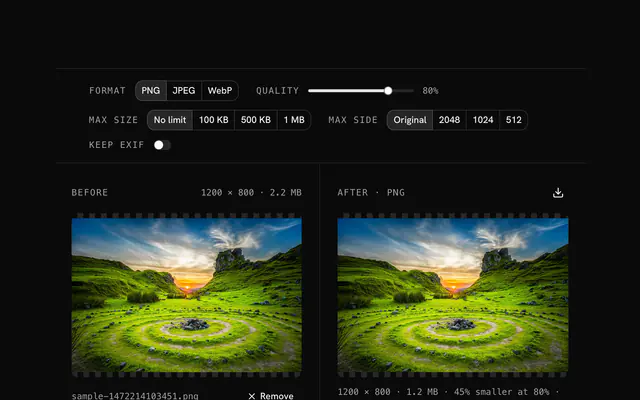
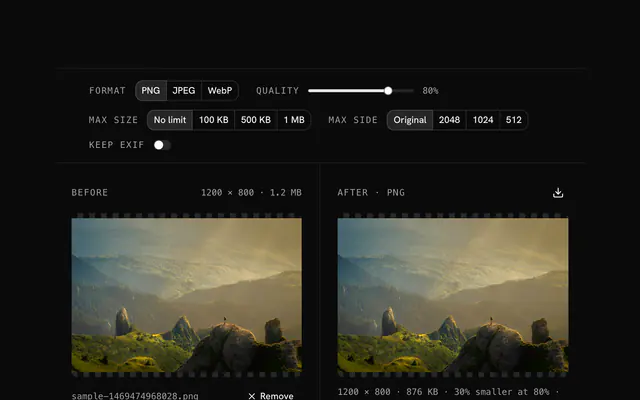
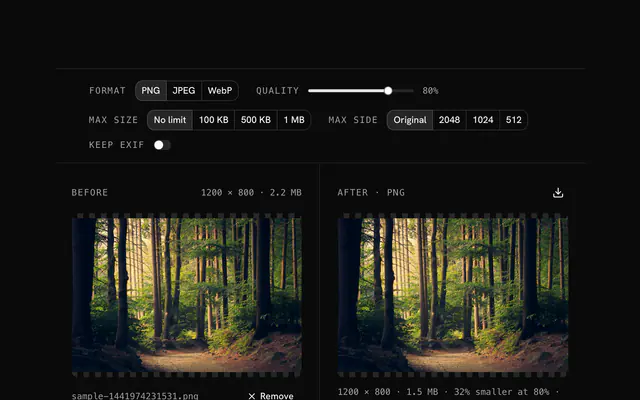
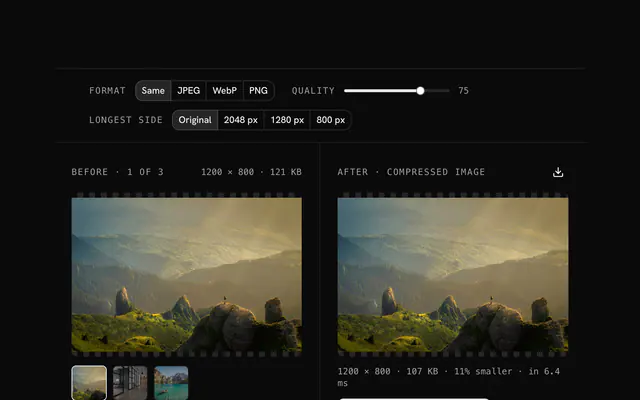
Drop an image onto the pane or choose it; the original shows with its size.
Set the format and quality
Pick PNG, JPEG or WebP and move the quality slider; the result and its size update as you go.
Add a size cap if you need one
Cap the file at 100 KB, 500 KB or 1 MB, or the longest side at 2048, 1024 or 512 pixels, when you have a limit to meet.
Download
Compare the two panes and download the smaller file.
Related tools
More PNG tools. Every one free, in the browser.

Pricing
Build it with Pro
The tool is free. Pro adds 6,000+ blocks, premium templates and the MCP server, so your AI editor builds the product around it.
4.9/5 out of 5 · 150+ reviewsfrom 150+ founders and developers.
- Secure checkout via Stripe
- Code lives in your repo
- Keep what you've shipped if you cancel
- License terms
Questions and answers
Before you trust the result: what to know about the format, the limits, your data and the tools next to it.
Yes, with no watermark, no account and no limit on how many images you run through it. It is one of the free tools on the site; the paid part of the site is the component library, not this.
Nothing. The page is the tool: it runs in Chrome, Safari, Firefox and Edge on a computer, a tablet or a phone. On a phone, choose the picture from the camera roll and the smaller copy saves back to the device.
Most images lose 50 to 90 percent of their bytes, depending on the original and the settings. For a specific target, choose a cap of 1 MB, 500 KB or 100 KB and the tool lowers the quality until the file fits.
Any image the browser can decode: PNG, JPG, WebP, GIF, AVIF, BMP, ICO and SVG, up to 100 MB. The tool is named for PNG because that is where people arrive from, but the input doesn't have to be one.
Quality drives the lossy encoders. For JPEG and WebP, 70 to 80 percent is where the file gets small while photos still look unchanged on a screen; under 60 the blocking starts to show. For PNG the slider matters less, since the format is lossless: the gains come from the side cap and from switching format.
The tool compresses, checks the size, lowers the quality and tries again until the file is under the cap or the quality runs out. Pair a small cap with a side cap: a 4000 pixel photo won't fit in 100 KB at any quality, a 1024 pixel one will.
Off by default, which strips the camera model, exposure settings, date and GPS position from a photo. Turn it on when you want that data to travel with the image. Stripping it also saves a few kilobytes.
The result pane shows the original's size, the result's size and the saving in percent. If the encoder can't beat the original (a PNG already optimised, a tiny icon), the tool returns the original rather than a larger file.
No. The file is read in your browser and every step runs there, on your device. The page makes no request with your image, so you can load it, go offline and keep working.
Up to 100 MB per file, the limit the tool states under its drop area. A larger file is refused with a plain message instead of being decoded.
No, it takes one file at a time. If you drop or choose several, only the first is used; run the tool again for the next one.
When the output would not be smaller and you kept the same format, the tool hands back your original and says so in the status line.
Closest to the Image size reducer: PNG compressor, Reduce image size online, Shrink an image file, Compress a photo online. Each opens on its own page, free and in the browser.
The Image size reducer is one of 47 in its group. The group's page, /tools/png, lists them all.
The tool is free. Its interface is built from shadcn.io's own components (Button, Input, Slider and the rest of the registry under /ui), which come in React, Vue, Svelte and Solid. Pro adds the blocks and templates for the product around it.
4.9 out of 5 from 150+ developers


Build the product around it
Every block, template and icon, installed by your AI agent in your theme. The tools stay free.
Get Pro