Certificate decoder.
Paste a PEM certificate, a chain or a CSR and read its subject, issuer, validity, SANs, key, extensions and fingerprints. Parsed in your browser, nothing uploaded.
Certificate decoder.
Need the UI around it? With Pro, your AI agent builds the form, the result card and the rest of the page from a prompt.
Get ProHow it works
3 steps, no account. It runs in your browser and nothing is uploaded.
Paste or drop it
A BEGIN CERTIFICATE or CERTIFICATE REQUEST block, a chain, or a file.
Read who it is for
Subject, issuer, validity and the names it covers.
Check the details
Key, signature, extensions and fingerprints.
Related tools
More security and dev tools. Every one free, in the browser.
Pricing
Build it with Pro
The tool is free. Pro adds 6,000+ blocks, premium templates and the MCP server, so your AI editor builds the product around it.
4.9/5 out of 5 · 150+ reviewsfrom 150+ founders and developers.
- Secure checkout via Stripe
- Code lives in your repo
- Keep what you've shipped if you cancel
- License terms
Questions and answers
Before you trust the result: what to know about the format, the limits, your data and the tools next to it.
An X.509 certificate binds a public key to names (a domain, an organization), signed by an issuer. A CSR (certificate signing request) is what you send a certificate authority: your public key and the names you ask for, signed with your private key.
Subject alternative names: the domains and IP addresses the certificate is valid for. Browsers ignore the subject's CN and check only this list, so a hostname missing from it fails even if the CN matches.
The SHA-256 (or SHA-1) of the certificate's DER bytes, which names exactly one certificate. The SPKI pin is the SHA-256 of its public key alone, which stays the same when a certificate is renewed with the same key.
A server sends its own certificate and the intermediates that link it to a root the browser trusts. Paste the whole chain and each certificate is decoded, with which one issued which.
Paste the PEM block (BEGIN CERTIFICATE or BEGIN CERTIFICATE REQUEST), several blocks for a chain, or drop a .pem, .crt, .cer, .der or .csr file. Everything is decoded at once.
Run openssl s_client -connect example.com:443 -showcerts and copy the BEGIN and END blocks, or export it from the browser's padlock menu as a PEM file.
No. The certificate is parsed by an ASN.1 reader in your browser and the page makes no request. A certificate is public anyway; a private key never belongs here.
No. The Certificate decoder is free and opens without a sign-in, an account or an install.
Nothing. The Certificate decoder holds your input in the page's memory, so closing or reloading the tab clears it, and it saves nothing in this browser.
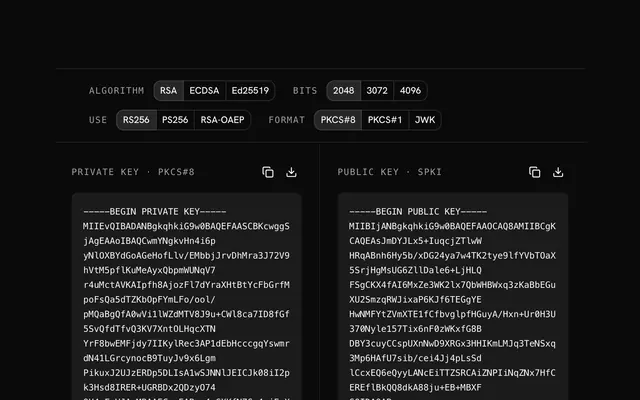
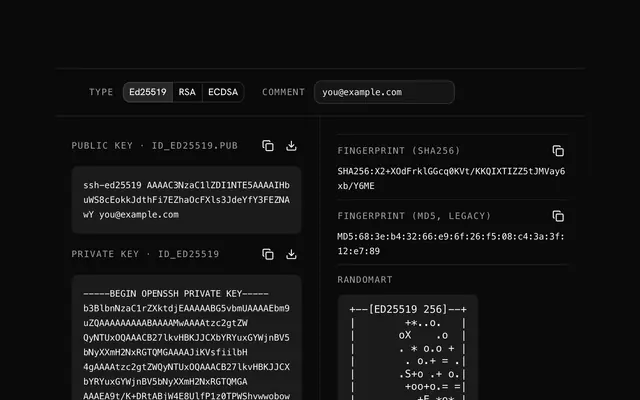
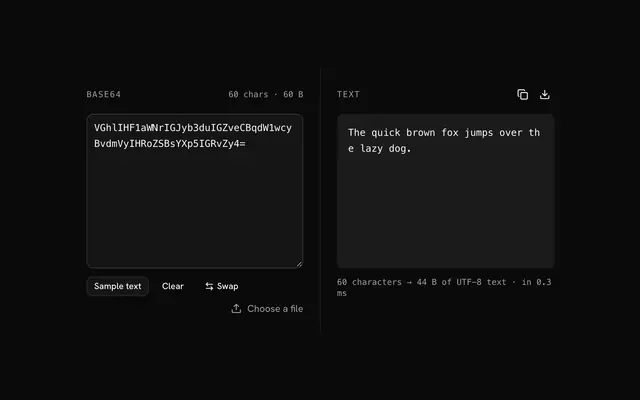
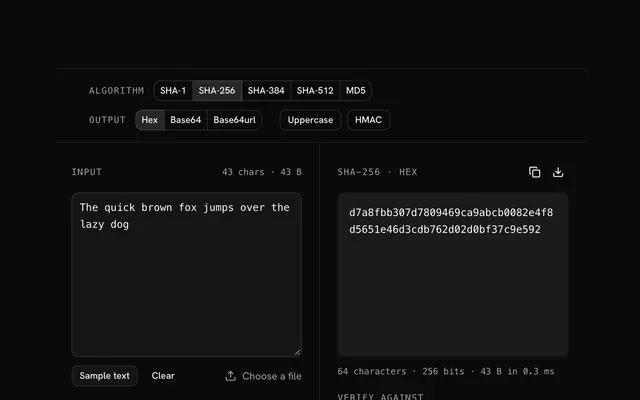
Closest to the Certificate decoder: RSA key generator, SSH key generator, Base64 decoder, Hash generator. Each opens on its own page, free and in the browser.
The Certificate decoder is one of 20 in its group. The group's page, /tools/security, lists them all.
The tool is free. Its interface is built from shadcn.io's own components (Button, Input, Slider and the rest of the registry under /ui), which come in React, Vue, Svelte and Solid. Pro adds the blocks and templates for the product around it.
4.9 out of 5 from 150+ developers


Build the product around it
Every block, template and icon, installed by your AI agent in your theme. The tools stay free.
Get Pro