HTTP status codes.
Every HTTP status code with what it means, when to send it, how caches store it and what Googlebot does with it. Search by number or word, filter by class, and link straight to #404.
HTTP status codes.
Need the UI around it? With Pro, your AI agent builds the form, the result card and the rest of the page from a prompt.
Get ProHow it works
3 steps, no account. It runs in your browser and nothing is uploaded.
Find the code
Type a number, a class such as 4xx or a word such as redirect, or narrow the list by class.
Read the whole story
What it means, when to send it, the headers that go with it, how caches store it and what Google does with it.
Copy or share it
Copy the status line, or a link to the code: each one has its own anchor, such as #404.
Close calls
The codes people mix up. Four pairs that look alike and behave differently, for browsers and for search engines.
301 or 308
Both are permanent. A browser may follow a 301 for a POST with a GET; a 308 keeps the method and the body. Pages: either. APIs and forms: 308.
302, 303 or 307
All temporary. 302 lets the method become GET, 307 keeps it, 303 asks for GET on purpose: the answer after a form POST, so a reload doesn't send it twice.
401 or 403
401: who are you? It carries a WWW-Authenticate challenge. 403: I know who you are, and no. A 404 hides that the resource exists at all.
404 or 410
Both drop the URL from search. 410 says it's gone on purpose and for good; 404 says nothing about why or for how long.
Related tools
More web and SEO tools. Every one free, in the browser.
Pricing
Build it with Pro
The tool is free. Pro adds 6,000+ blocks, premium templates and the MCP server, so your AI editor builds the product around it.
4.9/5 out of 5 · 150+ reviewsfrom 150+ founders and developers.
- Secure checkout via Stripe
- Code lives in your repo
- Keep what you've shipped if you cancel
- License terms
Questions and answers
Before you trust the result: what to know about the format, the limits, your data and the tools next to it.
Three-digit numbers a server puts at the start of every response. The first digit is the class: 1xx informational, 2xx success, 3xx redirection, 4xx the client's error, 5xx the server's. A client that meets a code it doesn't know treats it as the class's x00, so an unknown 471 reads as 400.
301 for a move that's for good: Google reads it as a strong signal that the new URL is canonical and moves the old one's signals to it. 302 (and 307) say the move is temporary, so Google keeps showing the old URL. A 302 left in place for months tends to be treated as permanent anyway, but don't count on it.
Only the method. Browsers follow a 301 or 302 for a POST with a GET, an old habit the spec now allows; 308 and 307 require the same method and body at the new URL. For pages either works; for API endpoints and forms use 308 or 307.
401 means the server doesn't know who you are: no credentials, or bad ones, and it must say how to authenticate in WWW-Authenticate. 403 means it knows and the answer is still no. Send 404 instead of 403 when even admitting the resource exists would leak something.
Both take the URL out of Google's index, and Google's documentation treats them alike. 410 says the removal is deliberate and permanent, which can make Google act a little sooner; 404 is right whenever you aren't sure.
HTTP/2 and HTTP/3 send only the number. The reason phrase (Not Found) is part of HTTP/1.1's status line, and even there clients must ignore it, so changing it changes nothing.
Yes: every code has its own anchor. Open /tools/http-status-codes#429 and the list opens on 429; choosing a code updates the address, and Copy link copies it.
The ones you'll meet in logs and error pages: nginx's 444 and 494 to 499, Cloudflare's 520 to 526 and 530, AWS load balancers' 460 and 463, IIS's 440 and 449, Laravel's 419, cPanel's 509 and Twitter's old 420. Each is tagged with who sends it; the Unofficial switch hides them.
Caching comes from RFC 9110 and RFC 9111: a short list of codes is cacheable by default, the rest only with Cache-Control or Expires. The search lines follow Google Search Central's documentation of how status codes, network and DNS errors affect crawling and indexing.
No request carries your input. The "HTTP status codes" tool runs in your browser: nothing you enter is sent anywhere.
No. The "HTTP status codes" tool is free and opens without a sign-in, an account or an install.
Nothing. The "HTTP status codes" tool holds your input in the page's memory, so closing or reloading the tab clears it, and it saves nothing in this browser.
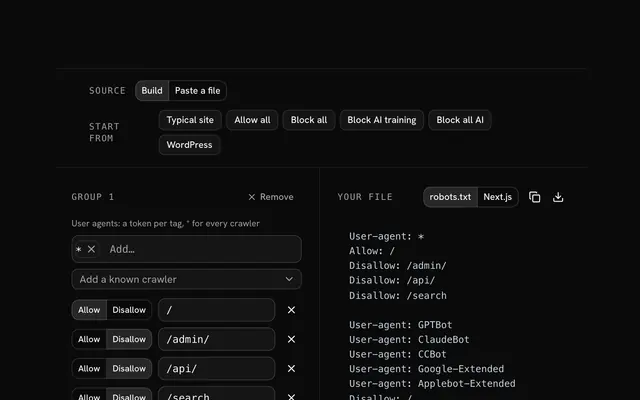
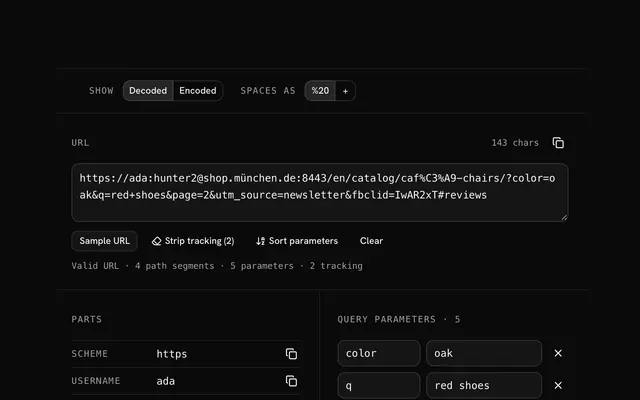
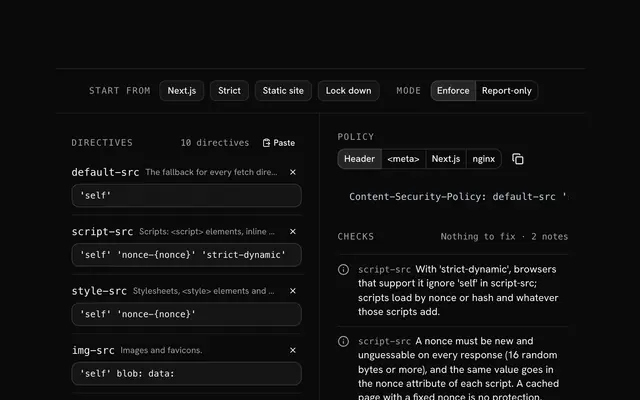
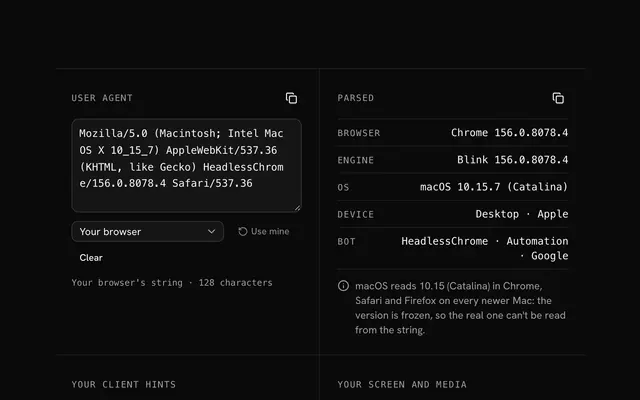
Closest to the "HTTP status codes" tool: Robots.txt generator, URL parser, Content-Security-Policy generator, User agent parser. Each opens on its own page, free and in the browser.
The "HTTP status codes" tool is one of 14 in its group. The group's page, /tools/web, lists them all.
The tool is free. Its interface is built from shadcn.io's own components (Button, Input, Slider and the rest of the registry under /ui), which come in React, Vue, Svelte and Solid. Pro adds the blocks and templates for the product around it.
4.9 out of 5 from 150+ developers


Build the product around it
Every block, template and icon, installed by your AI agent in your theme. The tools stay free.
Get Pro