SSH key generator.
Generate an Ed25519 or RSA SSH key pair in the files ssh-keygen writes, with the fingerprint and randomart, ready for GitHub or authorized_keys. Made in your browser.
SSH key generator.
Need the UI around it? With Pro, your AI agent builds the form, the result card and the rest of the page from a prompt.
Get ProHow it works
4 steps, no account. It runs in your browser and nothing is uploaded.
Pick the key type
Ed25519 unless an old server needs RSA.
Add a comment
Your email or user@host, to tell keys apart.
Generate and download
The private key file and the public line, with its fingerprint.
Install it
chmod 600, ssh-add, and the public line into GitHub or authorized_keys.
Related tools
More security and dev tools. Every one free, in the browser.
Pricing
Build it with Pro
The tool is free. Pro adds 6,000+ blocks, premium templates and the MCP server, so your AI editor builds the product around it.
4.9/5 out of 5 · 150+ reviewsfrom 150+ founders and developers.
- Secure checkout via Stripe
- Code lives in your repo
- Keep what you've shipped if you cancel
- License terms
Questions and answers
Before you trust the result: what to know about the format, the limits, your data and the tools next to it.
Ed25519: short keys, fast, and the default of current ssh-keygen. RSA (3072 or 4096 bits) is for old servers and devices that don't know Ed25519.
The public key is one line: the type, the key in Base64 and a comment (ssh-ed25519 AAAA… you@example.com), the form authorized_keys and GitHub take. The private key is in OpenSSH's own format, BEGIN OPENSSH PRIVATE KEY, as ssh-keygen writes it.
The private key is written without a passphrase, since encrypting it would need the passphrase in this page. Add one after saving it with ssh-keygen -p -f ~/.ssh/id_ed25519; ssh-agent then asks for it once per session.
The SHA256 fingerprint is what ssh-keygen -l and GitHub show; the randomart is the same fingerprint drawn as a picture so you can tell keys apart at a glance. Both are computed from the public key, the way ssh-keygen does.
Download the two files into ~/.ssh, run chmod 600 on the private one, add it with ssh-add, and paste the public line into GitHub's SSH keys or the server's ~/.ssh/authorized_keys.
Usually your email or user@host, so you can tell keys apart in authorized_keys and GitHub's list. It has no effect on the key itself.
No. The key pair is made by your browser's Web Crypto and written out in this page; nothing is sent. For a key that should never touch a browser, ssh-keygen -t ed25519 does the same on your machine.
No. The SSH key generator is free and opens without a sign-in, an account or an install.
Nothing. The SSH key generator holds your input in the page's memory, so closing or reloading the tab clears it, and it saves nothing in this browser.
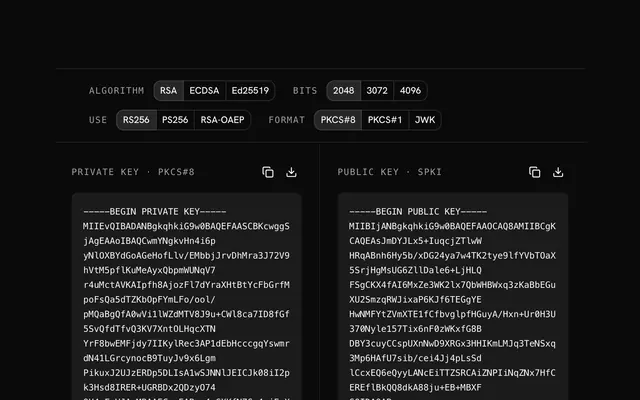
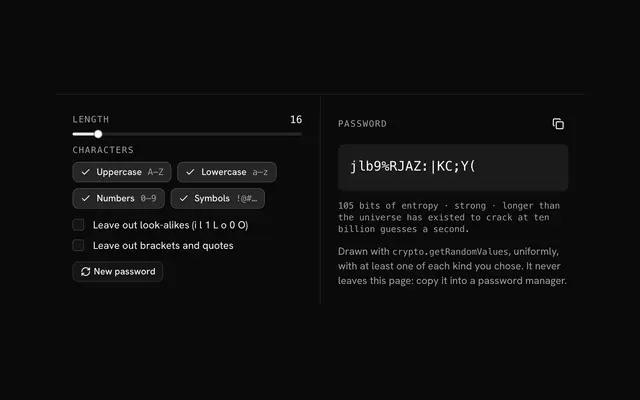
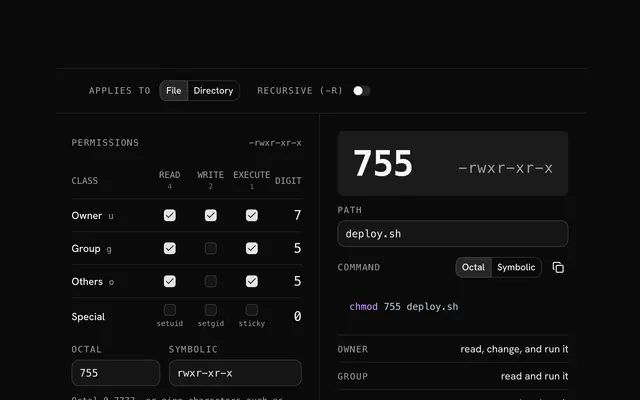
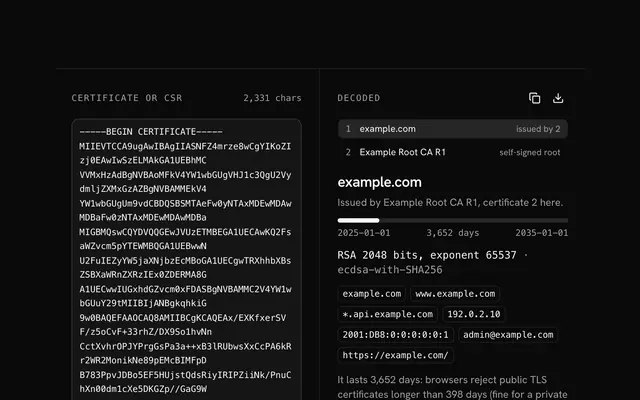
Closest to the SSH key generator: RSA key generator, Password generator, Chmod calculator, Certificate decoder. Each opens on its own page, free and in the browser.
The SSH key generator is one of 20 in its group. The group's page, /tools/security, lists them all.
The tool is free. Its interface is built from shadcn.io's own components (Button, Input, Slider and the rest of the registry under /ui), which come in React, Vue, Svelte and Solid. Pro adds the blocks and templates for the product around it.
4.9 out of 5 from 150+ developers


Build the product around it
Every block, template and icon, installed by your AI agent in your theme. The tools stay free.
Get Pro