Content-Security-Policy generator.
Build a Content-Security-Policy from a preset, see what a reviewer would flag as you edit it, and copy it as a header, a meta tag, Next.js config or an nginx line. Paste a policy you have to check it.
Content-Security-Policy generator.
Need the UI around it? With Pro, your AI agent builds the form, the result card and the rest of the page from a prompt.
Get ProHow it works
3 steps, no account. It runs in your browser and nothing is uploaded.
Start from a preset
Next.js nonces, Google's strict CSP, a static site or a lock-down, then the hosts of the services you use.
Edit and read the checks
Each directive's sources in its own field, with checks for unsafe-inline, wildcards and missing directives as you type.
Copy it where it goes
The HTTP header, a meta tag, Next.js proxy.ts or next.config.ts, or an nginx add_header line.
Related tools
More web and SEO tools. Every one free, in the browser.
Pricing
Build it with Pro
The tool is free. Pro adds 6,000+ blocks, premium templates and the MCP server, so your AI editor builds the product around it.
4.9/5 out of 5 · 150+ reviewsfrom 150+ founders and developers.
- Secure checkout via Stripe
- Code lives in your repo
- Keep what you've shipped if you cancel
- License terms
Questions and answers
Before you trust the result: what to know about the format, the limits, your data and the tools next to it.
A response header that tells the browser which sources a page may load scripts, styles, images, frames and connections from. Its main job is to stop cross-site scripting: an injected <script> or onclick doesn't run unless the policy allows it.
A nonce: the server makes a fresh random value for every response, puts it in the policy as 'nonce-…' and on each of its own <script> tags. Add 'strict-dynamic' so the scripts you trust can load others, plus object-src 'none' and base-uri 'none'. That is Google's strict CSP, and the Strict preset here.
It lets any inline script run, including one an attacker injects, which is the very thing the policy exists to stop. Beside a nonce or a hash, browsers that understand those ignore it, so it is harmless there and only keeps very old browsers working.
Scripts allowed by a nonce or a hash may load further scripts, and those are trusted too, so a tag manager or a bundler's chunks work without listing hosts. Supporting browsers then ignore host lists, 'self' and 'unsafe-inline' in script-src, which is why the strict policy keeps https: there only for old ones.
Mostly, with limits: frame-ancestors, report-uri, report-to and sandbox are ignored in a <meta> tag, report-only can't be set there, and the tag only covers what comes after it in the page. A header is the better choice whenever you control the server.
Start from a preset (Next.js, Strict, Static site or Lock down), edit each directive's sources, add a directive from the list, and add the hosts for Google Analytics, Tag Manager, Stripe, YouTube or Google Fonts with one press. The checks and the four outputs update as you type.
Paste it in Edit an existing policy: the header line, a <meta> tag, an nginx add_header or Apache Header line, or the bare policy. It is read as browsers read it: a repeated directive keeps its first value, and a report-only header switches the mode.
Paste the inline <script> or <style> (or only its contents) in the hash box. The SHA-256, SHA-384 or SHA-512 of the exact text between the tags is written as a source you can add to script-src or style-src; one changed space changes it.
Switch the mode to Report-only: the header becomes Content-Security-Policy-Report-Only, which reports violations without blocking anything. Add report-uri with your collector's URL (and report-to) so the reports go somewhere, watch them for a while, then enforce.
No. The policy is built, checked and hashed in your browser with Web Crypto; nothing you type or paste is sent anywhere.
No. The Content-Security-Policy generator is free and opens without a sign-in, an account or an install.
Nothing. The Content-Security-Policy generator holds your input in the page's memory, so closing or reloading the tab clears it, and it saves nothing in this browser.
Four: the HTTP header (with a Reporting-Endpoints line when report-to names a group and report-uri gives its URL), a <meta> tag without the directives a meta policy ignores, Next.js config, and an nginx add_header line with always, so error pages carry it too.
A nonce in the policy is a placeholder, 'nonce-{nonce}', for your server to fill on every response. The Next.js output turns it into a proxy.ts (middleware.ts before Next.js 16) that makes one per request from crypto.randomUUID and passes it to Next.js; the nginx output uses $request_id and sub_filter.
Each source is checked for its form (unquoted keywords such as self, bad nonces and hashes, invalid hosts), then the script rules: 'unsafe-inline' without a nonce or hash, 'unsafe-eval', 'strict-dynamic' with nothing to trust, wildcards, https: and data:. Then the gaps: object-src, base-uri, frame-ancestors and form-action, and report-only with nowhere to report.
Its hosts are added to the directives they need without repeats, and a 'none' there is dropped once a real source joins it. A directive that isn't in the policy yet starts from default-src's sources, so adding YouTube's frame-src doesn't quietly drop 'self' for frames.
26: the fetch directives from default-src to fenced-frame-src, base-uri and sandbox, form-action and frame-ancestors, upgrade-insecure-requests, the two Trusted Types directives, report-uri and report-to. A pasted policy may hold others: retired ones such as block-all-mixed-content and prefetch-src are named as such.
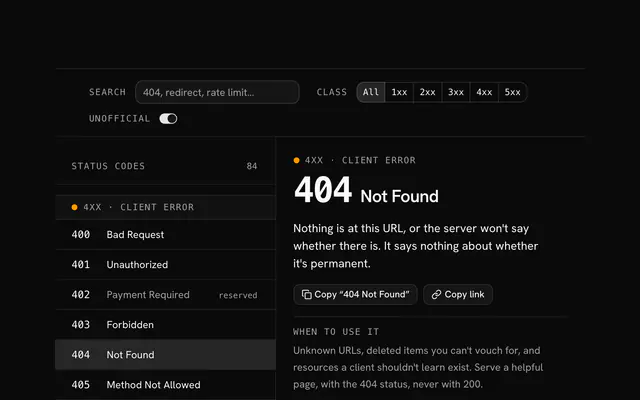
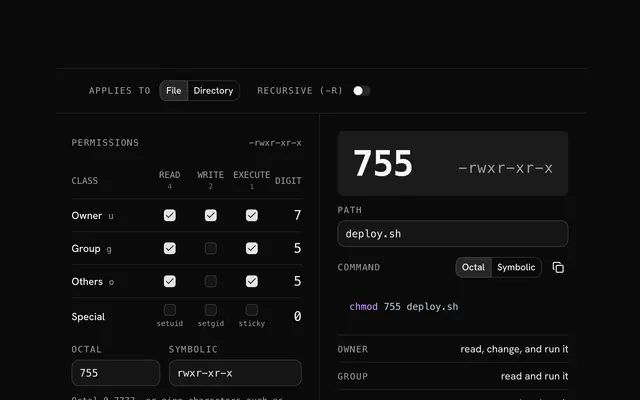
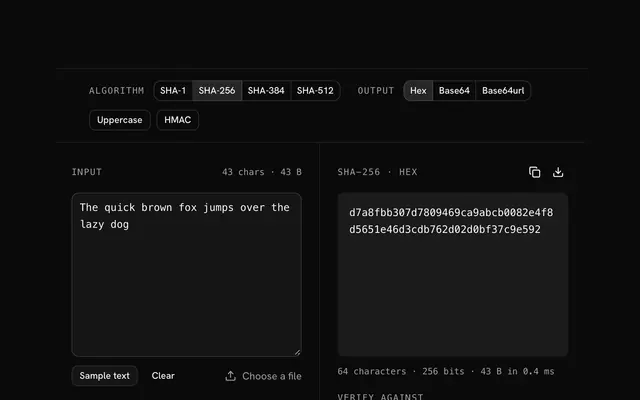
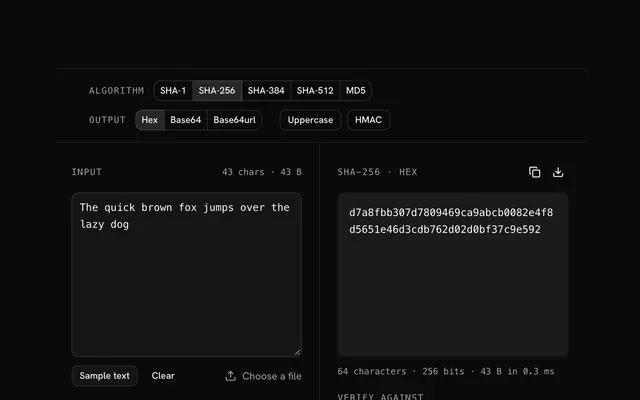
Closest to the Content-Security-Policy generator: HTTP status codes, Chmod calculator, SHA-256 hash generator, Hash generator. Each opens on its own page, free and in the browser.
The Content-Security-Policy generator is one of 14 in its group. The group's page, /tools/web, lists them all.
The tool is free. Its interface is built from shadcn.io's own components (Button, Input, Slider and the rest of the registry under /ui), which come in React, Vue, Svelte and Solid. Pro adds the blocks and templates for the product around it.
4.9 out of 5 from 150+ developers


Build the product around it
Every block, template and icon, installed by your AI agent in your theme. The tools stay free.
Get Pro