Chmod calculator.
Tick read, write and execute for the owner, the group and others, or type 755 or rwxr-xr-x, and the other forms follow. Special bits, chmod expressions and the command are in the same place.
Chmod calculator.
Need the UI around it? With Pro, your AI agent builds the form, the result card and the rest of the page from a prompt.
Get ProHow it works
3 steps, no account. It runs in your browser and nothing is uploaded.
Set the permissions
Tick the boxes, type an octal number such as 644, or paste a column from ls -l.
Add special bits or a change
Setuid, setgid and sticky have their own row, and a chmod expression such as g+w applies to the current mode.
Copy the command
The chmod command in octal or symbolic form, for one file or a whole directory with -R.
What the digits mean
Each digit is a sum. Owner, group and others get one digit each, adding up read, write and execute: 7 is all three, 6 read and write, 5 read and execute, 4 read only, 0 nothing.
Read is 4
Open the file and see what's in it; on a directory, list the names inside.
Write is 2
Change the file; on a directory, create, rename and delete what's inside.
Execute is 1
Run the file as a program; on a directory, enter it and open what's inside.
Special bits lead
An optional first digit: setuid 4, setgid 2 and sticky 1, so 4755 is setuid on top of 755.
Related tools
More web and SEO tools. Every one free, in the browser.
Pricing
Build it with Pro
The tool is free. Pro adds 6,000+ blocks, premium templates and the MCP server, so your AI editor builds the product around it.
4.9/5 out of 5 · 150+ reviewsfrom 150+ founders and developers.
- Secure checkout via Stripe
- Code lives in your repo
- Keep what you've shipped if you cancel
- License terms
Questions and answers
Before you trust the result: what to know about the format, the limits, your data and the tools next to it.
Owner 7 (read, write, execute), group 5 (read, execute), others 5 (read, execute): rwxr-xr-x. It's the usual mode for directories, and for scripts and programs everyone may run but only the owner may change.
Owner 6 (read and write), group 4 and others 4 (read only): rw-r--r--. It's the usual mode for files a web server serves and for configuration that isn't secret.
Setuid (4) runs a program as its owner rather than as you, which is how passwd edits a root-owned file. Setgid (2) on a directory gives new files the directory's group. The sticky bit (1) on a directory lets only a file's owner delete or rename it, which is why /tmp is 1777. Together they are the optional first of four digits.
It lets every account on the machine, and every process running as another user (a compromised web app, a build job), change or replace the file. A permission error is nearly always better fixed with chown, or by giving a shared group write access with 775 or 664.
On a directory, read lists the names inside, write creates, renames and deletes entries, and execute lets you enter it and open what's inside. Read without execute shows names you can't open, which is why directories get 755 where files get 644.
Octal sets the whole mode at once: chmod 640 file. Symbolic changes part of it: chmod g+w file adds group write and leaves the rest. The calculator prints the command both ways, and its Apply a change field runs a symbolic change against the current mode so you see the result first.
A special bit set where the execute bit under it is off: rwSr--r-- is setuid without the owner's execute, rwxrwxrwT is sticky without others' execute. It's almost always a slip, and the calculator says so under the result.
No. It only works out the numbers and the command in your browser; nothing is uploaded and nothing on your machine changes until you run the command yourself.
No request carries your input. The Chmod calculator runs in your browser: nothing you enter is sent anywhere.
No. The Chmod calculator is free and opens without a sign-in, an account or an install.
Nothing. The Chmod calculator holds your input in the page's memory, so closing or reloading the tab clears it, and it saves nothing in this browser.
Yes. Setuid, setgid and sticky have their own row under read, write and execute, since their digit is also 4, 2 and 1, and the symbolic form shows them as s and t (S and T when the execute bit under them is off).
Yes. The Symbolic field takes the ten-character column (drwxr-sr-x), drops a trailing +, @ or . that marks ACLs and extended attributes, and switches between file and directory from the first character.
chmod's own: classes u, g, o or a, then +, - or =, then r, w, x, X, s or t, or a class to copy (g=u), with several clauses separated by commas. It follows GNU chmod: X adds execute only to directories and files someone can already run, and = keeps a directory's setuid and setgid unless you name s. With no class, real chmod also masks the change with your umask; the calculator applies it to all three.
For a directory it shows the umask that gives the mode (777 less the mode, so 755 is umask 022). Files start from 666 rather than 777, which is why the same umask gives new files 644.
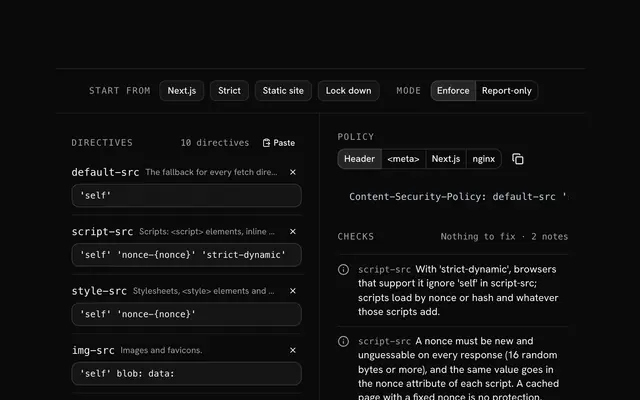
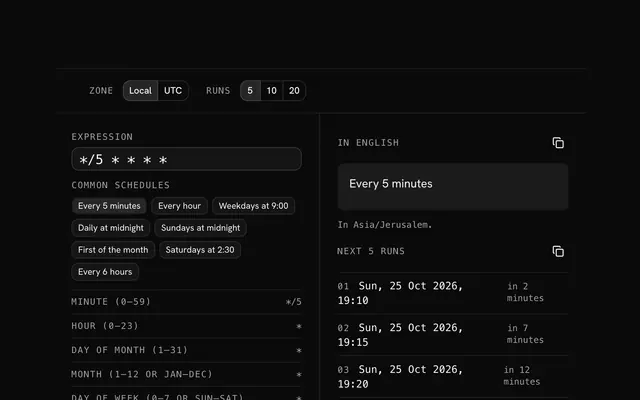
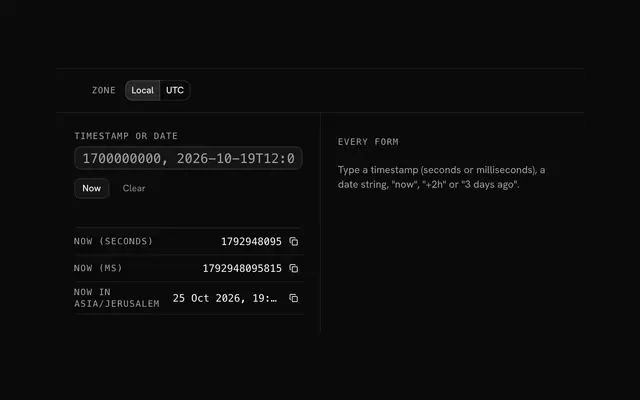
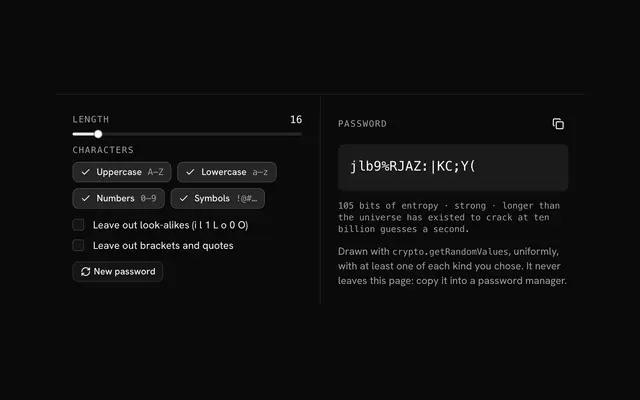
Closest to the Chmod calculator: Content-Security-Policy generator, Cron expression parser, Unix timestamp converter, Password generator. Each opens on its own page, free and in the browser.
The Chmod calculator is one of 14 in its group. The group's page, /tools/web, lists them all.
The tool is free. Its interface is built from shadcn.io's own components (Button, Input, Slider and the rest of the registry under /ui), which come in React, Vue, Svelte and Solid. Pro adds the blocks and templates for the product around it.
4.9 out of 5 from 150+ developers


Build the product around it
Every block, template and icon, installed by your AI agent in your theme. The tools stay free.
Get Pro