HEX to HSL converter.
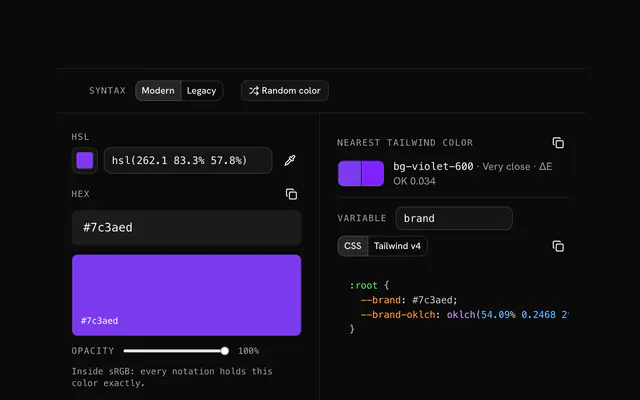
Type a hex color and read its hue, saturation and lightness at once, to one decimal, so the round trip lands back on the same code.
HEX to HSL converter.
Need the UI around it? With Pro, your AI agent builds the form, the result card and the rest of the page from a prompt.
Get ProHow it works
3 steps, no account. It runs in your browser and nothing is uploaded.
Type the hex code
In 3, 4, 6 or 8 digits, with or without the #.
Read the HSL
Hue, saturation and lightness appear under it.
Copy it
In modern or legacy syntax, with every other notation below.
Related tools
More color tools. Every one free, in the browser.
Pricing
Build it with Pro
The tool is free. Pro adds 6,000+ blocks, premium templates and the MCP server, so your AI editor builds the product around it.
4.9/5 out of 5 · 150+ reviewsfrom 150+ founders and developers.
- Secure checkout via Stripe
- Code lives in your repo
- Keep what you've shipped if you cancel
- License terms
Questions and answers
Before you trust the result: what to know about the format, the limits, your data and the tools next to it.
Hue is the angle on the color wheel, 0 to 360 degrees (0 red, 120 green, 240 blue); saturation is how far from gray, 0 to 100%; lightness runs from black at 0% through the pure color at 50% to white at 100%.
Read the hex as RGB, scale each channel to 0 to 1, then lightness is the average of the largest and smallest channel, saturation is their difference divided by what lightness allows, and hue depends on which channel is largest. The converter does it with CSS Color 4's formulas, to one decimal.
HSL's lightness isn't perceptual: hsl(60 100% 50%) yellow looks far lighter than hsl(240 100% 50%) blue at the same 50%. For a palette whose steps look even, use OKLCH, which the converter shows too.
To one decimal, so the round trip back to hex lands on the same code. Many tools round to whole numbers, which can shift the color by a step.
Modern: hsl(217.2 91.2% 59.8%), with / alpha. Legacy: hsl(217.2, 91.2%, 59.8%) and hsla() for alpha.
No. The conversion runs in your browser.
No. The HEX to HSL converter is free and opens without a sign-in, an account or an install.
Nothing. The HEX to HSL converter holds your input in the page's memory, so closing or reloading the tab clears it, and it saves nothing in this browser.
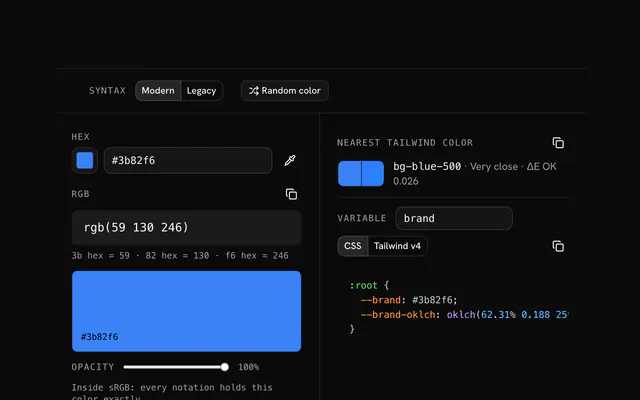
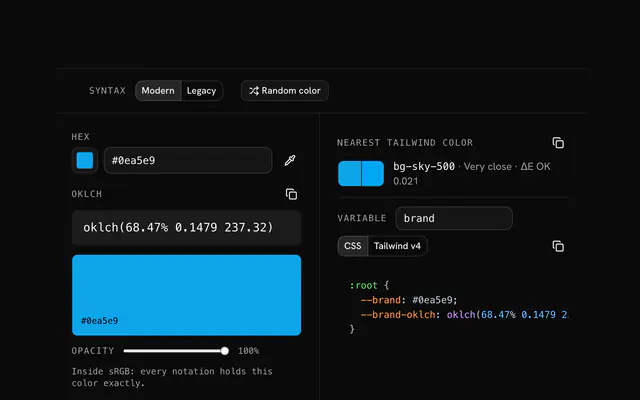
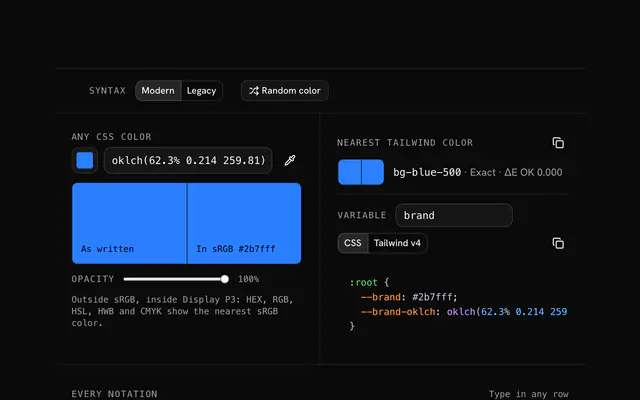
Closest to the HEX to HSL converter: HSL to HEX converter, HEX to RGB converter, HEX to OKLCH converter, Color converter. Each opens on its own page, free and in the browser.
The HEX to HSL converter is one of 17 in its group. The group's page, /tools/color, lists them all.
The tool is free. Its interface is built from shadcn.io's own components (Button, Input, Slider and the rest of the registry under /ui), which come in React, Vue, Svelte and Solid. Pro adds the blocks and templates for the product around it.
4.9 out of 5 from 150+ developers


Build the product around it
Every block, template and icon, installed by your AI agent in your theme. The tools stay free.
Get Pro