Color palette generator.
Pick a base color and a harmony and get five colors that belong together, worked out on a perceptual wheel. Lock the keepers, press the space bar for the rest, export to Tailwind or CSS.
Color palette generator.
Need the UI around it? With Pro, your AI agent builds the form, the result card and the rest of the page from a prompt.
Get ProHow it works
4 steps, no account. It runs in your browser and nothing is uploaded.
Start from a color
Type or pick a base color and choose one of seven harmonies.
Explore
Lock the swatches you like and press the space bar to redraw the others.
Fine-tune
Select a swatch to tune its lightness, chroma or hue.
Export
Copy it as Tailwind, CSS or JSON, or download the strip as SVG or PNG.
Related tools
More color tools. Every one free, in the browser.
Pricing
Build it with Pro
The tool is free. Pro adds 6,000+ blocks, premium templates and the MCP server, so your AI editor builds the product around it.
4.9/5 out of 5 · 150+ reviewsfrom 150+ founders and developers.
- Secure checkout via Stripe
- Code lives in your repo
- Keep what you've shipped if you cancel
- License terms
Questions and answers
Before you trust the result: what to know about the format, the limits, your data and the tools next to it.
Rules for picking hues that sit well together, by their angle on the color wheel: analogous are neighbours (30 degrees apart), complementary are opposite (180), split complementary takes the two hues beside the opposite (150 and 210), triadic three evenly spaced (120), tetradic four in a square (90). Monochromatic and shades stay on one hue and vary lightness and chroma.
Because a turn of the HSL wheel doesn't look even: the same 30 degrees is a big change near yellow and a small one in the blues, and HSL's lightness makes yellow glare next to blue. OKLCH's hue and lightness are perceptual, so the five colors keep the same visual weight and the harmony holds.
Each one is kept inside sRGB: when a lightness and hue can't hold the chroma asked for, the chroma is lowered to the edge. So every hex code is the exact color you see.
Press the space bar (or Generate). Locked swatches stay; the first locked one becomes the base and the others are drawn again around it. With nothing locked you get a fresh base and a fresh palette.
Select a swatch to edit its lightness, chroma and hue with sliders, or type a color into its field. Locking it keeps it through regenerations.
Tailwind v4 @theme, a Tailwind v3 config, CSS custom properties and JSON, each copied or downloaded, plus the strip as an SVG or a PNG for a mood board or a slide.
Each press advances a seeded generator, so the sequence is the same every time from the same start: no palette depends on the clock. Nothing is sent anywhere.
No. The Color palette generator is free and opens without a sign-in, an account or an install.
Nothing. The Color palette generator holds your input in the page's memory, so closing or reloading the tab clears it, and it saves nothing in this browser.
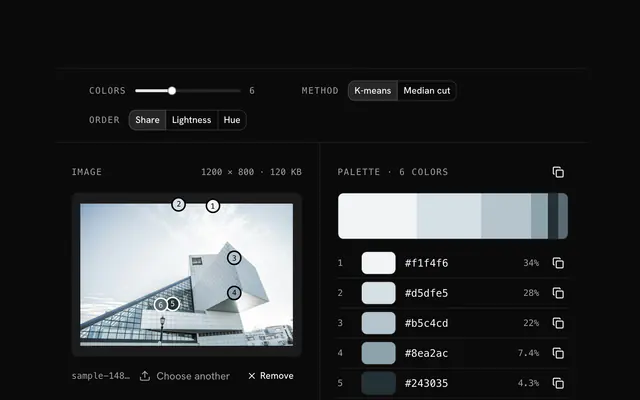
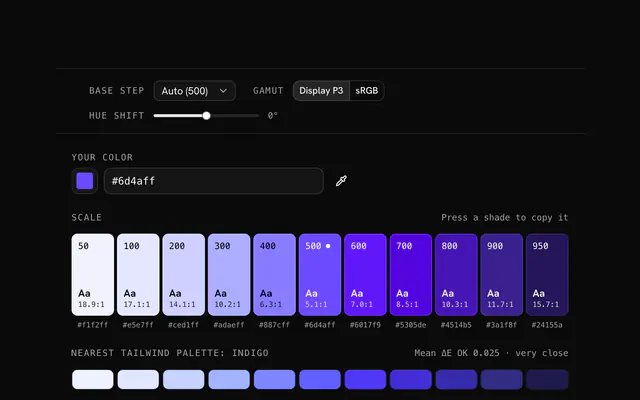
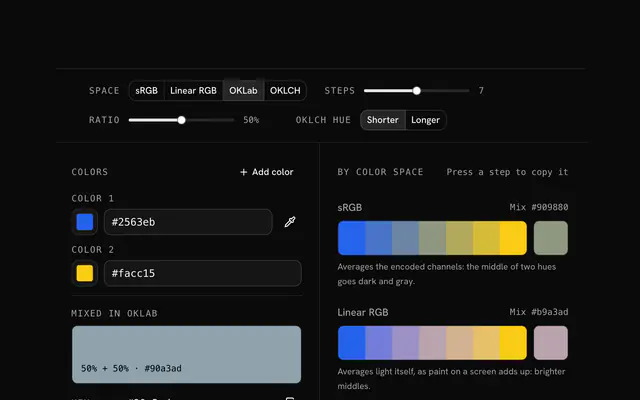
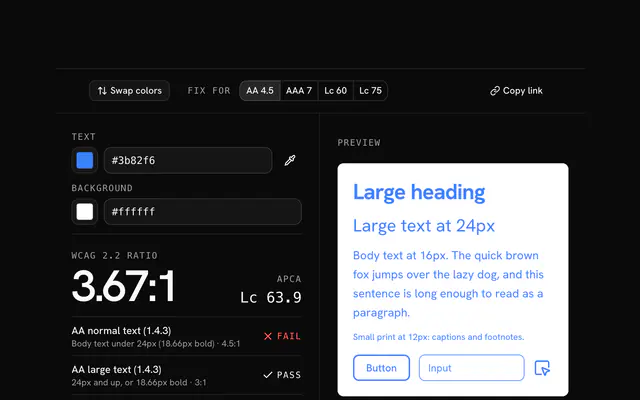
Closest to the Color palette generator: Image color palette generator, Tailwind color generator, Color mixer, Contrast checker. Each opens on its own page, free and in the browser.
The Color palette generator is one of 17 in its group. The group's page, /tools/color, lists them all.
The tool is free. Its interface is built from shadcn.io's own components (Button, Input, Slider and the rest of the registry under /ui), which come in React, Vue, Svelte and Solid. Pro adds the blocks and templates for the product around it.
4.9 out of 5 from 150+ developers


Build the product around it
Every block, template and icon, installed by your AI agent in your theme. The tools stay free.
Get Pro