User agent parser.
Your browser's User-Agent string read into browser, engine, OS and device, beside its Client Hints, screen and media features. Paste any other string, from a log or a bot, to read it too.
User agent parser.
Need the UI around it? With Pro, your AI agent builds the form, the result card and the rest of the page from a prompt.
Get ProHow it works
3 steps, no account. It runs in your browser and nothing is uploaded.
Read yours
The page opens on your own string, parsed, with the client hints and media features your browser reports.
Paste another
A line from a server log or a request header, or a sample: phones, desktops, Googlebot, GPTBot, curl.
Check what it hides
Notes flag Chrome's reduced string, frozen macOS and Windows versions, and bots that can be faked.
What a user agent no longer says
Frozen on purpose. Browsers stopped putting these details in the string to make users harder to fingerprint; the tool flags each one it sees.
The exact Chrome version
Chrome sends 141.0.0.0, not 141.0.7390.122: the minor, build and patch numbers are zeros since its user agent reduction. The full version is a client hint.
Your macOS version
Chrome, Safari and Firefox all report Mac OS X 10.15 on every newer Mac, so Sequoia and Tahoe read as Catalina.
Windows 11
Windows 10 and 11 both send Windows NT 10.0. Only the platform version hint, 13 or higher, says 11.
Your Android phone
Chrome on Android sends Android 10 and the model K on every phone; the real model and version are client hints.
Related tools
More web and SEO tools. Every one free, in the browser.
Pricing
Build it with Pro
The tool is free. Pro adds 6,000+ blocks, premium templates and the MCP server, so your AI editor builds the product around it.
4.9/5 out of 5 · 150+ reviewsfrom 150+ founders and developers.
- Secure checkout via Stripe
- Code lives in your repo
- Keep what you've shipped if you cancel
- License terms
Questions and answers
Before you trust the result: what to know about the format, the limits, your data and the tools next to it.
The User-Agent header a browser, app or bot sends with every request, also readable in JavaScript as navigator.userAgent. It names the browser, its engine and the operating system, in a format shaped by thirty years of compatibility workarounds.
Compatibility. Sites once served their best pages to Netscape (Mozilla), so other browsers claimed to be Mozilla; Chrome added AppleWebKit and Safari for the pages written for Safari, and Edge adds Chrome. Parsers read the most specific token, such as Edg/ or SamsungBrowser/, to find the real one.
Chromium's successor to the string. Sec-CH-UA (the brands), Sec-CH-UA-Mobile and Sec-CH-UA-Platform are sent with every request; the full version, the platform's version, the model and the architecture only when a site asks with an Accept-CH header, or through navigator.userAgentData. Safari and Firefox don't send them.
Rarely. Strings are frozen, faked and change with every release, so a check written today misreads tomorrow's browser. Test for the feature instead (CSS @supports, 'IntersectionObserver' in window); keep the user agent for analytics, bot handling and working around a bug in one known version.
Not from the string, which anyone can send. Look up the visiting IP's host name (it should end in googlebot.com, google.com or googleusercontent.com), then look that name up and check it returns the same IP, or compare the IP with the ranges Google publishes. Bing, OpenAI, Anthropic and others publish their own.
Your own browser's string, parsed, beside what the page can read directly: your Client Hints where the browser has them, your screen and viewport sizes, pixel ratio, and media features such as color scheme, reduced motion, pointer and hover. Use it when you report a bug or check what CSS sees on a device.
Paste it into the field, or pick one of the samples: Safari on iPhone and iPad, Chrome on Android and Mac, Samsung Internet, Edge, Firefox, Googlebot, GPTBot, ClaudeBot, Slack's link preview and curl. Use mine puts your own back.
No. The string is parsed in the page with the Bowser library, loaded the first time the tool runs, and the device facts are read from your browser's own APIs. Nothing is sent anywhere.
No. The User agent parser is free and opens without a sign-in, an account or an install.
Nothing. The User agent parser holds your input in the page's memory, so closing or reloading the tab clears it, and it saves nothing in this browser.
Bowser, an open source parser loaded the first time the tool runs, plus a list of 72 crawlers, AI agents, link previewers, monitors and HTTP clients by their published tokens. It also fixes what Bowser leaves out: Blink's version from the Chrome token, Gecko's from rv:, and the model of an Android phone.
Not from a string: Windows 10 and 11 both send Windows NT 10.0. For your own browser, if it's Chromium-based, the client hints panel reads the platform version and calls 13 or higher Windows 11.
One at a time: paste a line from the log into the field and it's parsed as you type. Anything with bot, crawler or spider in it that isn't on the list is still flagged as an unknown bot, with the token it found.
Yes. Parsing, the screen and the media features work in every browser; the client hints panel says when a browser, such as Safari or Firefox, doesn't expose them.
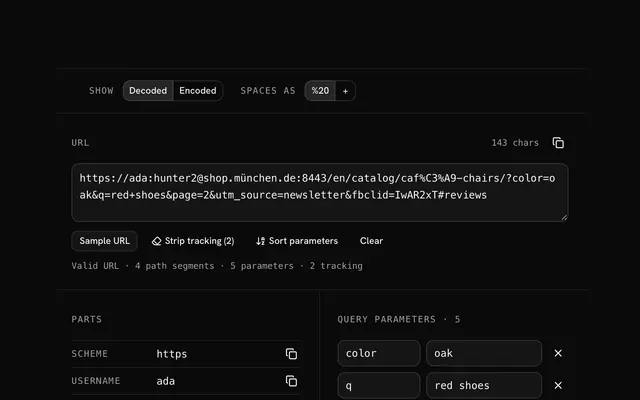
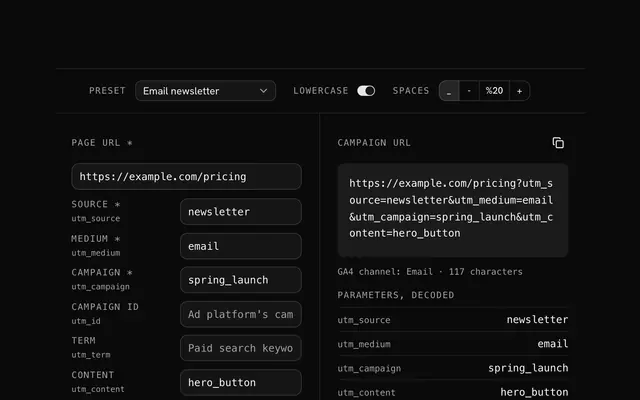
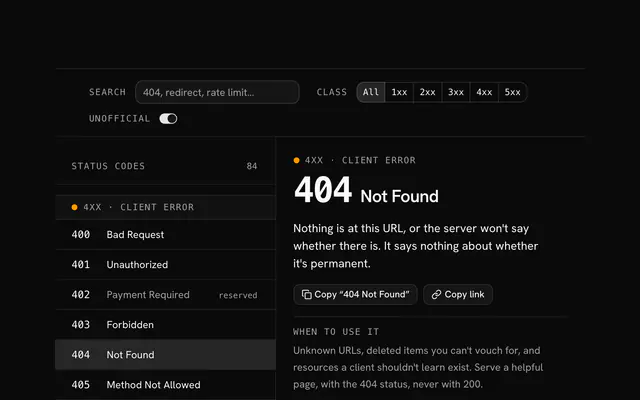
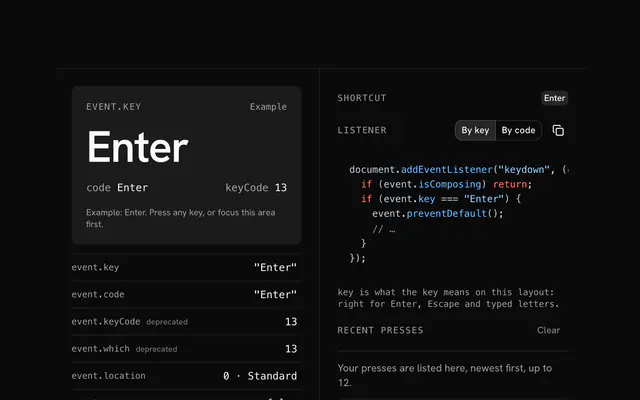
Closest to the User agent parser: URL parser, UTM builder, HTTP status codes, JavaScript key code finder. Each opens on its own page, free and in the browser.
The User agent parser is one of 14 in its group. The group's page, /tools/web, lists them all.
The tool is free. Its interface is built from shadcn.io's own components (Button, Input, Slider and the rest of the registry under /ui), which come in React, Vue, Svelte and Solid. Pro adds the blocks and templates for the product around it.
4.9 out of 5 from 150+ developers


Build the product around it
Every block, template and icon, installed by your AI agent in your theme. The tools stay free.
Get Pro