ICO to PNG converter.
Drop a favicon or Windows icon, pick one of its frames and download it as a lossless PNG with its transparency. The ICO is read on your device.
ICO to PNG converter.
Need the UI around it? With Pro, your AI agent builds the form, the result card and the rest of the page from a prompt.
Get ProHow it works
3 steps, no account. It runs in your browser and nothing is uploaded.
Drop the ICO
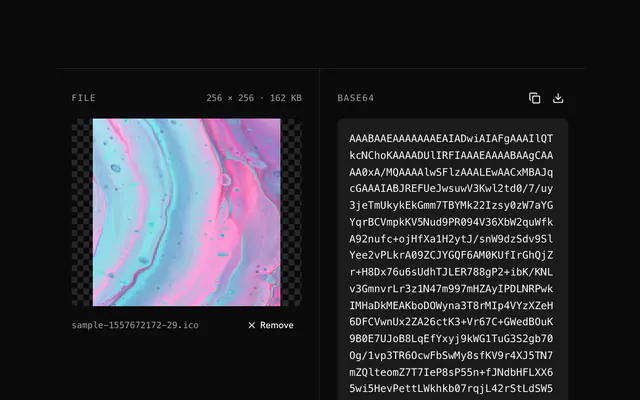
Drop the ICO onto the pane or choose it; its frames are listed, largest first.
Pick a frame
Switch between the sizes in the bar; the preview shows each one enlarged and crisp.
Download the PNG
Download the frame as a PNG with its transparency, named after the file and the size.
Related tools
More ICO tools. Every one free, in the browser.
Pricing
Build it with Pro
The tool is free. Pro adds 6,000+ blocks, premium templates and the MCP server, so your AI editor builds the product around it.
4.9/5 out of 5 · 150+ reviewsfrom 150+ founders and developers.
- Secure checkout via Stripe
- Code lives in your repo
- Keep what you've shipped if you cancel
- License terms
Questions and answers
Before you trust the result: what to know about the format, the limits, your data and the tools next to it.
Because the ICO is a container of sizes, not one picture: a favicon.ico often holds 16, 32 and 48 pixels, a Windows icon up to 256. Design tools don't open it; PNG opens everywhere and keeps the alpha, so it is the version to edit or reuse.
The largest (usually 256 or 48) when you want the artwork; the 16 or 32 when you want the exact pixel art a designer made for a tab. Every frame is in the list, so you can download each in turn.
Yes. PNG-wrapped frames already carry alpha, and bitmap frames get theirs from the ICO's AND mask (or their own alpha bytes at 32 bits), so a transparent icon comes out transparent.
Yes: Figma, Sketch, Photoshop and GIMP open PNG and not ICO, which is the point of the conversion.
Drop the ICO or choose it; its frames are listed with their sizes, largest first. Pick one in the bar and download it as a PNG named after the file and the size.
An ICO is a container: a directory of frames, each a PNG or a Windows bitmap at its own size and depth. The tool reads the directory itself, lists every frame and starts on the largest; the Frame choice in the bar switches to another.
A browser shown an ICO picks one frame itself, usually by the size it needs, so an edit made through an <img> would be a lottery. This tool parses the file instead: PNG-wrapped frames are handed to the browser's PNG decoder, bitmap frames (1 to 32 bits, with their AND mask) are decoded by hand.
No. The ICO is read and its frames decoded by JavaScript on your device; the page makes no request with your file. Load it, go offline and it still works.
No. The ICO to PNG converter is free and opens without a sign-in, an account or an install.
Up to 20 MB per file, the limit the tool states under its drop area. A larger file is refused with a plain message instead of being decoded.
An ICO can hold several sizes. The tool lists the frames, largest first, and converts the one you choose; the download is named with that frame's width. Both PNG and older BMP-style frames are read.
The chosen frame's own size in pixels: the tool doesn't scale an icon up or down.
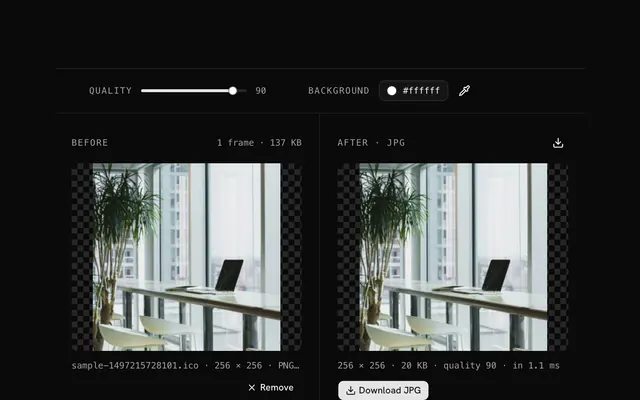
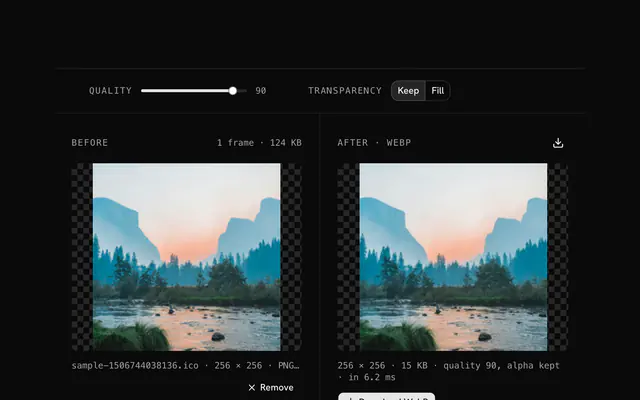
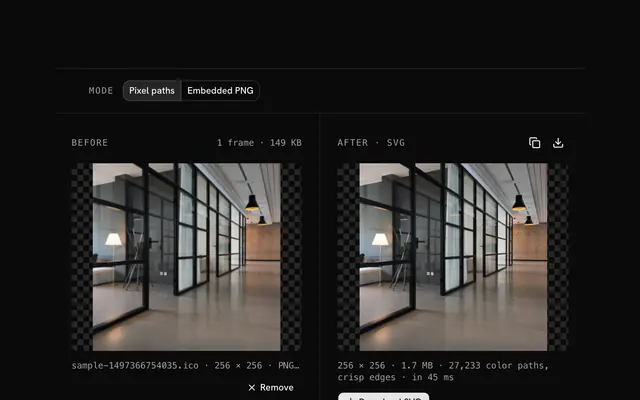
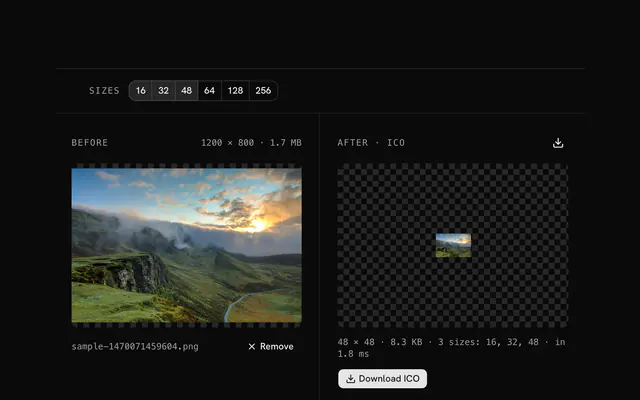
Closest to the ICO to PNG converter: ICO to JPG converter, ICO to WebP converter, ICO to SVG converter, PNG to ICO converter. Each opens on its own page, free and in the browser.
The ICO to PNG converter is one of 37 in its group. The group's page, /tools/ico, lists them all.
The tool is free. Its interface is built from shadcn.io's own components (Button, Input, Slider and the rest of the registry under /ui), which come in React, Vue, Svelte and Solid. Pro adds the blocks and templates for the product around it.
4.9 out of 5 from 150+ developers


Build the product around it
Every block, template and icon, installed by your AI agent in your theme. The tools stay free.
Get Pro