PNG to ICO converter.
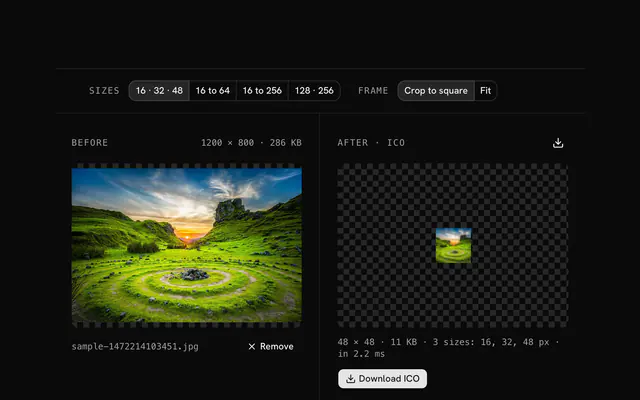
Make a favicon from a PNG: one ICO file holding every size you tick, transparency intact. The file is assembled in your browser.
PNG to ICO converter.
Need the UI around it? With Pro, your AI agent builds the form, the result card and the rest of the page from a prompt.
Get ProHow it works
3 steps, no account. It runs in your browser and nothing is uploaded.
Drop a PNG
Drop a PNG, square if you have one, at 256 pixels or more.
Choose the sizes
Tick the sizes the icon should carry; 16, 32 and 48 are on to start.
Download the ICO
Check the result, which shows the largest entry, and download the ICO.
Related tools
More PNG tools. Every one free, in the browser.

Pricing
Build it with Pro
The tool is free. Pro adds 6,000+ blocks, premium templates and the MCP server, so your AI editor builds the product around it.
4.9/5 out of 5 · 150+ reviewsfrom 150+ founders and developers.
- Secure checkout via Stripe
- Code lives in your repo
- Keep what you've shipped if you cancel
- License terms
Questions and answers
Before you trust the result: what to know about the format, the limits, your data and the tools next to it.
ICO is Microsoft's icon container, and the format a browser asks for at /favicon.ico. One file holds several sizes, so the tab, the bookmark bar and the Windows taskbar each pick the one that fits.
16 for browser tabs, 32 for shortcuts and bookmarks, 48 for the Windows taskbar; those three are on by default. Add 64, 128 and 256 for high-DPI screens and desktop icons. Each size you tick is another entry in the file.
Yes. Each entry is stored as a PNG inside the ICO, which Windows has supported since Vista and every browser reads, so the alpha channel is kept as it was.
It should be. If it isn't, the image is scaled to fit and centered in each square with transparent margins. Start from at least 256 by 256 pixels so the large entries stay sharp.
Any image the browser can decode: PNG, JPG, WebP, GIF, AVIF, BMP, ICO and SVG, up to 100 MB. The tool is named for PNG because that is where people arrive from, but the input doesn't have to be one.
Put it at the site root as favicon.ico, or link it with a rel icon tag. Modern sites also ship an SVG favicon and PNG sizes for Android and iOS; the ICO is the fallback every browser understands.
No. The file is read in your browser and every step runs there, on your device. The page makes no request with your image, so you can load it, go offline and keep working.
No. The PNG to ICO converter is free and opens without a sign-in, an account or an install.
Up to 100 MB per file, the limit the tool states under its drop area. A larger file is refused with a plain message instead of being decoded.
No, it takes one file at a time. If you drop or choose several, only the first is used; run the tool again for the next one.
Any of 16, 32, 48, 64, 128 and 256 px, 16, 32 and 48 chosen to start with, and at least one stays selected. The image is fitted and centered in each square.
No. The browser decodes the image and the tool writes a new file from its pixels, so camera EXIF, GPS position and text chunks in the original are not copied into the result. Keep the original file if you need them.
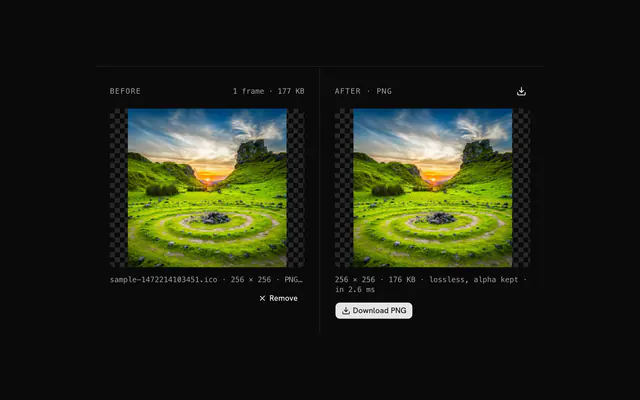
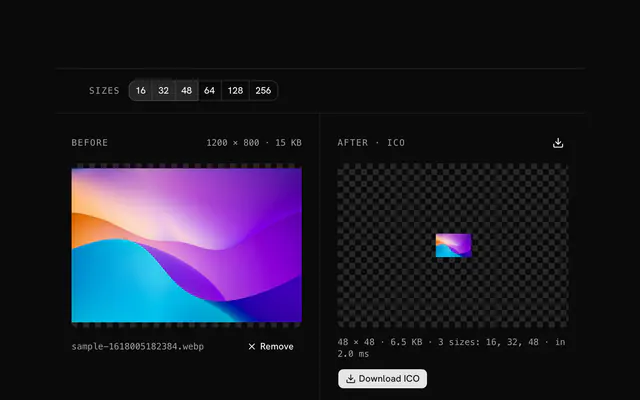
Closest to the PNG to ICO converter: ICO to PNG converter, JPG to ICO converter, SVG to ICO converter, WebP to ICO converter. Each opens on its own page, free and in the browser.
The PNG to ICO converter is one of 47 in its group. The group's page, /tools/png, lists them all.
The tool is free. Its interface is built from shadcn.io's own components (Button, Input, Slider and the rest of the registry under /ui), which come in React, Vue, Svelte and Solid. Pro adds the blocks and templates for the product around it.
4.9 out of 5 from 150+ developers


Build the product around it
Every block, template and icon, installed by your AI agent in your theme. The tools stay free.
Get Pro