ICO to JPG converter.
Drop an ICO, pick a frame, choose the quality and the background color and download a JPG that goes into any document. Read on your device.
ICO to JPG converter.
Need the UI around it? With Pro, your AI agent builds the form, the result card and the rest of the page from a prompt.
Get ProHow it works
4 steps, no account. It runs in your browser and nothing is uploaded.
Drop the ICO
Drop the ICO onto the pane or choose it; its frames are listed, largest first.
Pick a frame and quality
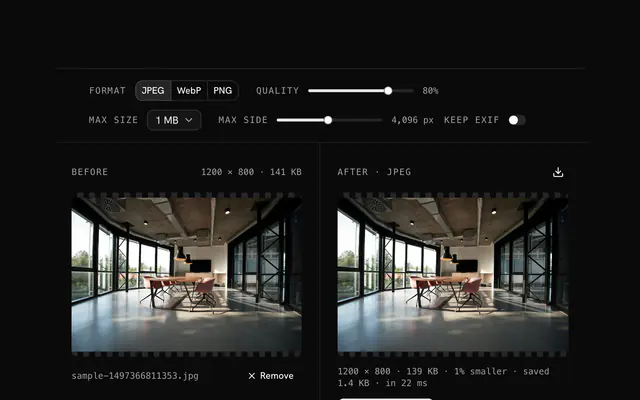
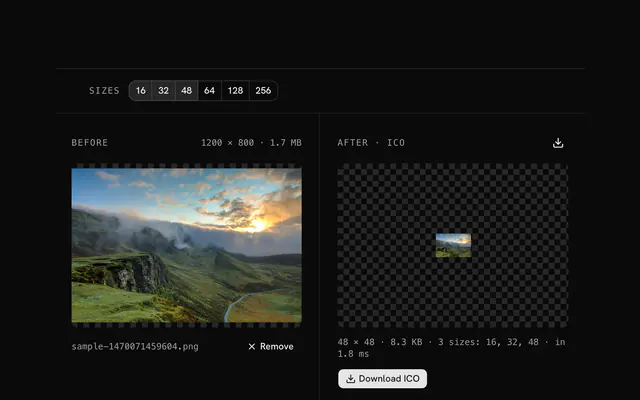
Pick the frame and move the quality slider; the after pane shows the size.
Pick a background
Choose the color that fills transparent areas, white by default.
Download
Download the JPG, named after the file and the size.
Related tools
More ICO tools. Every one free, in the browser.
Pricing
Build it with Pro
The tool is free. Pro adds 6,000+ blocks, premium templates and the MCP server, so your AI editor builds the product around it.
4.9/5 out of 5 · 150+ reviewsfrom 150+ founders and developers.
- Secure checkout via Stripe
- Code lives in your repo
- Keep what you've shipped if you cancel
- License terms
Questions and answers
Before you trust the result: what to know about the format, the limits, your data and the tools next to it.
JPG has no alpha channel, so transparent pixels have to become some color. White is the default; pick your document's background, a brand color or black for dark slides.
90 for most uses; 100 for print or pixel-exact output; 70 to 80 when the file size matters more. Icons are small, so even 100 gives a small file.
Any of them: the bar lists every frame and you choose. Take the largest for quality or a specific size for exact dimensions.
Word, PowerPoint, email signatures and print: places that want a solid picture and don't open ICO. For anything that keeps transparency, use ICO to PNG instead.
Drop the ICO, pick the frame, set the quality and the background, and download. The after pane re-encodes after each change and shows the size.
An ICO is a container: a directory of frames, each a PNG or a Windows bitmap at its own size and depth. The tool reads the directory itself, lists every frame and starts on the largest; the Frame choice in the bar switches to another.
No. The ICO is read and its frames decoded by JavaScript on your device; the page makes no request with your file. Load it, go offline and it still works.
No. The ICO to JPG converter is free and opens without a sign-in, an account or an install.
Nothing. The ICO to JPG converter holds your input in the page's memory, so closing or reloading the tab clears it, and it saves nothing in this browser.
Up to 20 MB per file, the limit the tool states under its drop area. A larger file is refused with a plain message instead of being decoded.
An ICO can hold several sizes. The tool lists the frames, largest first, and converts the one you choose; the download is named with that frame's width. Both PNG and older BMP-style frames are read.
The chosen frame's own size in pixels: the tool doesn't scale an icon up or down.
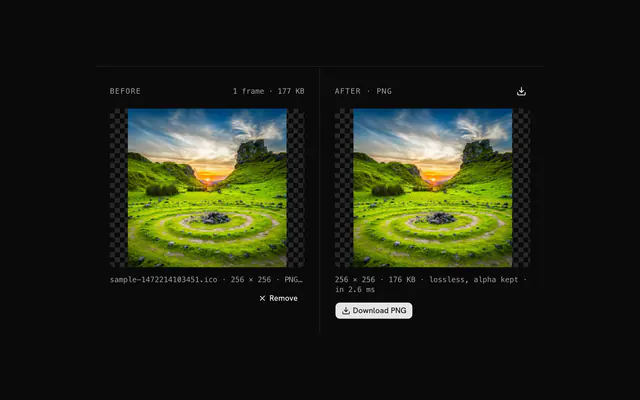
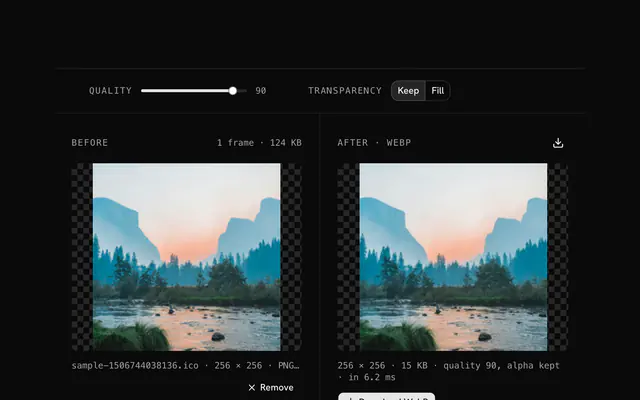
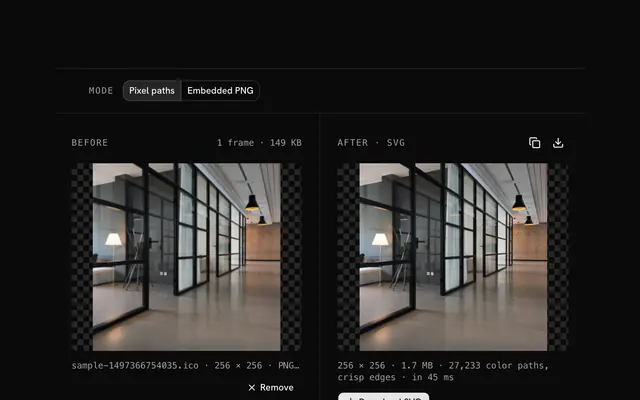
Closest to the ICO to JPG converter: ICO to PNG converter, ICO to WebP converter, ICO to SVG converter, JPG compressor. Each opens on its own page, free and in the browser.
The ICO to JPG converter is one of 37 in its group. The group's page, /tools/ico, lists them all.
The tool is free. Its interface is built from shadcn.io's own components (Button, Input, Slider and the rest of the registry under /ui), which come in React, Vue, Svelte and Solid. Pro adds the blocks and templates for the product around it.
4.9 out of 5 from 150+ developers


Build the product around it
Every block, template and icon, installed by your AI agent in your theme. The tools stay free.
Get Pro