ICO tools.
Favicons and Windows icons: make, convert and fix ICO files. 37 tools, free, each running in your browser with nothing uploaded.
Every one of the ICO tools
37 tools.
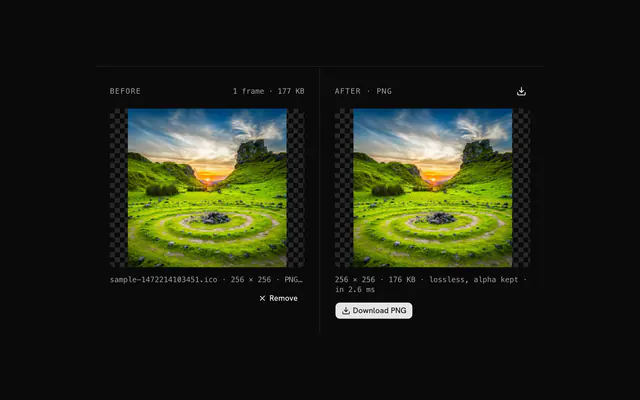 ICO to PNG converterConvertDrop a favicon or Windows icon, pick one of its frames and download it as a lossless PNG with its transparency.
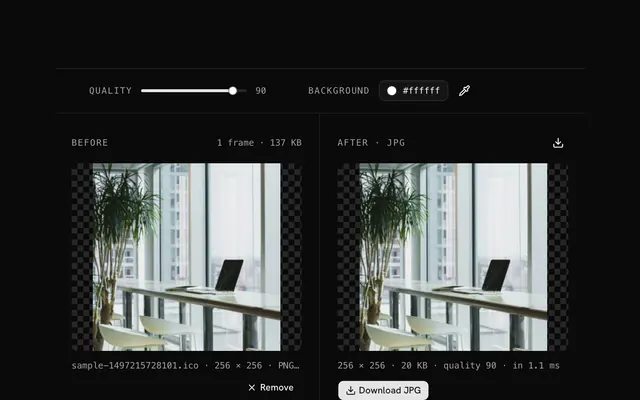 ICO to JPG converterConvertDrop an ICO, pick a frame, choose the quality and the background color and download a JPG that goes into any document.
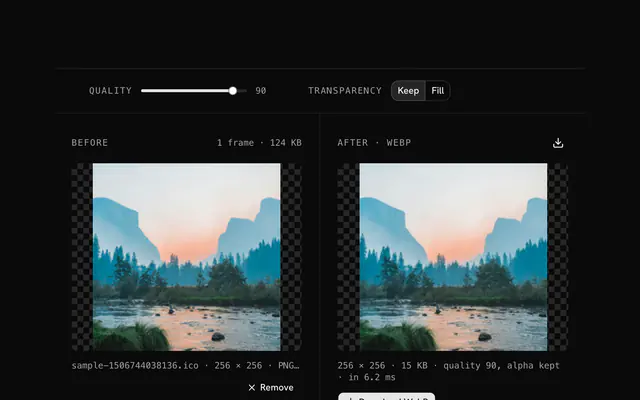 ICO to WebP converterConvertDrop an ICO, pick a frame and download it as a WebP with its transparency kept or filled, at the quality you choose.
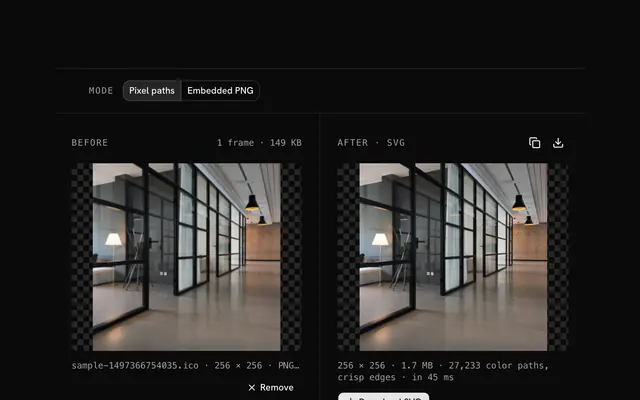 ICO to SVG converterConvertDrop a favicon and get an SVG of its pixels: one crisp path per color you can edit, or the PNG wrapped as an image.
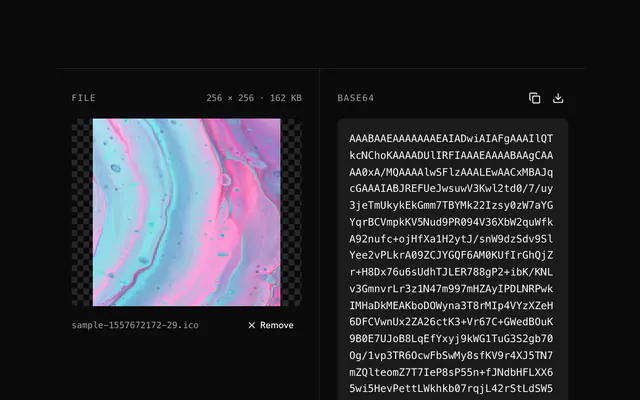 ICO to Base64 encoderBase64 and data URIsDrop a favicon.ico and get its bytes, every size inside, as one Base64 string for a config or a pipeline.
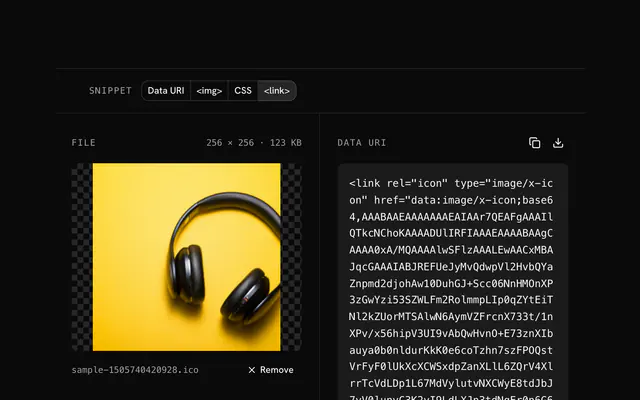 ICO to data URI converterBase64 and data URIsDrop a favicon.ico and get a data:image/x-icon;base64 URI as a ready <link> tag, bare, or in an <img> or CSS.
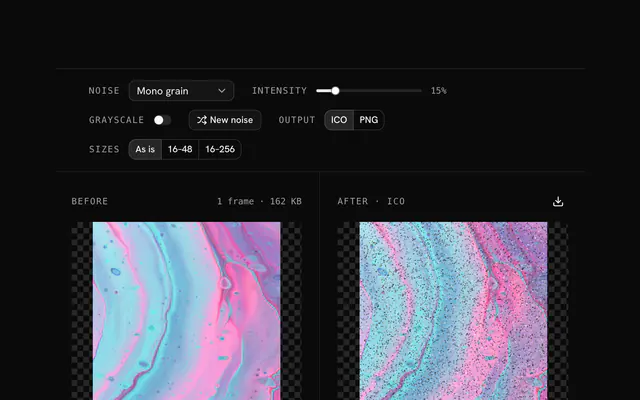 ICO noise generatorGrain and textureDrop a favicon or Windows icon and add grain, texture or static in five modes, then download it as an ICO at the sizes you need.
 Add grain to a faviconGrain and textureDrop a favicon and give it a grain that still reads in a browser tab.
 Distressed favicon generatorGrain and textureDrop a favicon and wear it down: aged, grungy or just a little used, with grain in grey or in the icon's own colors.
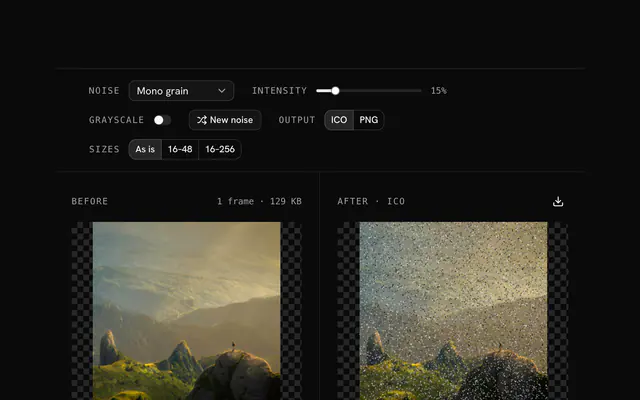 ICO static effect toolGrain and textureDrop a favicon and bury it in static, a little or completely, in grey, color or a glitch palette.
 Retro favicon effect generatorGrain and textureDrop a favicon and send it back a few decades: 8-bit grain, Windows 95 dither, Mac 1-bit noise or a console palette.
 Windows icon noise effectGrain and textureDrop a Windows icon and texture it: grain on a folder, a distressed shortcut, a Windows 95 dither.
Need the product around them? With Pro, your AI agent builds the form, the result card and the rest of the page from a prompt, in your theme.
Get ProOther categories
More free tools. Every category runs in the browser, with nothing uploaded.

Pricing
Free tools, and the product around them with Pro
The tools are free. Pro adds 6,000+ blocks, premium templates and the MCP server, so your AI editor builds the product around them.
4.9/5 out of 5 · 150+ reviewsfrom 150+ founders and developers.
- Secure checkout via Stripe
- Code lives in your repo
- Keep what you've shipped if you cancel
- License terms
FAQ
Frequently asked questions
What the ICO tools can and can't do, how they treat your files and which to pick.
37 free tools handle ICO: converters to PNG, JPG, WebP and SVG, Base64 and data URI encoders, a grain generator, and tools that recolor, tone, fade or clear a color on an icon. They all run in your browser.
An ICO is a container that can hold several sizes of one icon, each a PNG or an older BMP-style frame, so Windows and browsers pick the size they need. A favicon.ico usually carries 16, 32 and 48 px frames.
To make one, use the converters in the other image categories: PNG to ICO, JPG to ICO, WebP to ICO and SVG to ICO each write a multi-size ICO. The ICO tools on this page read ICO files, and the grain generator can also write one.
The ICO to PNG converter lists every frame in the file, largest first, and converts the one you choose to a PNG with its alpha kept. The download is named with that frame's width, for example icon-256.png.
Yes. ICO to JPG and ICO to WebP both start at quality 90. JPG has no transparency, so it fills transparent pixels with a Background color (white to start); the WebP converter keeps the alpha by default, or you can switch Transparency to Fill and pick a background.
The ICO to SVG converter has two modes. Pixel paths turns each pixel into a crisp rectangle, grouped into one path per color, so the SVG is real vectors you can edit; Embedded PNG wraps the frame as one image element. Neither traces smooth curves, so it suits small pixel icons.
The ICO to Base64 tool encodes the whole file, so every frame stays in the string, and the ICO to data URI tool outputs a data URI, an img tag or a CSS rule. Both read files up to 20 MB and leave the bytes unchanged.
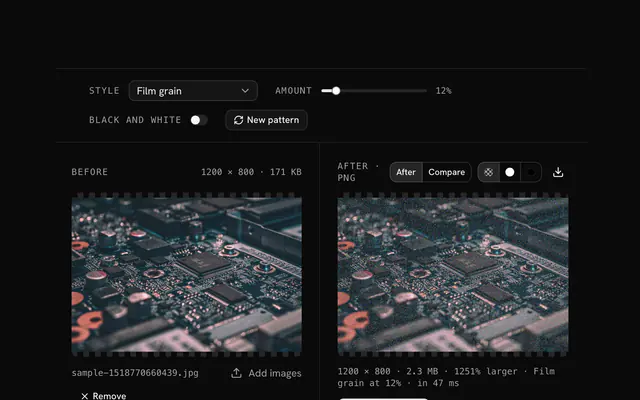
The ICO grain generator repaints a share of pixels, set by Intensity, in one of five modes (random pixels, mono grain, color variation, palette noise, custom colors), with a Grayscale switch. It works on the frame you choose and writes an ICO or a PNG.
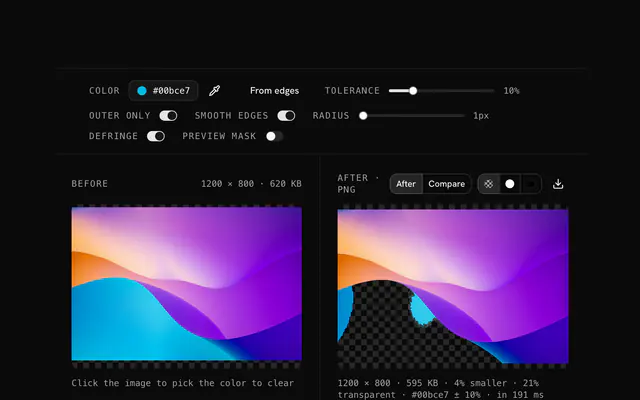
The transparency creator clears a chosen color (the dominant edge color by default) within a tolerance of up to 50 percent; Outer only keeps matching colors inside the icon. It writes a PNG, which you can turn back into an ICO with the PNG to ICO converter.
The color replacer swaps one color for another within a tolerance, and the color tone changer gives the whole icon one hue, such as a brand color. Both write a PNG and have a preview or strength control.
The opacity changer scales the alpha channel from 0 to 100 percent, solid or as a linear or radial fade, and writes a PNG. These shared tools open the ICO as the single image your browser decodes from it.
The tools read both kinds of frame an ICO can hold: PNG frames, which your browser decodes, and older Windows BMP-style frames (with their AND mask), which the tool decodes itself. A frame it cannot decode is skipped; a file with none gets an error message.
Sizes from 16 to 256 px. The tool lists the frames largest first, and you choose one; it never scales an icon up, so the converted file is the frame's own size.
The ICO grain generator writes an ICO with PNG frames at the frame's own size (As is), at 16, 32 and 48 px, or at 16, 32, 48, 64, 128 and 256 px. It can also write a single PNG instead.
Yes. Drop a PNG, JPG or other image on a tool that reads ICOs and it is treated as a single frame, so you can use the same converters without an ICO file.
No. The ICO is parsed and decoded in your browser, and no tool sends your file to a server.
20 MB per ICO file for the ICO tools; a larger file is refused with a message. Icons are small, so this is rarely a limit.
No, each tool takes one file at a time, and if you drop several only the first is used.
The converters and the grain generator write a new file from the chosen frame's pixels, so only that frame is carried over. The Base64 and data URI tools keep the file's bytes, every frame included.
4.9 out of 5 from 150+ developers


Build the product around them
Every block, template and icon, installed by your AI agent in your theme. The tools stay free.
Get Pro