Open Graph image generator.
Design the picture a link shows when it's shared, at 1200 × 630, and take its meta tags and a Next.js file with it.
Open Graph image generator.
Need the UI around it? With Pro, your AI agent builds the form, the result card and the rest of the page from a prompt.
Get ProHow it works
4 steps, no account. It runs in your browser and nothing is uploaded.
Write the card
Type the title, a description, a tag and your site; the preview redraws as you type.
Pick the look
Choose a layout, a font and a background: a gradient, a mesh, a solid color or your own photo.
Add your logo
Keep the letter mark on your accent color, or choose a PNG or SVG logo to draw in its place.
Save and ship it
Download a 1200 × 630 PNG or JPG, then copy the meta tags or the Next.js opengraph-image file.
Related tools
More design tools. Every one free, in the browser.
Pricing
Build it with Pro
The tool is free. Pro adds 6,000+ blocks, premium templates and the MCP server, so your AI editor builds the product around it.
4.9/5 out of 5 · 150+ reviewsfrom 150+ founders and developers.
- Secure checkout via Stripe
- Code lives in your repo
- Keep what you've shipped if you cancel
- License terms
Questions and answers
Before you trust the result: what to know about the format, the limits, your data and the tools next to it.
It's the picture a link shows when it's shared on LinkedIn, Facebook, Slack, Discord, iMessage or X. The page names it in an og:image meta tag, and each platform fetches it when the link is first posted. A clear card with the page's title draws more clicks than a cropped photo or a blank box.
1200 × 630 pixels, a 1.91:1 ratio, which every major platform shows without cropping its middle. That's the size made here, and 2× saves 2400 × 1260 for sharper cards on high-density screens. Keep words away from the edges, since some apps round or trim the corners.
No. LinkedIn reads og:image, and X's summary_large_image card shows the same 1200 × 630 picture. The meta tags here set both the Open Graph tags and X's own, so one image covers every platform.
A file named opengraph-image.tsx in a route makes Next.js draw the card with ImageResponse at build time and add the og:image tags for you. It suits many pages that share one design, such as blog posts, since the title can come from the page's data. For a single page, the saved PNG with the meta tags is simpler.
No. The card is drawn on a canvas in your browser, and a photo or logo you choose is read from your device and never sent anywhere. The PNG is made on your device too.
Sans is Hanken Grotesk, the font this site uses; Serif and Mono use your system's serif and monospace fonts. The Next.js file names a free font close to each (Hanken Grotesk, Source Serif 4, JetBrains Mono) to put in assets/, since ImageResponse needs the font file itself.
About 60 characters reads in full on most cards and in search results. The title shrinks to fit its lines, and past that it ends with an ellipsis. The status line under the preview counts the title's and the description's characters as you type.
Platforms cache the image they fetched first, sometimes for days. Ask them to fetch it again with LinkedIn's Post Inspector or Facebook's Sharing Debugger, or share the link with a query string added. The image URL in the meta tags must be a full https:// address.
No. The Open Graph image generator is free and opens without a sign-in, an account or an install.
Nothing. The Open Graph image generator holds your input in the page's memory, so closing or reloading the tab clears it, and it saves nothing in this browser.
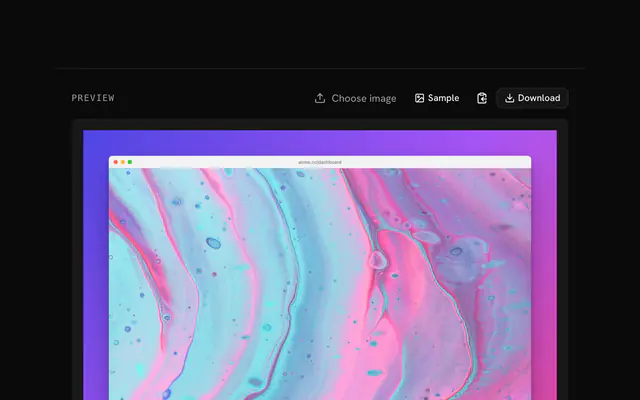
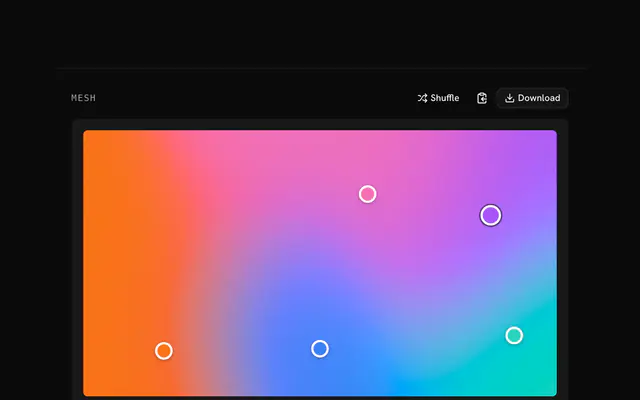
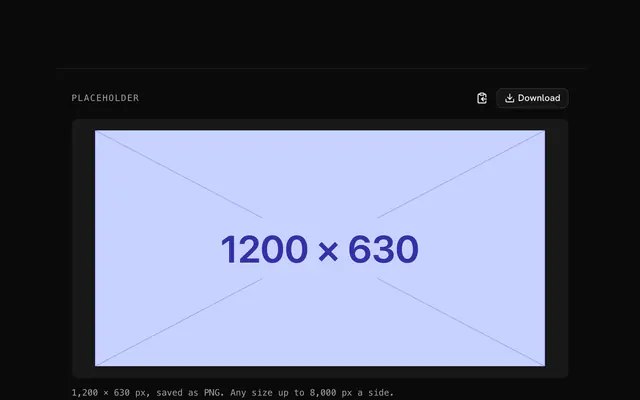
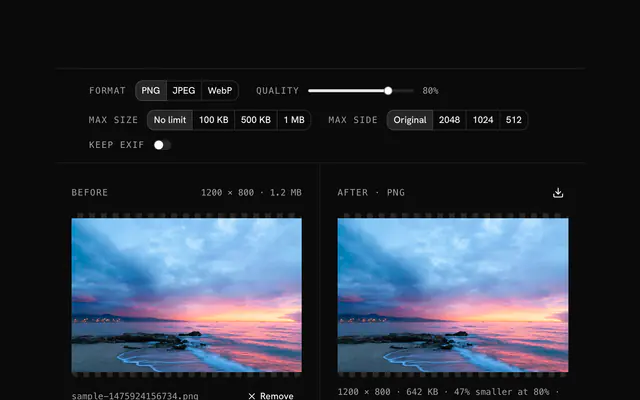
Closest to the Open Graph image generator: Screenshot beautifier, Mesh gradient generator, Placeholder image generator, PNG compressor. Each opens on its own page, free and in the browser.
The Open Graph image generator is one of 11 in its group. The group's page, /tools/design, lists them all.
The tool is free. Its interface is built from shadcn.io's own components (Button, Input, Slider and the rest of the registry under /ui), which come in React, Vue, Svelte and Solid. Pro adds the blocks and templates for the product around it.
4.9 out of 5 from 150+ developers


Build the product around it
Every block, template and icon, installed by your AI agent in your theme. The tools stay free.
Get Pro