Mesh gradient generator.
Drag colored points across a canvas and they blend into a soft mesh gradient, ready as an image, an SVG or CSS.
Mesh gradient generator.
Need the UI around it? With Pro, your AI agent builds the form, the result card and the rest of the page from a prompt.
Get ProHow it works
3 steps, no account. It runs in your browser and nothing is uploaded.
Place the colors
Pick a palette, then drag the points on the preview or select one and change its color.
Shape the blend
Set softness, warp and grain, or press Shuffle for a new layout from a new seed.
Save it
Choose a size and a format and download the picture, or copy the CSS, Tailwind or SVG.
Related tools
More design tools. Every one free, in the browser.
Pricing
Build it with Pro
The tool is free. Pro adds 6,000+ blocks, premium templates and the MCP server, so your AI editor builds the product around it.
4.9/5 out of 5 · 150+ reviewsfrom 150+ founders and developers.
- Secure checkout via Stripe
- Code lives in your repo
- Keep what you've shipped if you cancel
- License terms
Questions and answers
Before you trust the result: what to know about the format, the limits, your data and the tools next to it.
A background where a few colors melt into each other with no hard stops, like the soft color fields behind many product sites and app screens. Each point is one color, and every pixel blends the points near it, weighted by distance.
Hero and section backgrounds, Open Graph images, wallpapers, slides and app placeholders. A size preset sets the picture for each: desktop, QHD, 4K, square, phone, Open Graph and X header, or any size up to 8,192 pixels a side.
The colors are blended in OKLab, a color space where mixes stay bright instead of turning grey or muddy between two hues. Softness sets how far each point reaches, and Warp bends the borders between colors into curves.
CSS can't blend several points in OKLab, so the CSS and Tailwind versions are radial gradients over the colors' average, close to the picture at the default softness. For the exact look, save the picture or use the SVG.
No. The gradient is drawn in your browser, pixel by pixel, and nothing is sent anywhere. Large exports are drawn a band of rows at a time so the page stays responsive.
Drag a point on the preview, or select it and use the arrow keys (Shift for bigger steps). Add points up to eight, remove them down to three, and change a selected point's color.
PNG, WebP or JPG at the chosen size, or a PNG copied to the clipboard. The code tabs give CSS, a Tailwind class and an SVG, each to copy, and the CSS and SVG to download.
Yes. Shuffle picks a new seed, and the seed places the points and the grain, so the same seed and settings always draw the same gradient. Type a word in Seed to come back to a layout you liked.
Grain adds fine film noise on top, which hides banding on wide, slow blends and gives a printed feel. It's in the picture, the SVG and the CSS, where it's a tiled noise layer.
No. The Mesh gradient generator is free and opens without a sign-in, an account or an install.
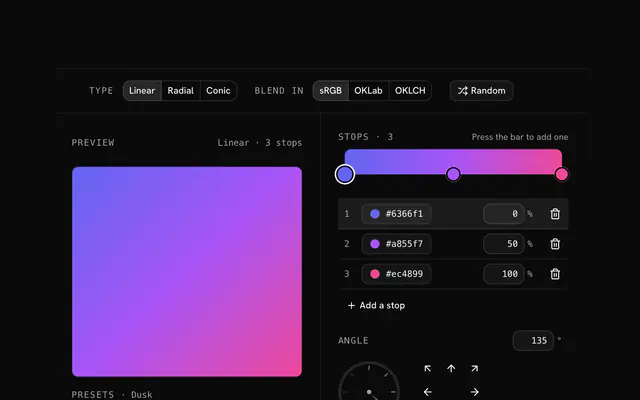
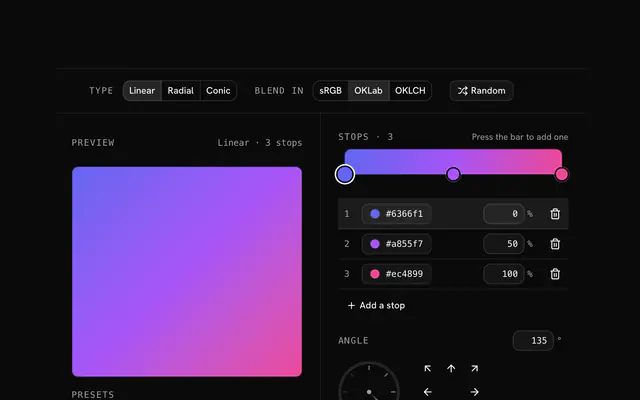
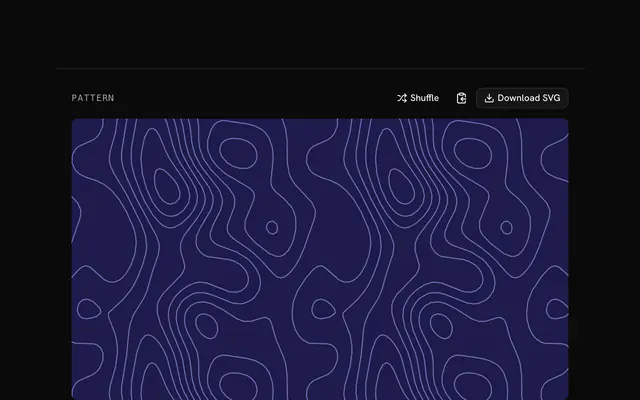
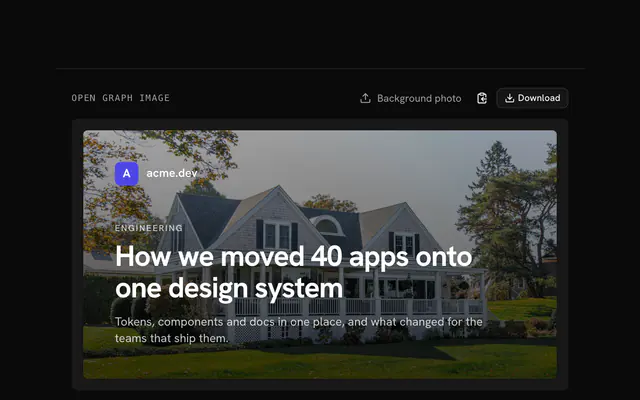
Closest to the Mesh gradient generator: CSS gradient generator, Tailwind gradient generator, SVG pattern generator, Open Graph image generator. Each opens on its own page, free and in the browser.
The Mesh gradient generator is one of 11 in its group. The group's page, /tools/design, lists them all.
The tool is free. Its interface is built from shadcn.io's own components (Button, Input, Slider and the rest of the registry under /ui), which come in React, Vue, Svelte and Solid. Pro adds the blocks and templates for the product around it.
4.9 out of 5 from 150+ developers


Build the product around it
Every block, template and icon, installed by your AI agent in your theme. The tools stay free.
Get Pro