PNG to GIF converter.
Write a real GIF from a PNG, in the browser. Pick how many colors it gets, whether they are dithered, and where its one-bit transparency cuts.
PNG to GIF converter.
Need the UI around it? With Pro, your AI agent builds the form, the result card and the rest of the page from a prompt.
Get ProHow it works
4 steps, no account. It runs in your browser and nothing is uploaded.
Drop a PNG
Drop a PNG, or any image, onto the pane.
Choose the palette
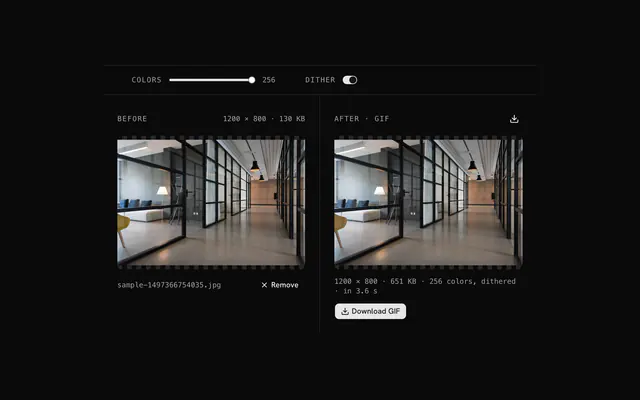
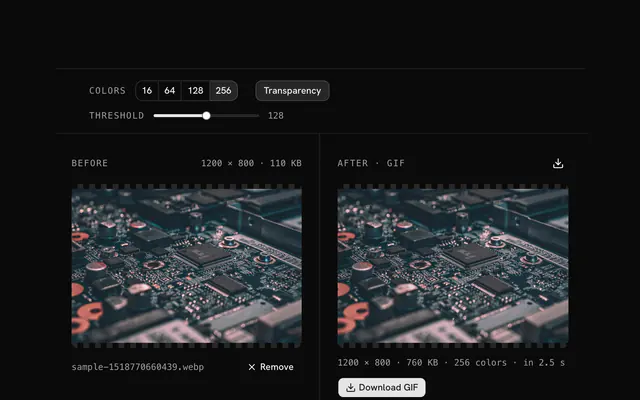
Move the colors slider from 2 to 256 and turn dithering on or off; the result shows the palette's effect.
Decide the transparency
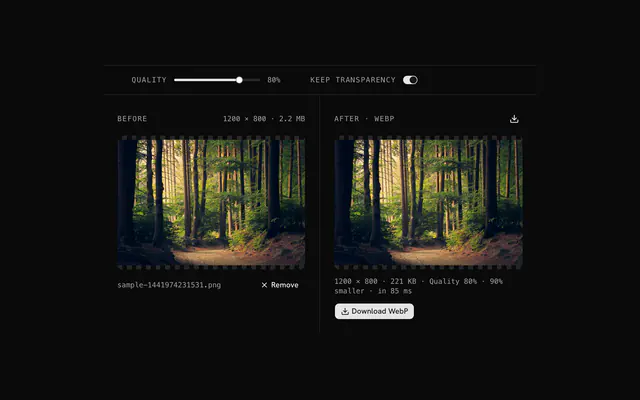
Keep transparency and set the alpha threshold, or turn it off and pick a background color.
Download
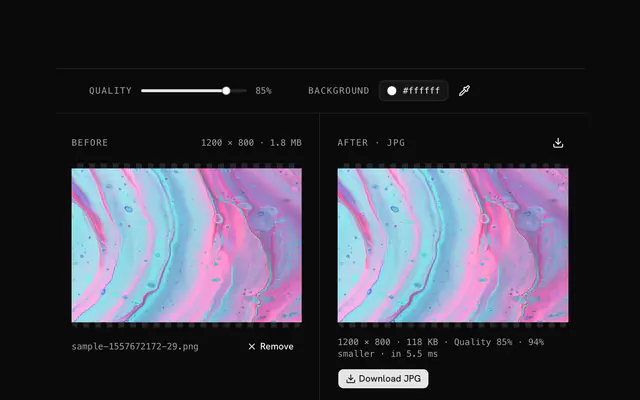
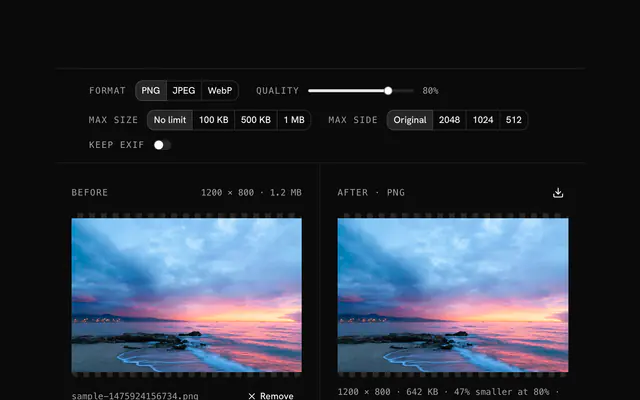
Compare the panes and download the GIF.
Related tools
More PNG tools. Every one free, in the browser.

Pricing
Build it with Pro
The tool is free. Pro adds 6,000+ blocks, premium templates and the MCP server, so your AI editor builds the product around it.
4.9/5 out of 5 · 150+ reviewsfrom 150+ founders and developers.
- Secure checkout via Stripe
- Code lives in your repo
- Keep what you've shipped if you cancel
- License terms
Questions and answers
Before you trust the result: what to know about the format, the limits, your data and the tools next to it.
Compatibility and small graphics. GIF has opened in every browser, email client and viewer since the 1990s, and for a logo or icon with few colors it is small. For photographs use JPG or WebP; 256 colors is not enough.
A GIF stores a palette of up to 256 colors and one index per pixel. That is why it suits flat graphics and fails on gradients and photos, where the tool must pick 256 colors to stand in for thousands.
A pixel is either fully transparent or fully opaque; there is no partial alpha. The threshold decides: a pixel whose alpha is below it becomes transparent, the rest opaque. For soft edges keep PNG or use WebP.
Browsers decode GIF but don't encode it, so this page carries its own encoder: a median-cut quantizer picks the palette, Floyd–Steinberg dithering spreads the error, and an LZW coder writes the GIF89a bytes. All of it in your browser.
Fewer colors, smaller file. A two-color logo needs 2 or 4; a flat illustration 32 to 64; anything with shading the full 256. Dithering hides banding at low counts but adds speckle, so turn it off for flat art.
Move the threshold. Semi-transparent edge pixels with alpha above it stay and take on the image's color; below it they vanish. Around 128 is a fair default; raise it if a halo shows, lower it if edges look eaten.
No. The file is read in your browser and every step runs there, on your device. The page makes no request with your image, so you can load it, go offline and keep working.
No. The PNG to GIF converter is free and opens without a sign-in, an account or an install.
Nothing. The PNG to GIF converter holds your input in the page's memory, so closing or reloading the tab clears it, and it saves nothing in this browser.
Up to 100 MB per file, the limit the tool states under its drop area. A larger file is refused with a plain message instead of being decoded.
No, it takes one file at a time. If you drop or choose several, only the first is used; run the tool again for the next one.
No. It writes one still frame: a GIF with a palette of up to 256 colors, optionally dithered. Animation in the source is not kept.
No. The browser decodes the image and the tool writes a new file from its pixels, so camera EXIF, GPS position and text chunks in the original are not copied into the result. Keep the original file if you need them.
Closest to the PNG to GIF converter: PNG to JPG converter, PNG to WebP converter, PNG compressor, JPG to GIF converter. Each opens on its own page, free and in the browser.
The PNG to GIF converter is one of 47 in its group. The group's page, /tools/png, lists them all.
The tool is free. Its interface is built from shadcn.io's own components (Button, Input, Slider and the rest of the registry under /ui), which come in React, Vue, Svelte and Solid. Pro adds the blocks and templates for the product around it.
4.9 out of 5 from 150+ developers


Build the product around it
Every block, template and icon, installed by your AI agent in your theme. The tools stay free.
Get Pro