WebP compressor.
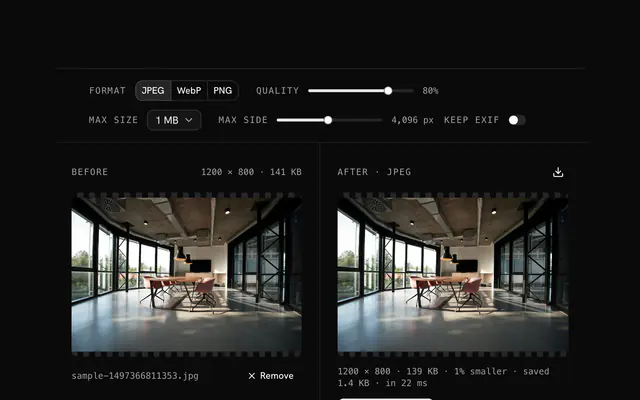
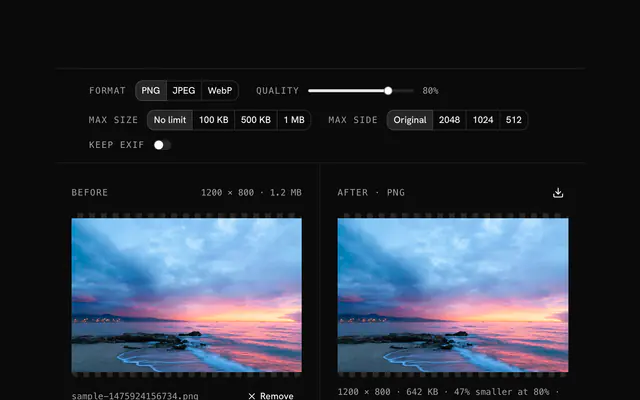
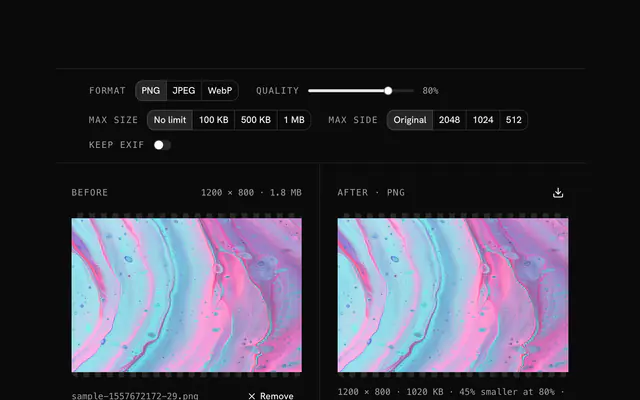
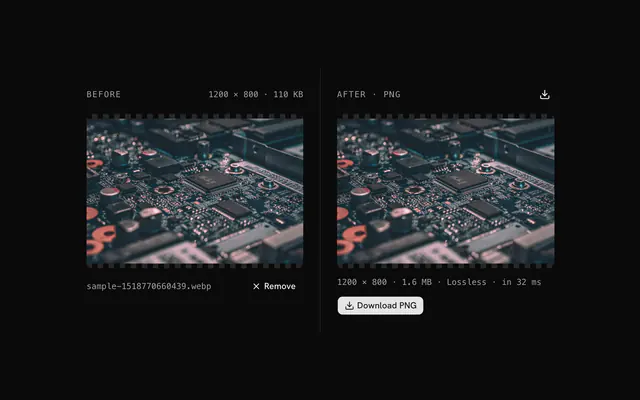
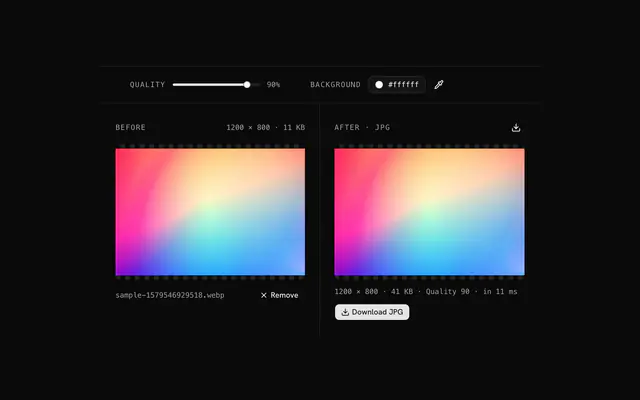
Compress a WebP, or convert a PNG or JPG to WebP, with the quality, size limit and longest side you choose. The saving shows before you download.
WebP compressor.
Need the UI around it? With Pro, your AI agent builds the form, the result card and the rest of the page from a prompt.
Get ProHow it works
3 steps, no account. It runs in your browser and nothing is uploaded.
Drop an image
Drop a WebP, PNG, JPG, GIF or AVIF on the pane.
Set the compression
Choose the format, the quality, a size limit and the longest side.
Download
Compare the preview and the saving, then download the file.
Related tools
More WebP tools. Every one free, in the browser.

Pricing
Build it with Pro
The tool is free. Pro adds 6,000+ blocks, premium templates and the MCP server, so your AI editor builds the product around it.
4.9/5 out of 5 · 150+ reviewsfrom 150+ founders and developers.
- Secure checkout via Stripe
- Code lives in your repo
- Keep what you've shipped if you cancel
- License terms
Questions and answers
Before you trust the result: what to know about the format, the limits, your data and the tools next to it.
WebP is Google's web image format, with better compression than JPEG and PNG: at the same visual quality a WebP is typically 25 to 35% smaller than a JPEG. It also carries transparency like PNG and animation like GIF, so one format covers photos, logos and icons.
75 to 85 for the web: excellent quality, strong compression. WebP holds up at lower settings than JPEG, so 70 is often fine, and 60 to 70 gives the smallest file that still looks acceptable. The preview is the actual output.
Every current browser: Chrome, Firefox, Safari 14 and later, Edge and Opera, over 97% of users. Only Internet Explorer and Safari 13 or older lack it; serve a JPEG or PNG fallback with a picture element if they matter.
Yes, with an 8-bit alpha channel like PNG and at a fraction of the size. That makes it the right format for logos, icons and product shots on a transparent background.
Yes. Drop any image and keep WebP as the format: a JPEG or PNG typically comes out 25 to 50% smaller at the same look. Pick JPG or PNG as the output to go the other way, or AVIF where the browser encodes it.
No. The browser decodes the file, a canvas does the work and the result is built on your device; the page makes no request with your image. You can load it, go offline and keep working.
Drop the image, set the quality, choose a size limit and a longest side, and download the result. Each change re-encodes the image and the status line says how much smaller it is.
Pick a limit under Under and the compressor lowers the quality, then the size, until the file fits. If it still can't, the status says so: lower the longest side, since a smaller image is the surest way down.
The encoder is browser-image-compression, loaded when the first image is dropped and run in a web worker so the page stays responsive. The output is what the browser's own WebP, JPEG, PNG or AVIF encoder writes.
No. The WebP compressor is free and opens without a sign-in, an account or an install.
Nothing. The WebP compressor holds your input in the page's memory, so closing or reloading the tab clears it, and it saves nothing in this browser.
No, it takes one file at a time. If you drop or choose several, only the first is used; run the tool again for the next one.
Yes. It has no Keep EXIF option: the re-encoded file carries pixels only, so camera, GPS and date fields in the original are dropped.
It always writes a new file in the format you picked, and the status line reports how much smaller or larger it is. If a Max size cap is still exceeded it says so and suggests lowering the side.
Closest to the WebP compressor: JPG compressor, PNG compressor, Image converter, Optimize images for a website. Each opens on its own page, free and in the browser.
The WebP compressor is one of 44 in its group. The group's page, /tools/webp, lists them all.
The tool is free. Its interface is built from shadcn.io's own components (Button, Input, Slider and the rest of the registry under /ui), which come in React, Vue, Svelte and Solid. Pro adds the blocks and templates for the product around it.
4.9 out of 5 from 150+ developers


Build the product around it
Every block, template and icon, installed by your AI agent in your theme. The tools stay free.
Get Pro