WebP tools.
Convert, compress and edit WebP files without uploading them. 44 tools, free, each running in your browser with nothing uploaded.
Every one of the WebP tools
44 tools.
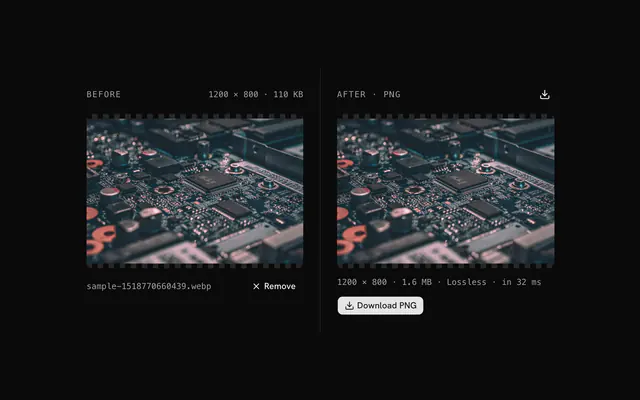 WebP to PNG converterConvertTurn a WebP into a PNG that opens anywhere.
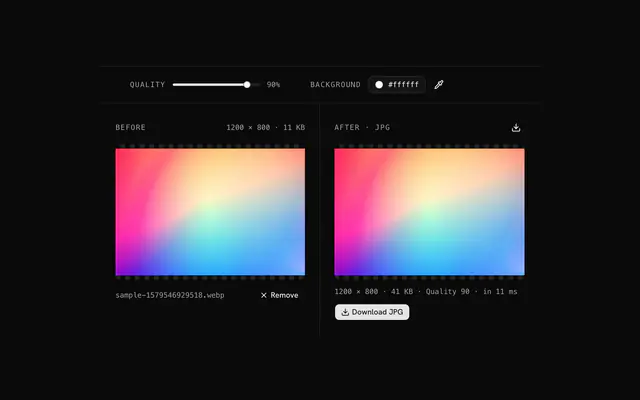 WebP to JPG converterConvertTurn a WebP into a JPG with the quality you choose.
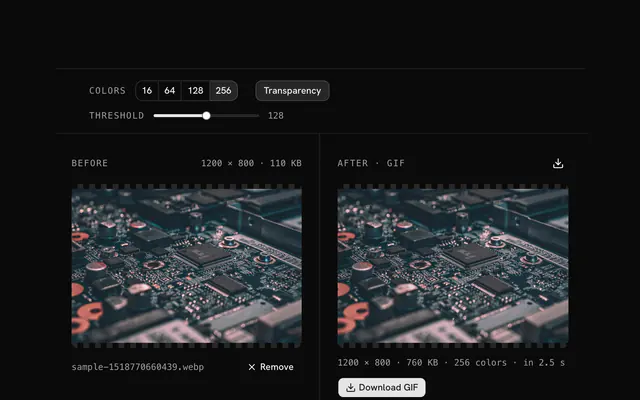 WebP to GIF converterConvertTurn a WebP into a GIF with a palette of up to 256 colors.
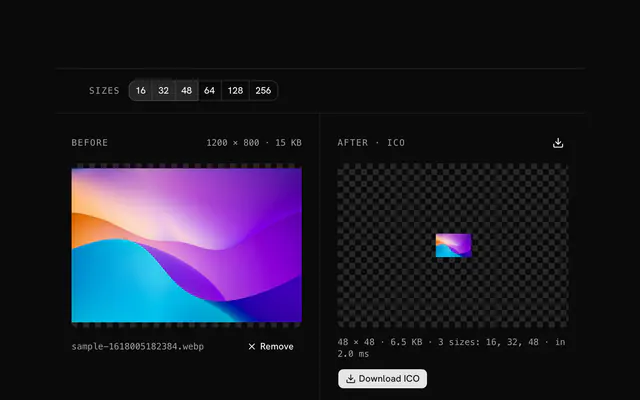 WebP to ICO converterConvertTurn a WebP into a Windows icon or favicon with the sizes you pick in one ICO.
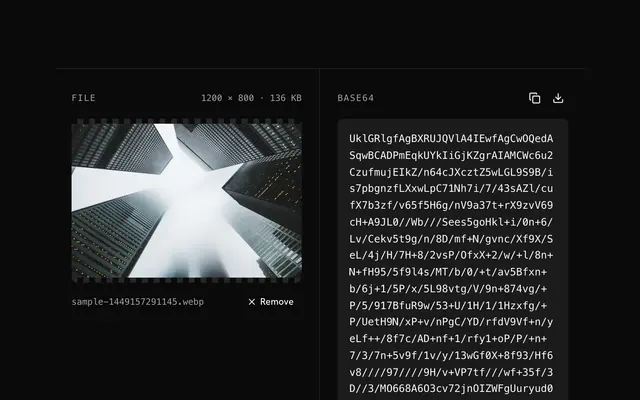 WebP to Base64 encoderBase64 and data URIsEncode a WebP as a raw Base64 string for an API body, a JSON field or a database column.
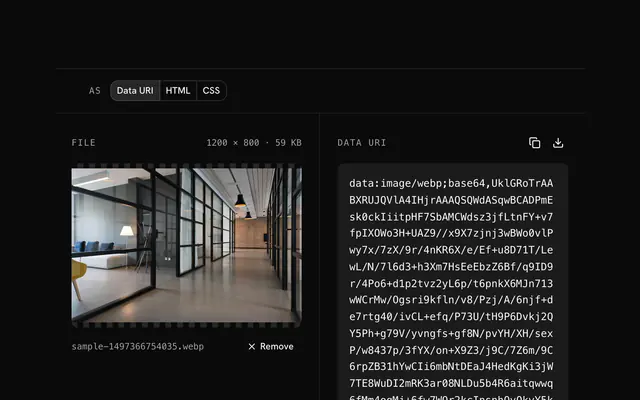 WebP to data URI converterBase64 and data URIsTurn a WebP into a data URI to inline in HTML, CSS or a JavaScript bundle.
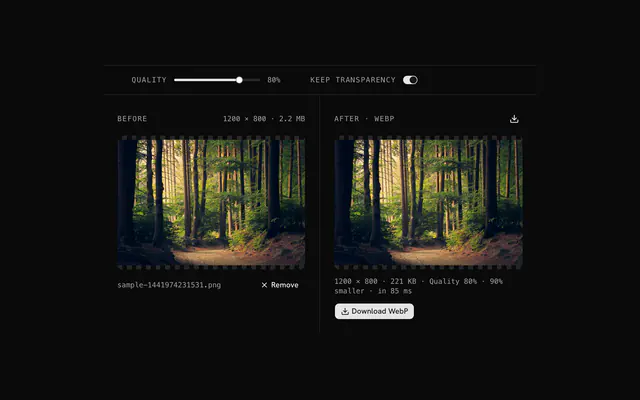
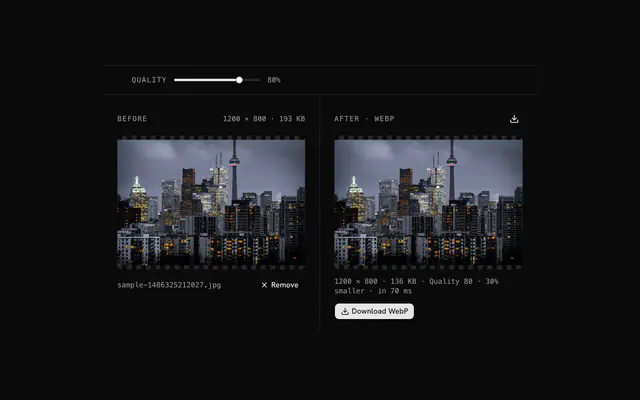
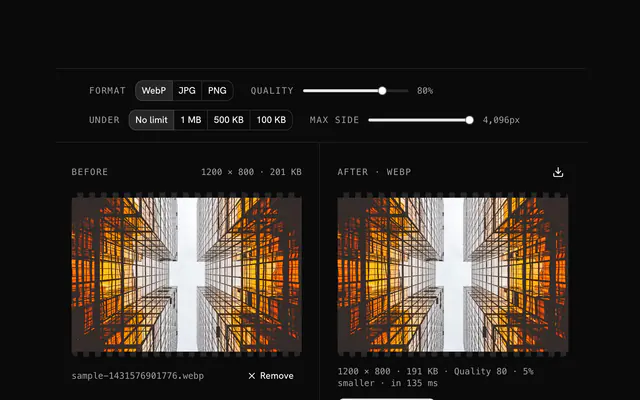 WebP compressorCompressCompress a WebP, or convert a PNG or JPG to WebP, with the quality, size limit and longest side you choose.
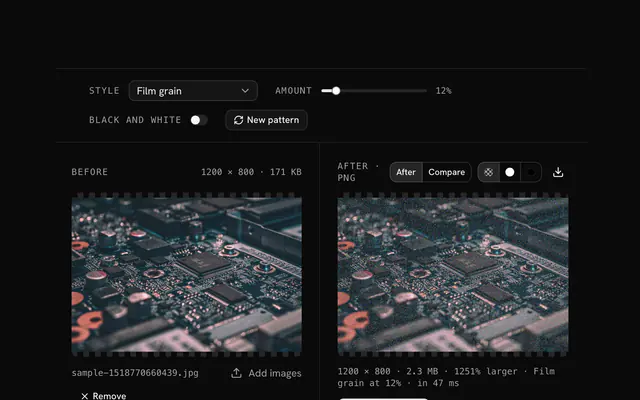
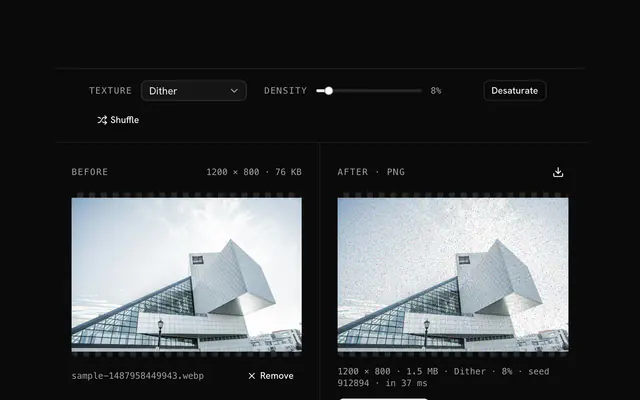 WebP texture generatorGrain and textureAdd dither, grain or static to a WebP to fix banding, add depth or set a mood.
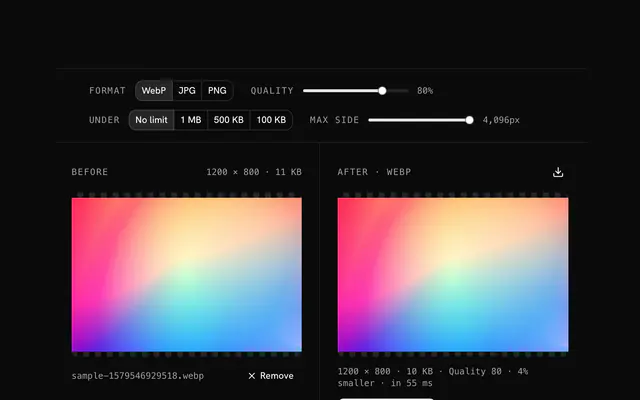 Convert to WebPCompressConvert a JPG, PNG, GIF or AVIF to WebP and get a file 25 to 50% smaller at the same look.
 Next-gen image format converterCompressClear the Lighthouse warning about next-gen formats: convert a JPG or PNG to WebP, 25 to 50% smaller at the same look.
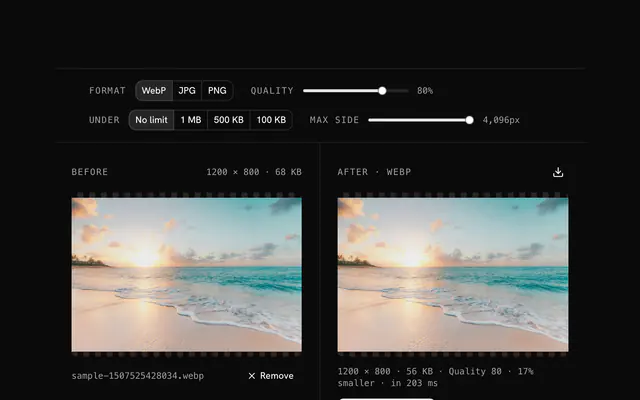 Reduce WebP file sizeCompressShrink a WebP to a target size for an upload limit or a faster page.
 WebP for WordPressCompressMake WebP files for a WordPress site: convert, set the quality and the width the theme needs, and upload a file that loads fast.
Need the product around them? With Pro, your AI agent builds the form, the result card and the rest of the page from a prompt, in your theme.
Get ProOther categories
More free tools. Every category runs in the browser, with nothing uploaded.

Pricing
Free tools, and the product around them with Pro
The tools are free. Pro adds 6,000+ blocks, premium templates and the MCP server, so your AI editor builds the product around them.
4.9/5 out of 5 · 150+ reviewsfrom 150+ founders and developers.
- Secure checkout via Stripe
- Code lives in your repo
- Keep what you've shipped if you cancel
- License terms
FAQ
Frequently asked questions
What the WebP tools can and can't do, how they treat your files and which to pick.
44 free tools handle WebP: converters to PNG, JPG, GIF, ICO, Base64 and data URIs, a compressor that also converts any image to WebP, a texture generator, and tools that recolor, tone, fade or clear a color. They all run in your browser.
WebP files are usually smaller than JPG or PNG at similar quality and can hold transparency, so it suits web images. JPG and PNG are still the safer choice when the file must open in older software or an email client.
The WebP converters and the texture generator say 'A WebP (or any image)': they open any format your browser can decode. The compressor lists WebP, PNG, JPG, GIF and AVIF.
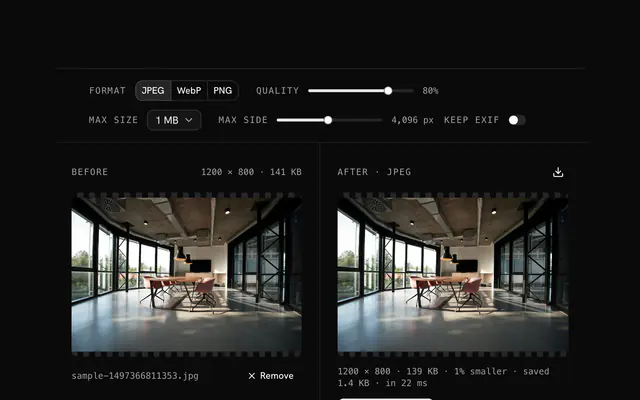
The WebP compressor re-encodes with browser-image-compression, loaded on first use. Pick the format (WebP, JPG, PNG, or AVIF where your browser can write it), a quality from the slider (80 to start), a size cap of none, 1 MB, 500 KB or 100 KB, and a longest side (4096 px to start).
Yes: the compressor takes PNG, JPG, GIF, AVIF or any image the browser opens and writes WebP when WebP is the chosen format, which is the default. The status line reports how much smaller or larger the result is.
It tells you: if the output is still above the cap, the status line says 'still over' and suggests lowering the side. Reduce the longest side or the quality and the result updates.
It only offers AVIF when your browser can encode it, which the tool checks on a canvas. If it doesn't appear in the Format choice, your browser can't write AVIF; WebP, JPG and PNG are always offered.
The WebP to PNG converter decodes the image and writes it as a lossless PNG with its alpha kept. The conversion adds no loss, but a lossy WebP's discarded detail doesn't come back, and PNG files are often larger.
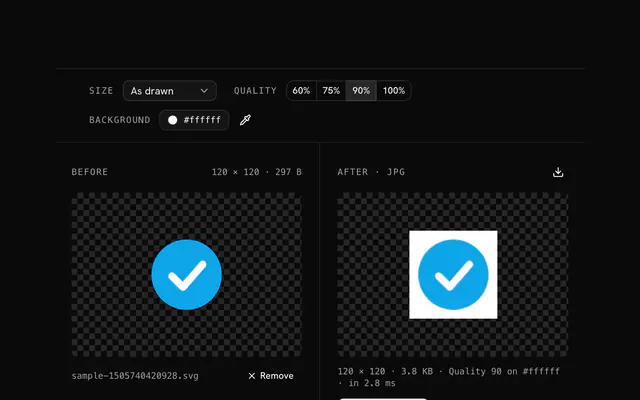
JPG has no transparency, so the WebP to JPG converter lays transparent areas over a Background color, white by default, and writes the JPG at quality 90 unless you change it.
The WebP to GIF converter writes one still frame with at most 256 colors, optional dithering, and transparency that is either on or off by a threshold (128 to start). Switch transparency off to choose a solid background color instead.
Choose any of 16, 32, 48, 64, 128 and 256 px in the WebP to ICO converter (16, 32 and 48 to start). The image is centred in each square, and all the sizes go into one ICO file.
The WebP to Base64 tool outputs the raw Base64 string with no data: prefix, and the WebP to data URI tool outputs a data URI, an HTML img tag or a CSS rule. Both read files up to 25 MB and encode the file's bytes unchanged.
The WebP texture generator replaces a share of pixels (Density, 0 to 100, 8 to start) with five kinds of noise: Dither, Mono, Harmonized, Adaptive and Brand (colors you list). Desaturate first removes color before the texture. It writes a PNG so the texture survives untouched.
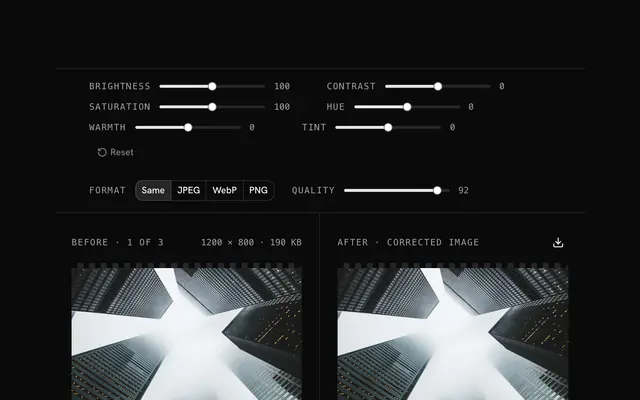
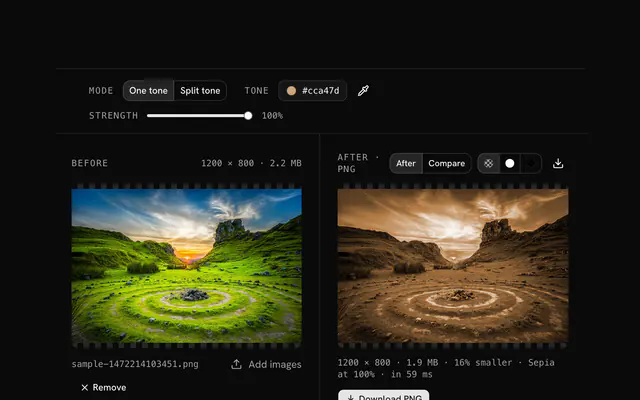
Use the color replacer to swap one color within a tolerance, or the color tone changer to give the whole image one hue while keeping its lightness. Both write a PNG and have a strength or preview control to check the effect first.
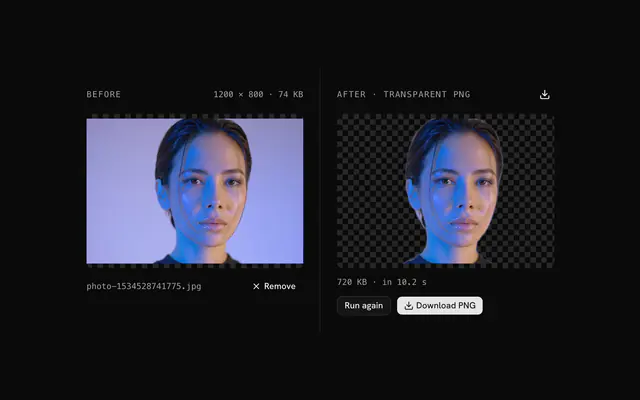
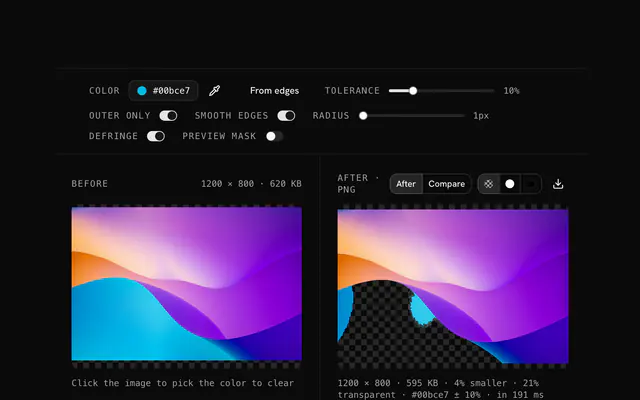
The transparency creator clears a chosen color, the dominant edge color by default, within a tolerance of up to 50 percent, with an Outer only switch and edge smoothing. It is a color match rather than an AI cutout, and the result is a PNG.
The opacity changer scales the alpha channel from 0 to 100 percent, solid or as a linear or radial fade, and writes a PNG so the transparency is kept exactly.
No. Every WebP tool decodes and edits the image in your browser, and no tool sends your file to a server.
100 MB per file for the converters, compressor and editing tools, and 25 MB for the WebP to Base64 and WebP to data URI tools. A larger file is refused with a message.
No, each tool takes one file at a time, and if you drop several only the first is used.
Mostly yes. The converters, compressor and editing tools write a new file from the decoded pixels, so EXIF and other metadata are not copied. The Base64 and data URI tools keep your file's bytes as they are.
4.9 out of 5 from 150+ developers


Build the product around them
Every block, template and icon, installed by your AI agent in your theme. The tools stay free.
Get Pro