ZIP tools.
Pack files into a ZIP, or open one and pull out what you need. Both run in your browser, so nothing is uploaded and there is no size quota but your memory.
ZIP tools.
Need the UI around it? With Pro, your AI agent builds the form, the result card and the rest of the page from a prompt.
Get ProHow it works
4 steps, no account. It runs in your browser and nothing is uploaded.
Choose Create or Unpack
Create packs files; Unpack opens an archive.
Add the files
Drop any files, or one .zip; the list shows names and sizes.
Pick a compression
Store, Normal or Best when creating; the status reports the saving.
Download
Save the archive, or any entry of the one you opened.
Related tools
More file tools. Every one free, in the browser.
Pricing
Build it with Pro
The tool is free. Pro adds 6,000+ blocks, premium templates and the MCP server, so your AI editor builds the product around it.
4.9/5 out of 5 · 150+ reviewsfrom 150+ founders and developers.
- Secure checkout via Stripe
- Code lives in your repo
- Keep what you've shipped if you cancel
- License terms
Questions and answers
Before you trust the result: what to know about the format, the limits, your data and the tools next to it.
A container that holds files with their names and dates, each compressed on its own, usually with Deflate. Because entries are compressed separately, a reader can pull one file out without unpacking the rest, which is what this tool's Unpack side does.
Store writes the files as they are: instant, and the right choice for photos, videos, PDFs and anything already compressed, which Deflate can't shrink further. Normal is Deflate at its default level. Best squeezes hardest and takes longest; text, code, CSV and office documents shrink most, often by half or more.
No. The tool reads and writes plain ZIP with JSZip, which doesn't implement ZIP encryption. An encrypted archive lists its entries but their contents can't be read here.
Browsers hand a page the files you drop, not the folders around them, so an archive is built flat from the files you add. Entries inside an archive you open keep their folder paths, shown in the list.
No. The files are read into your browser's memory and the archive is built or opened there; the page makes no request with them. That is also the limit: about 2 GB in all, since it works in memory.
Choose Create, drop the files, pick a compression and press Create ZIP. The status says how much smaller the archive is. Choose Unpack, drop a .zip, and each entry gets a download of its own; Download all saves them one after another, which the browser may ask you to allow.
The archive carries the name of the file when there is one, and archive.zip otherwise. Entries keep their original names and modified dates.
No. The ZIP tools is free and opens without a sign-in, an account or an install.
Create packs the files you drop into a ZIP, and Unpack opens a .zip and lists its entries. Switch between them with the choice at the top.
Store, Normal and Best. Store only wraps the files, Normal is Deflate at its default level and Best is Deflate at the highest level, which is slower.
Up to 2 GB in all, whether you are packing or unpacking, because the archive is built or read in memory. Over that, the tool says so and stops.
Each entry in an opened archive has its own download button, and Download all saves them one after another, which the browser may ask you to allow.
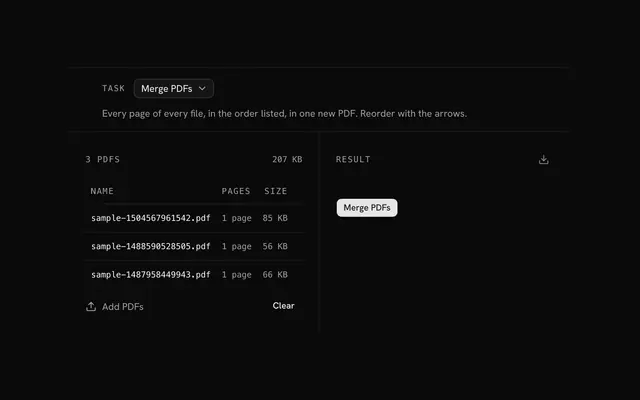
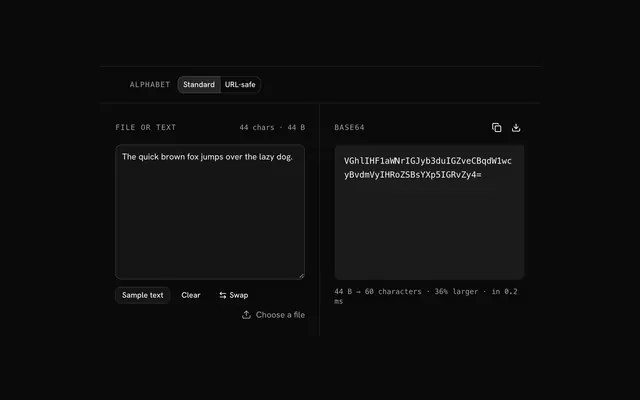
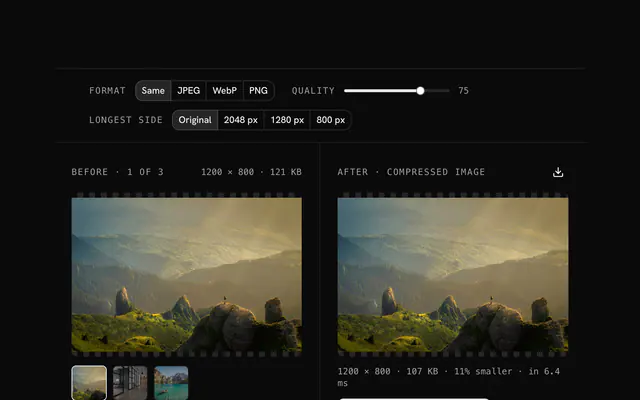
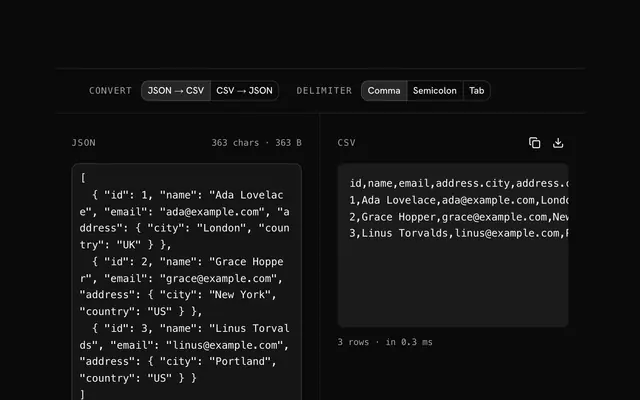
Closest to the ZIP tools: PDF tools, File to Base64, Image compressor, JSON to CSV converter. Each opens on its own page, free and in the browser.
The ZIP tools is one of 15 in its group. The group's page, /tools/file, lists them all.
The tool is free. Its interface is built from shadcn.io's own components (Button, Input, Slider and the rest of the registry under /ui), which come in React, Vue, Svelte and Solid. Pro adds the blocks and templates for the product around it.
4.9 out of 5 from 150+ developers


Build the product around it
Every block, template and icon, installed by your AI agent in your theme. The tools stay free.
Get Pro