File tools.
PDFs and ZIP archives, handled in the browser. 15 tools, free, each running in your browser with nothing uploaded.
Every one of the file tools
15 tools.
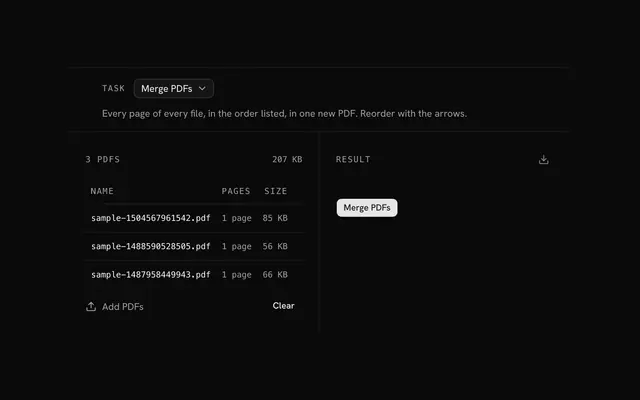 PDF toolsPDFMerge, split, rotate and compress PDFs, turn pages into images or images into a PDF.
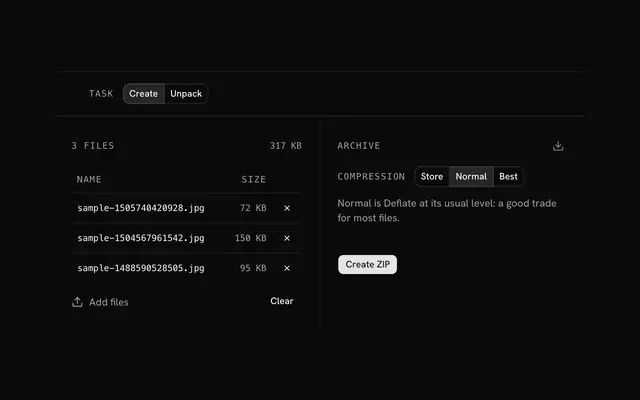 ZIP toolsArchivesPack files into a ZIP, or open one and pull out what you need.
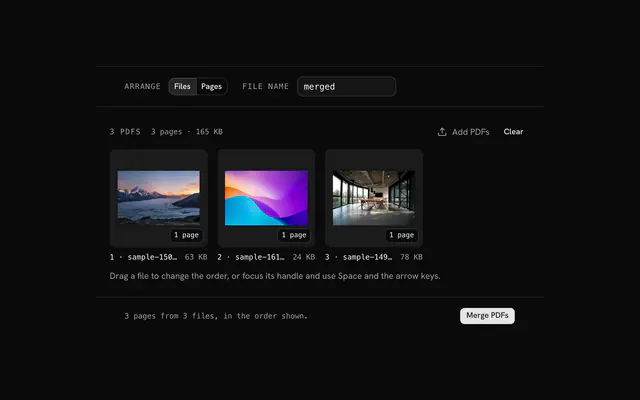 Merge PDFPDFJoin several PDFs into one file, in the order you drag them.
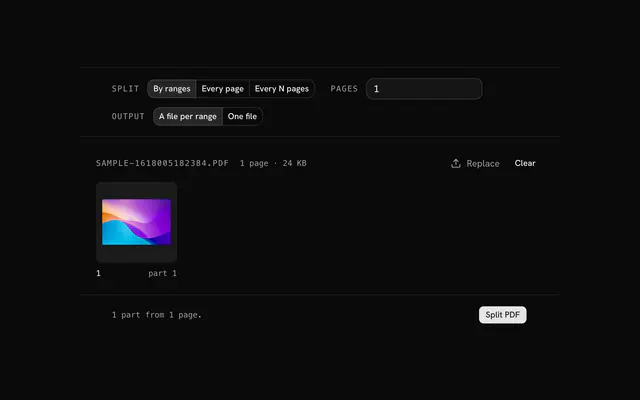 Split PDFPDFCut one PDF into parts by page ranges, page by page, or every few pages.
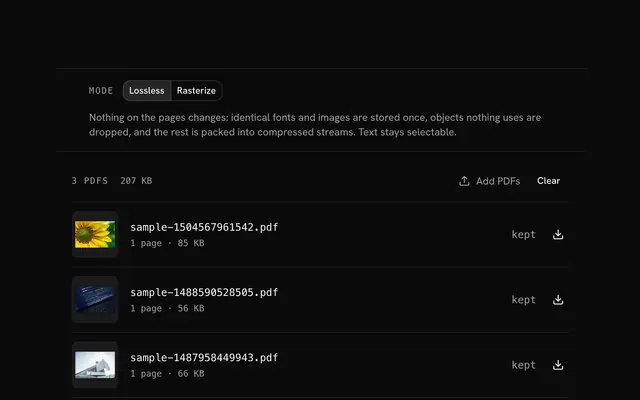 Compress PDFPDFShrink PDFs two ways: losslessly, with every page left as it is, or by redrawing pages as JPEGs at the resolution and quality you choose.
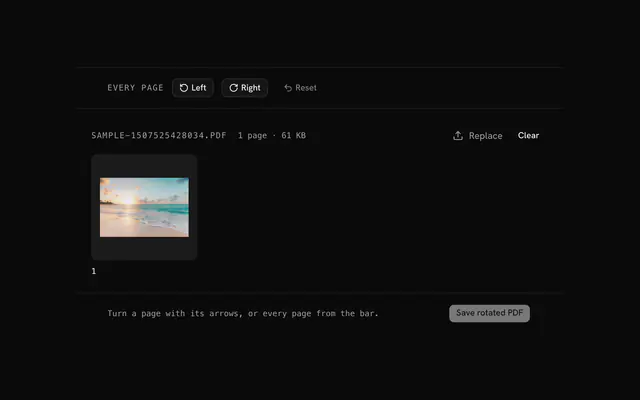 Rotate PDFPDFTurn a PDF's pages the right way up, one page at a time or all at once.
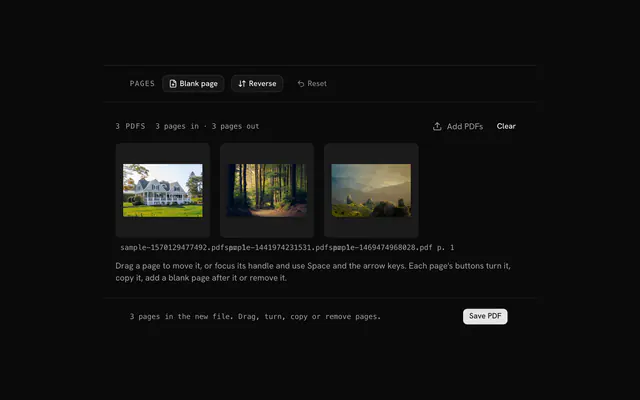 Organize PDFPDFRearrange a PDF page by page: drag pages into order, turn, copy or remove them, and add blank pages where you need them.
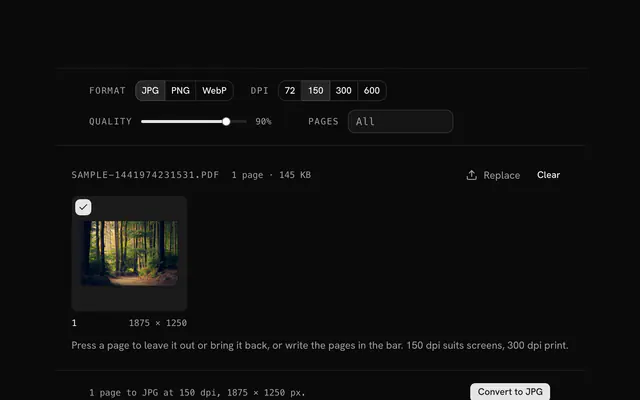 PDF to JPG converterPDFTurn a PDF's pages into JPG images at the resolution you choose, every page or just a few.
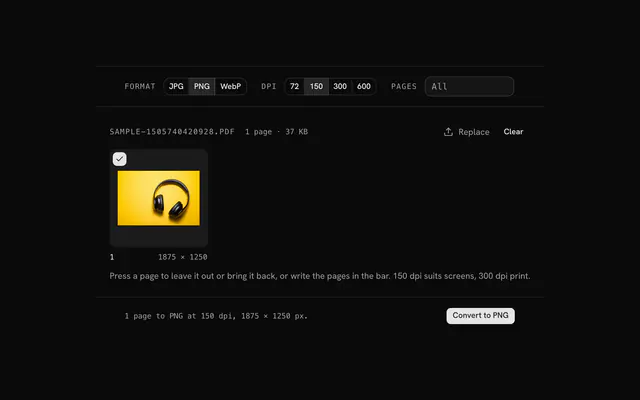 PDF to PNG converterPDFTurn a PDF's pages into lossless PNG images, sharp enough for slides, docs and print.
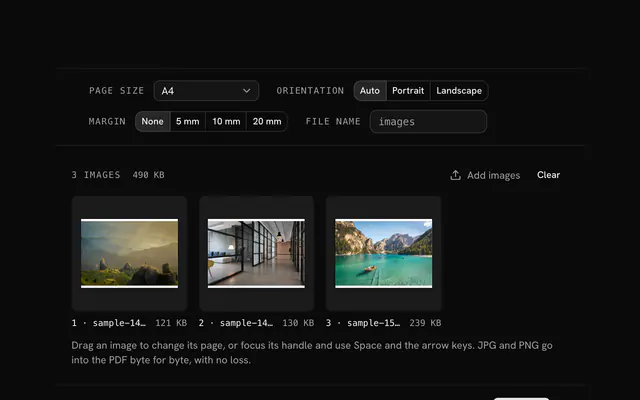 JPG to PDF converterPDFPut JPG photos and scans into one PDF, one image per page, on A4, Letter or each image's own size.
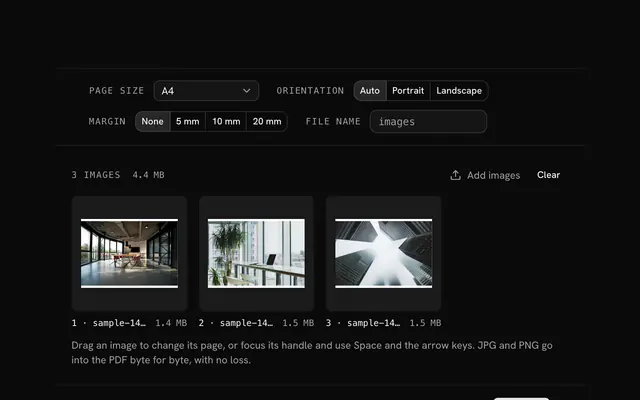 PNG to PDF converterPDFCombine PNG screenshots, diagrams and scans into one PDF, one image per page.
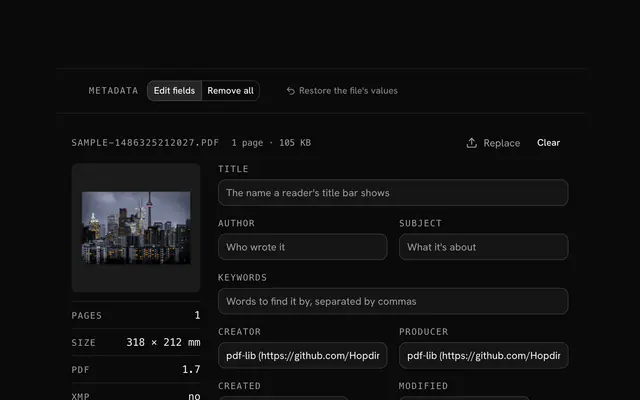 PDF metadata editorPDFRead and rewrite a PDF's document properties: title, author, subject, keywords, the apps that made it and its dates.
Need the product around them? With Pro, your AI agent builds the form, the result card and the rest of the page from a prompt, in your theme.
Get ProOther categories
More free tools. Every category runs in the browser, with nothing uploaded.
Pricing
Free tools, and the product around them with Pro
The tools are free. Pro adds 6,000+ blocks, premium templates and the MCP server, so your AI editor builds the product around them.
4.9/5 out of 5 · 150+ reviewsfrom 150+ founders and developers.
- Secure checkout via Stripe
- Code lives in your repo
- Keep what you've shipped if you cancel
- License terms
FAQ
Frequently asked questions
What the file tools can and can't do, how they treat your files and which to pick.
There are 15 tools: PDF tools and ZIP tools and Merge PDF and Split PDF and Compress PDF and Rotate PDF and Organize PDF and PDF to JPG converter and PDF to PNG converter and JPG to PDF converter and PNG to PDF converter and PDF metadata editor and Add page numbers to a PDF and Watermark a PDF and Sign a PDF. The PDF tools merge, split, rotate and compress PDFs and convert pages to images and back; the ZIP tools create archives and unpack them.
No. Files are read into your browser's memory and every task runs there, so nothing is uploaded. That is also why the limits are about memory, not a quota.
No. Both tools run without signing in, and the pages make no request with your files.
PDF files up to 500 MB each, and ZIP archives up to 2 GB in all. They work in memory, so a very large file also depends on how much your device has free.
Choose Merge PDFs, drop the files and put them in order with the arrows. Every page of every file lands in one new PDF in the order listed.
Pick Split by pages and write ranges separated by commas, such as 1-3, 5, 7-9. Each part becomes its own PDF, and 7- means page 7 to the end.
Compress redraws every page as a JPEG, with Smallest, Balanced or Sharpest quality. It shrinks scans and image-heavy decks a lot, but text becomes pixels and can no longer be selected or searched, so keep the original.
Files with an owner password (printing or copying restricted) open and can be merged, split and rotated. A file that needs a password to open can't be read without it.
PNG and JPEG are embedded as they are. Other images the browser opens, such as WebP, GIF and AVIF, are drawn to PNG first. Each page is the image's size at 96 dpi.
Choose Create, drop the files, pick a compression and press Create ZIP. The status line says how much smaller the archive is.
Store for photos, videos, PDFs and anything already compressed, since Deflate can't shrink those. Normal for general use, and Best for text, code and CSV when the smallest file matters more than time.
No. The tool reads and writes plain ZIP with JSZip, which doesn't implement ZIP encryption. An encrypted archive lists its entries, but their contents can't be read here.
An archive is built flat from the files you add, because browsers hand a page the files you drop and not the folders around them. Entries inside an archive you open keep their folder paths.
Choose Unpack and drop a .zip. Each entry gets its own download, and Download all saves them one after another.
Compress offers Smallest, Balanced and Sharpest, which set the JPEG quality each page is redrawn at. PDF to images draws pages at 96 dpi times a scale of 1x, 2x or 3x.
The tools work in your device's memory, so the files being worked on have to fit there. A PDF over 500 MB is left out, and a ZIP over 2 GB is declined with a message.
Nothing is kept. The files live only in memory while the page is open, and no copy is stored anywhere, so download your results before you leave.
4.9 out of 5 from 150+ developers


Build the product around them
Every block, template and icon, installed by your AI agent in your theme. The tools stay free.
Get Pro