PDF tools.
Merge, split, rotate and compress PDFs, turn pages into images or images into a PDF. Every task runs in your browser, so the files never leave your device.
PDF tools.
Need the UI around it? With Pro, your AI agent builds the form, the result card and the rest of the page from a prompt.
Get ProHow it works
4 steps, no account. It runs in your browser and nothing is uploaded.
Pick a task
Merge, split, rotate, compress, PDF to images or images to PDF; the page explains each in a line.
Add the files
Drop one or more PDFs (or images), see their pages and sizes, and reorder them with the arrows.
Set the option
Page ranges for a split, an angle for a rotation, a quality or an image format and scale.
Run and download
Press the button; download the result, or all of them as a ZIP.
Related tools
More file tools. Every one free, in the browser.

Pricing
Build it with Pro
The tool is free. Pro adds 6,000+ blocks, premium templates and the MCP server, so your AI editor builds the product around it.
4.9/5 out of 5 · 150+ reviewsfrom 150+ founders and developers.
- Secure checkout via Stripe
- Code lives in your repo
- Keep what you've shipped if you cancel
- License terms
Questions and answers
Before you trust the result: what to know about the format, the limits, your data and the tools next to it.
Merge joins every page of every file in the order listed. Split cuts one file into parts by page ranges. Rotate turns every page by 90, 180 or 270 degrees. Compress redraws each page as a JPEG. PDF to images renders each page as a PNG or JPEG. Images to PDF puts one image per page.
Two libraries that run in the browser. pdf-lib reads and writes the document structure, so merging, splitting and rotating copy pages without touching their content. pdf.js, the renderer behind Firefox, draws pages to a canvas for the image tasks.
Each page is rendered and embedded as a JPEG at its own size, which is what shrinks scans and image-heavy slide decks several times over. The cost is that text becomes pixels: it can't be selected or searched afterwards, and a text-only document won't get smaller. Keep the original for editing.
Comma-separated parts, each a page or a range: 1-3, 5, 7-9. Each part becomes its own PDF, so 1-3, 4-6 gives two files. 7- means from page 7 to the end. Pages are numbered from 1, as in a reader.
No. The files are read into your browser's memory and every task runs there; the page makes no request with them. That's also why the limit is memory, not a quota: files up to 500 MB each work on most machines.
Files with an owner password (printing or copying restricted) open and can be merged, split and rotated. Files with an open password, the kind that ask for it before showing anything, can't be read without it.
Pick the task first: it sets what the page takes (PDFs, or images for Images to PDF). Drop the files, reorder them with the arrows where order matters, set the task's option, and press the button. One result downloads directly; several come as a ZIP, or one by one from the list.
PNG and JPEG are embedded as they are; WebP, GIF, AVIF and other formats the browser opens are drawn to PNG first. Each page is the image's size at 96 dpi, so a 1920 × 1080 screenshot gives a 20 × 11.25 inch page.
No. The PDF tools is free and opens without a sign-in, an account or an install.
Nothing. The PDF tools holds your input in the page's memory, so closing or reloading the tab clears it, and it saves nothing in this browser.
Merge PDFs, Split by pages, Rotate pages, Compress, PDF to images and Images to PDF. Pick the task first: it decides what the page accepts and which options show.
Compress offers Smallest, Balanced and Sharpest, which set the JPEG quality each page is redrawn at. Pick Sharpest for a scan you still need to read, Smallest for a file that only has to be sent.
PDF to images draws each page at 96 dpi times a scale of 1x, 2x or 3x, as a PNG or a JPEG. Use 2x or 3x when you need text to stay sharp when zoomed.
One result downloads directly. When a task makes several files, such as a split or many page images, the button reads Download all as ZIP.
Up to 500 MB each. A file over that is left out with a message, since the tool works in your computer's memory rather than on a server.
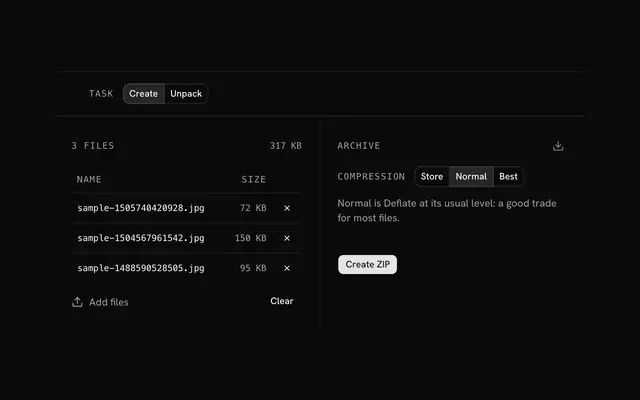
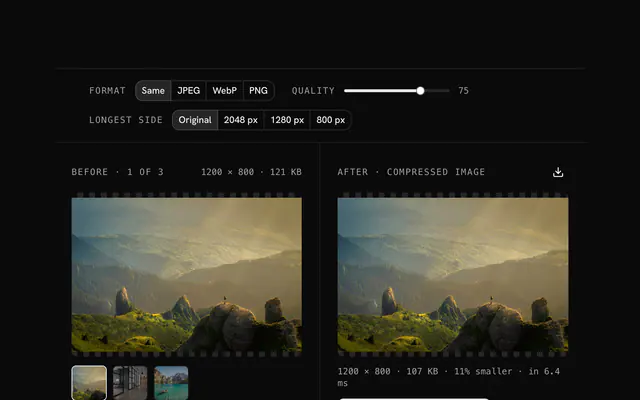
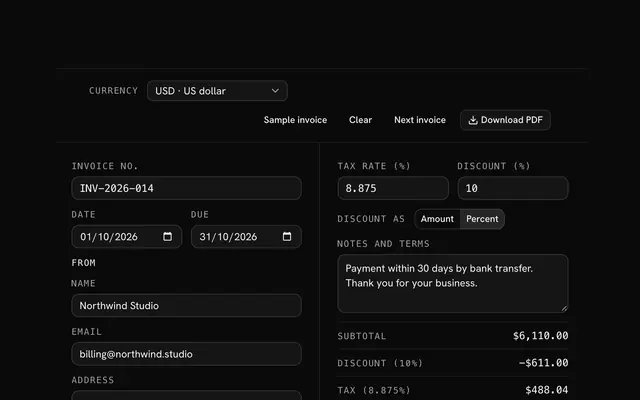
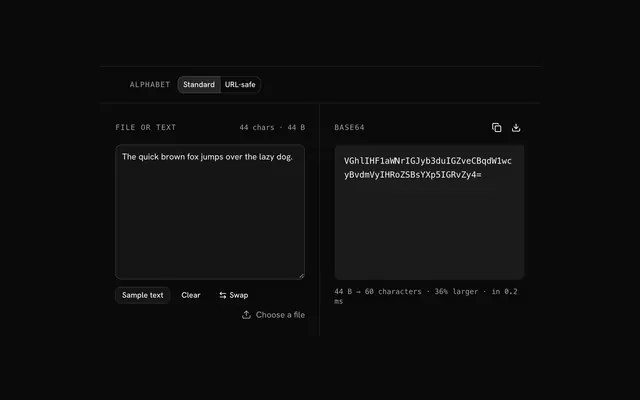
Closest to the PDF tools: ZIP tools, Image compressor, Image converter, Invoice generator. Each opens on its own page, free and in the browser.
The PDF tools is one of 15 in its group. The group's page, /tools/file, lists them all.
The tool is free. Its interface is built from shadcn.io's own components (Button, Input, Slider and the rest of the registry under /ui), which come in React, Vue, Svelte and Solid. Pro adds the blocks and templates for the product around it.
4.9 out of 5 from 150+ developers


Build the product around it
Every block, template and icon, installed by your AI agent in your theme. The tools stay free.
Get Pro