Chart Tooltip Examples
11 tooltips: crosshair and dot styles, panel motion, custom rows and bodies, a pinned panel, ring markers and a finance crosshair. Each on React, Vue, Svelte and Solid, drawn with TanStack Charts in your theme. Tooltip docs and API.
Every chart tooltip example
11 examples.
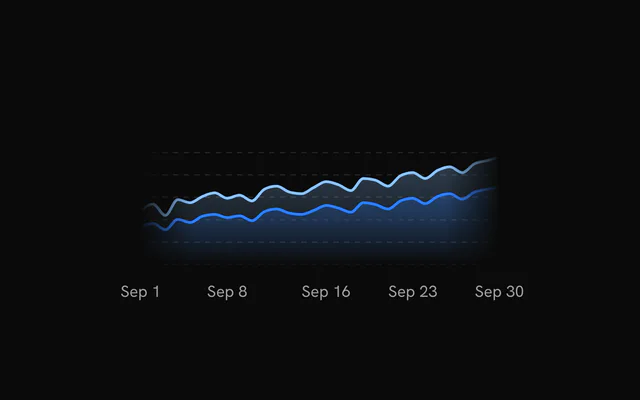
- Chart TooltipTooltipThe default tooltip on three areas: crosshair, a dot per series, date pill and one row per channel.
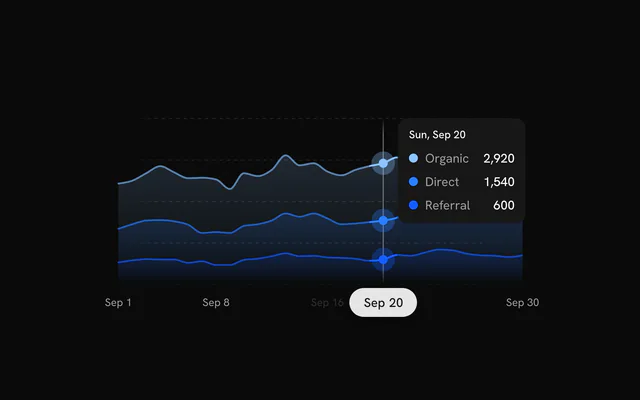
- Tooltip with a Dashed CrosshairTooltipThe dots and the date pill switched off, leaving the panel and a `--chart-2` crosshair in dashes.
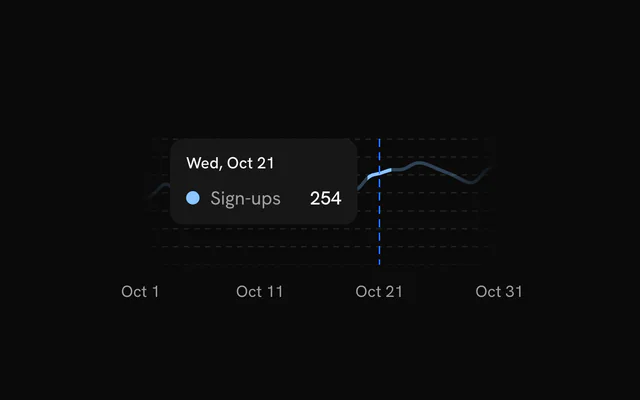
- Tooltip with a Styled IndicatorTooltip`TooltipIndicator` and `TooltipDot` restyle the crosshair and dots, with the crosshair's width switchable in the header.
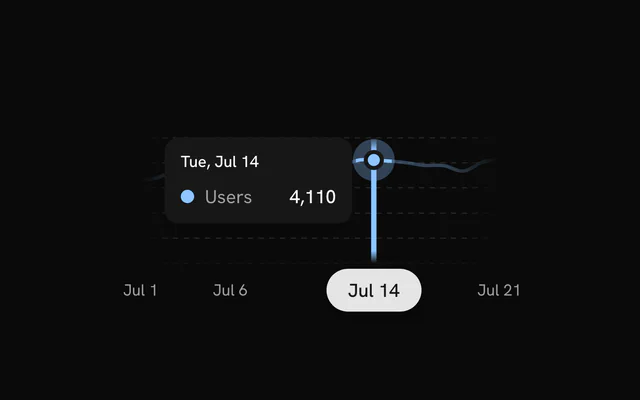
- Tooltip with Panel MotionTooltipSwitch the panel between easing behind the pointer, riding the crosshair's spring and jumping straight there.
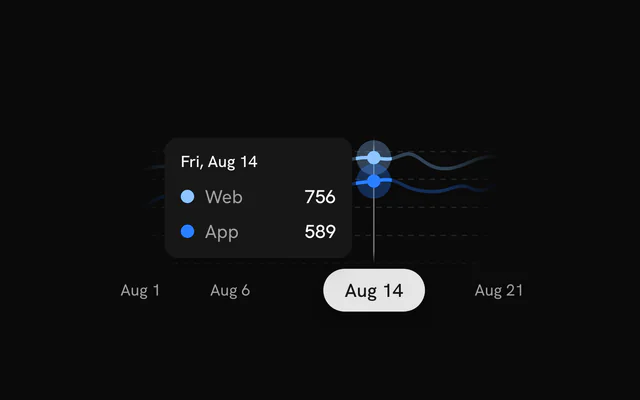
- Tooltip with Custom RowsTooltip`rows` names both series and adds a pages-per-user ratio that no line draws.
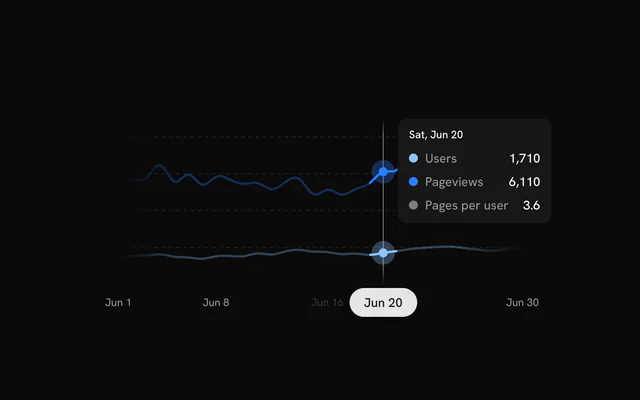
- Tooltip with Custom ContentTooltipReplaces the panel body with the day, revenue in dollars and the change from the day before.
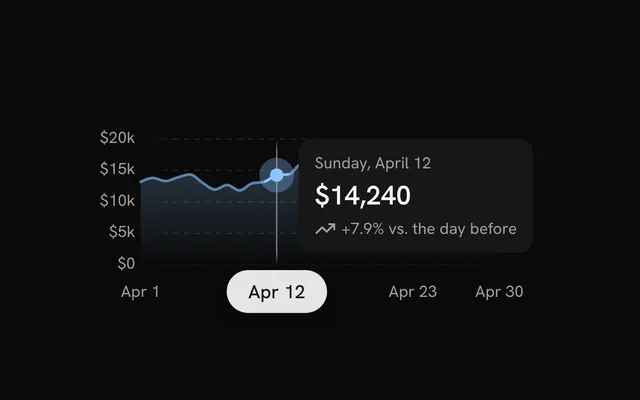
- Pinned TooltipTooltipClick to pin the tooltip, and it unfolds the day's revenue by channel with a close button.
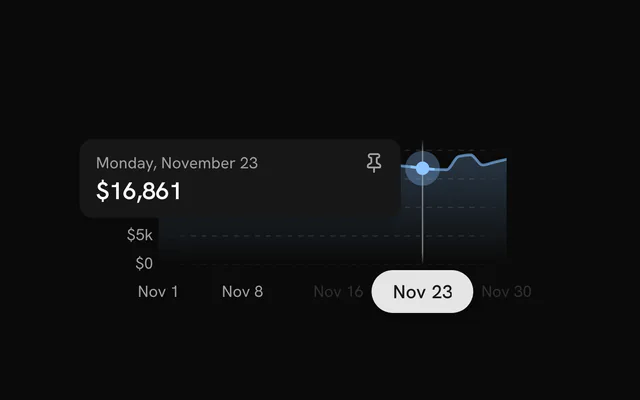
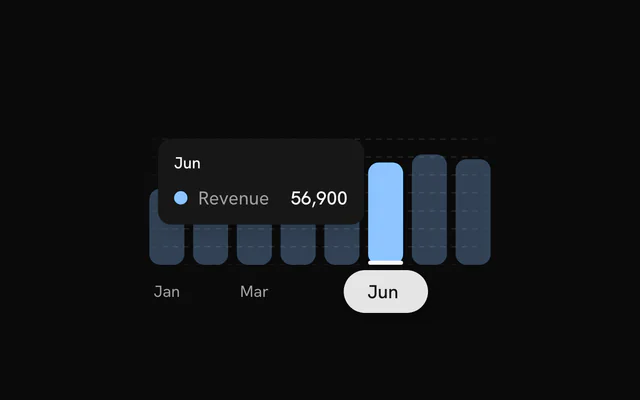
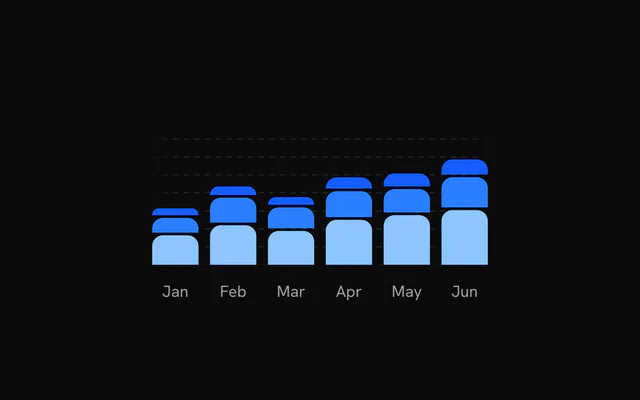
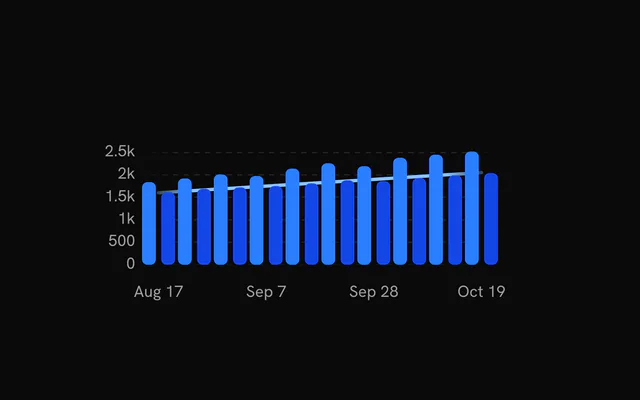
- Bar Chart Tooltip with RingsTooltipOn a bar chart, the hovered bars get a rounded ring at the top instead of a dot.
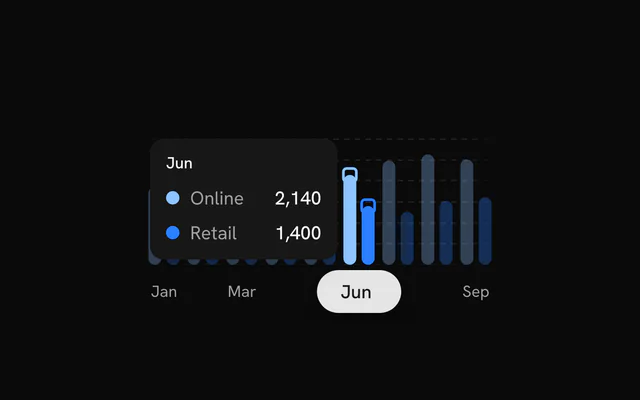
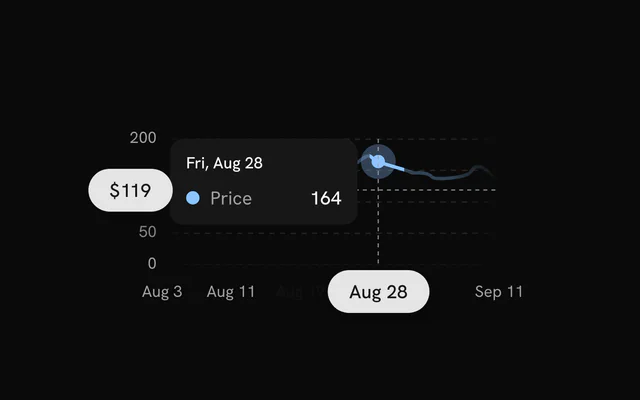
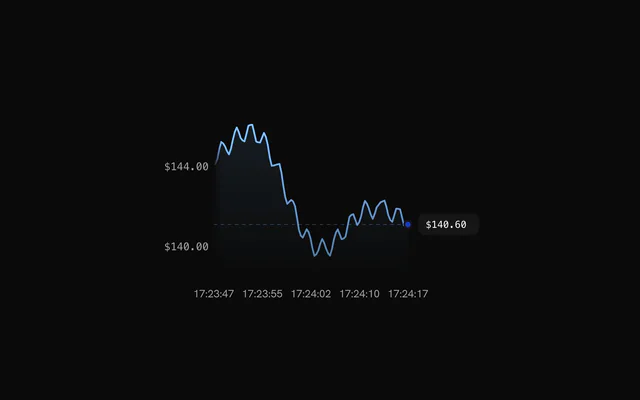
- Tooltip with a Horizontal CrosshairTooltipA horizontal line follows the pointer with its price rolling in a pill on the y axis.
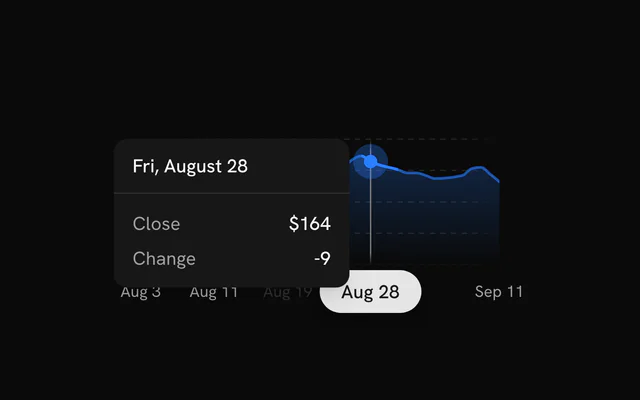
- Tooltip with a HeaderTooltip`TooltipHeader` tops a custom body: the date over a rule, then the close and the day's change.
- Tooltip with a Custom IndicatorTooltipThe crosshair and dots switched off, and a bar under the hovered month drawn from `useChart`.
Or describe it. With Pro, your AI agent installs the tooltip example you describe, on your framework.
Get ProGalleries
More chart examples
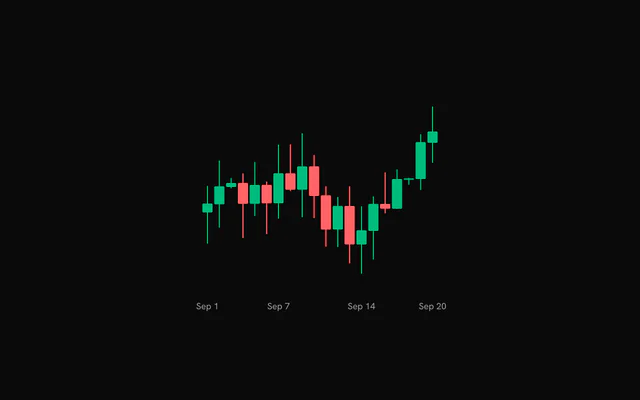
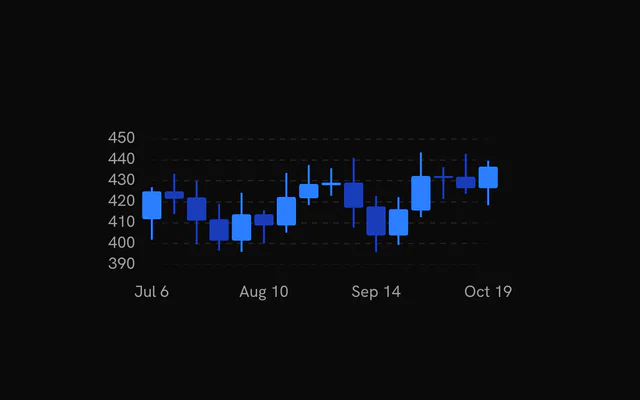
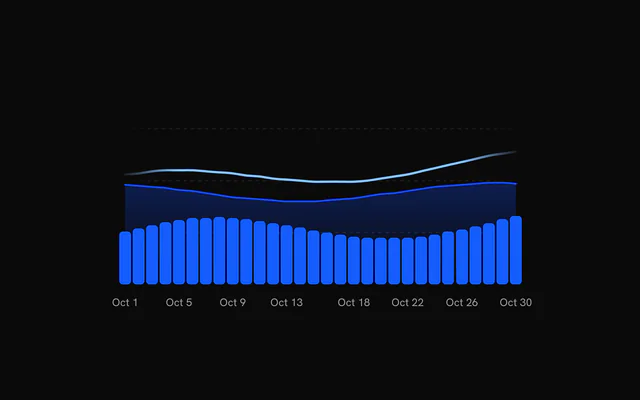
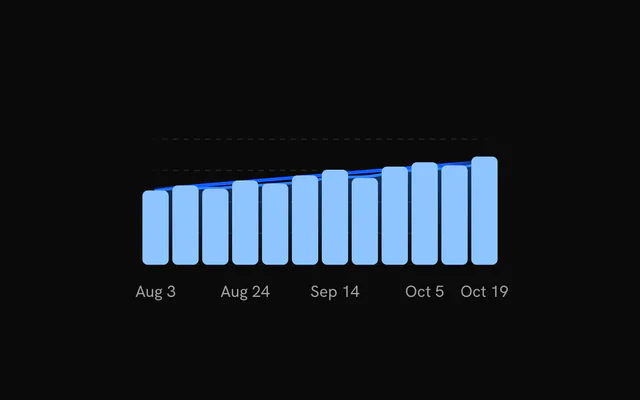
8 more chart types, free: open one for its examples and their code.
Pricing
Chart Tooltip examples MCP, with Pro
Your AI agent installs any of the 1434 examples, and every component, block and icon, with every Pro plan.
4.9/5 out of 5 · 150+ reviewsfrom 150+ founders and developers.
- Secure checkout via Stripe
- Code lives in your repo
- Keep what you've shipped if you cancel
- License terms
FAQ
Frequently asked questions
11: Chart Tooltip, Tooltip with a Dashed Crosshair, Tooltip with a Styled Indicator, Tooltip with Panel Motion, Tooltip with Custom Rows, Tooltip with Custom Content, Pinned Tooltip, Bar Chart Tooltip with Rings, Tooltip with a Horizontal Crosshair, Tooltip with a Header and Tooltip with a Custom Indicator. Each page has the live chart, its code and a one-line install.
Signed in, copy the chart's command: `npx shadcn@latest add` with its URL. It adds the chart to `components/charts`, the `chart-kit` kit every chart imports, and `@tanstack/charts`. Import the chart and render it.
Yes. Every chart is free to use in personal and commercial projects. Seeing the code and installing it takes a free account, one tap with Google or GitHub. Pro is the site's paid plan for blocks, the Pro collections and the MCP, and the charts don't need it.
4.9 out of 5 from 150+ developers


Every chart tooltip example. One prompt away.
Every chart tooltip example is free with an account. With Pro, your AI agent installs them from a prompt.
Get Pro