shadcn.io is an independent project built on shadcn/ui
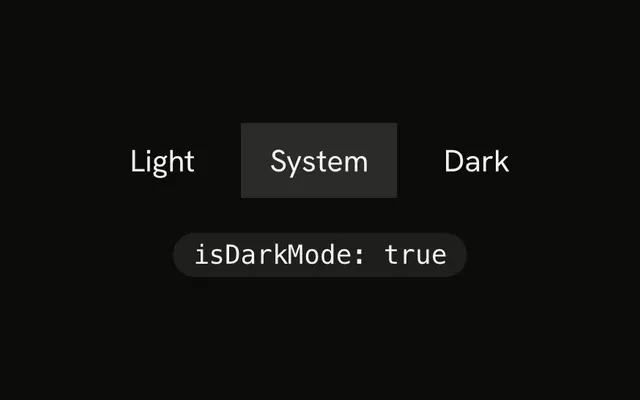
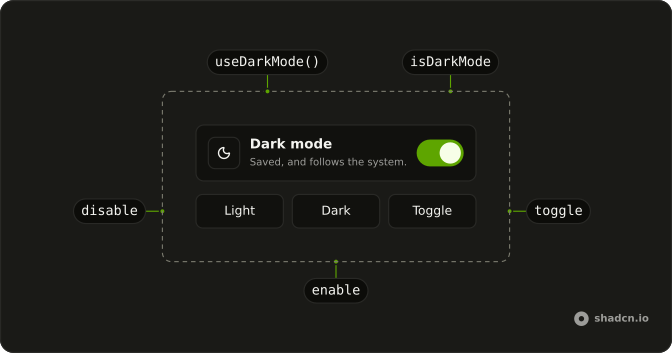
useDarkMode keeps an isDarkMode boolean, with toggle, enable, disable, and set.
Use it when a theme control should remember a choice and follow the system until then. For a plain on or off flag with no storage, use useBoolean. In React the default is to add or remove dark on the document element.
Installation
Anatomy
Usage
import { useDarkMode } from "@/hooks/use-dark-mode";const { isDarkMode, toggle, enable, disable, set } = useDarkMode();By default it stores the choice under usehooks-ts-dark-mode and toggles the dark class on the document element.
FAQ
Does useDarkMode set a dark class?
Yes, unless you turn that off. With applyDarkClass left at its default of true, an effect adds dark on document.documentElement when the flag is true and removes it when the flag is false. Pass applyDarkClass: false to keep the boolean and style the page yourself. The demo on this page does that.
How does useDarkMode pick the first value?
On the server, and whenever initializeWithValue is false, it uses defaultValue, which is false if you omit it. In the browser with that option left on, it reads the storage key and parses it. If the key is missing or parsing throws, it uses prefers-color-scheme, then defaultValue if matchMedia is unavailable.
Can I use my own storage key?
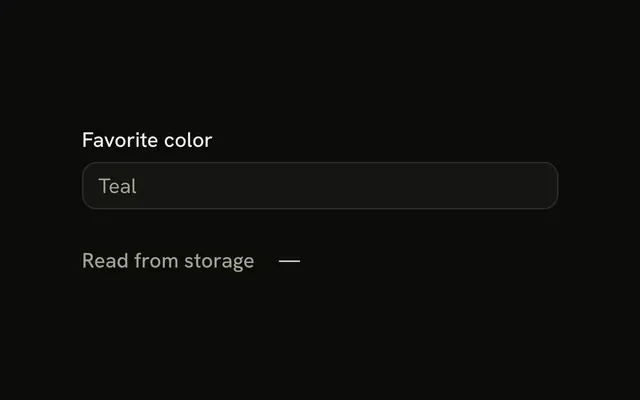
Yes. Pass localStorageKey. The default key is usehooks-ts-dark-mode. The hook writes JSON.stringify of the boolean whenever the flag or the key changes, including the first run in the browser. A write error is logged and swallowed. Another app on the same origin can use a different key so the two do not overwrite each other.
Does it follow the system after I choose?
Only while the key is empty. A media-query listener updates the flag when prefers-color-scheme changes and getItem for the key returns null. The write effect stores the flag on mount, so after that the saved value is not null and later system changes do nothing. Clear the key yourself if you want the system to take over again.
Are toggle, enable, disable, and set stable?
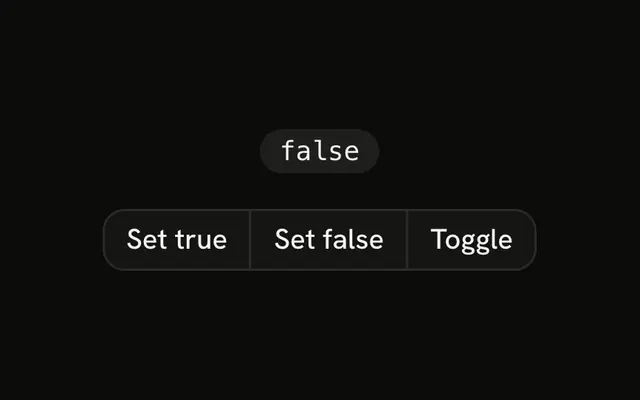
No. Each render creates new functions. toggle flips the previous boolean, enable sets true, disable sets false, and set writes the boolean you pass. They are not wrapped in useCallback. That is fine for a button's onClick. Do not put them in a dependency list and expect the identity to stay put.
Can the theme flash on load?
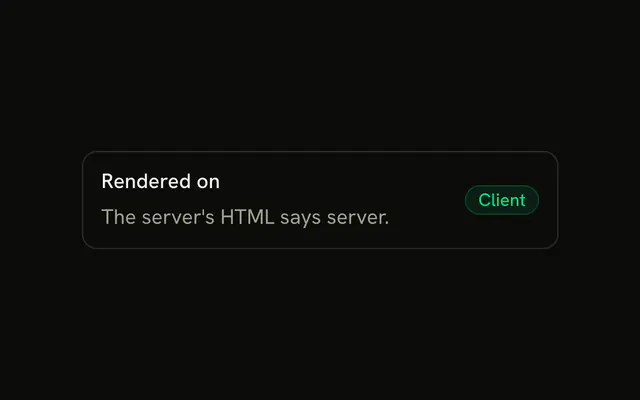
It can. The server render uses defaultValue, while the browser initializer may read storage or the system and render a different boolean. React will show the server HTML first. This hook does not inject a blocking script. If you need the class before hydration, set it from storage in a script that runs before the app loads.
API Reference
Parameters
options?DarkModeOptions
Its key, its first value and whether it sets the class.
options.applyDarkClass?boolean
Adds the dark class to <html> while dark mode is on, and removes it when it's off.
- Default
true
options.defaultValue?boolean
The value on the server, and where neither storage nor the system says.
- Default
false
options.initializeWithValue?boolean
Reads the stored value (then the system preference) on the first render. false starts from defaultValue and reads nothing, for markup that must match the server's.
- Default
true
options.localStorageKey?string
The localStorage key the choice is saved under.
- Default
"usehooks-ts-dark-mode"
Returns
disable() => void
Turns dark mode off.
- Type
() => void
enable() => void
Turns dark mode on.
- Type
() => void
isDarkModeboolean
Whether dark mode is on: the saved choice, else the system's prefers-color-scheme, which it follows until a choice is saved.
set(value: boolean) => void
Turns dark mode on or off.
- Type
(value: boolean) => void
toggle() => void
Flips dark mode.
- Type
() => void