shadcn.io is an independent project built on shadcn/ui
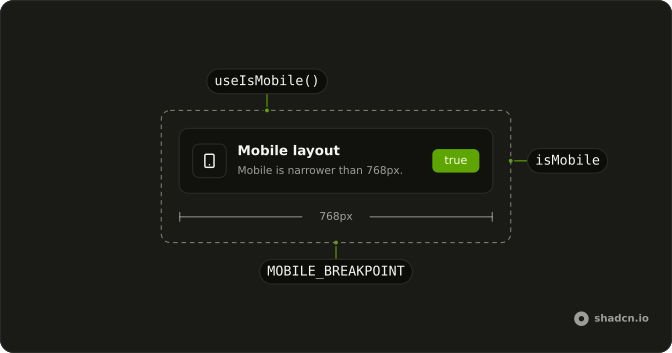
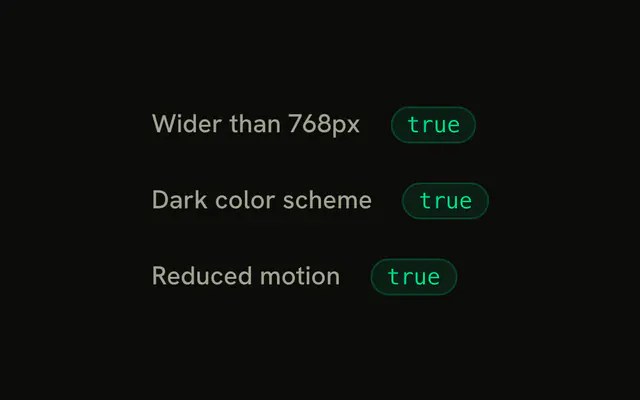
useIsMobile says whether the viewport is narrower than 768px, and keeps the answer current as the window resizes.
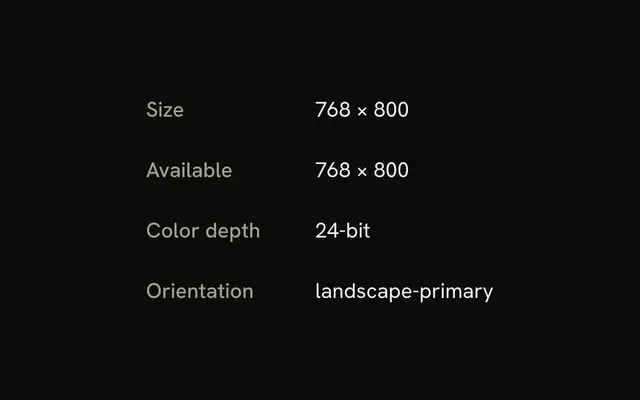
It starts as false on the server and on the first render, then measures in an effect, so the server's HTML always matches. Try the demo at the phone width. For any other breakpoint or feature, use useMediaQuery.
Installation
Anatomy
Usage
import { useIsMobile } from "@/hooks/use-is-mobile";FAQ
What counts as mobile in useIsMobile?
A viewport narrower than 768px: the hook listens to (max-width: 767px) and compares window.innerWidth with 768. It is a width check, not a device check, so a narrow desktop window counts.
What does useIsMobile return on the server?
false. It also returns false on the first client render, and measures in an effect, so the server HTML and the first client render agree. On a phone, the page hydrates as desktop and then switches.
Why does my layout flash on a phone?
Because of that first false. If it picks between two layouts, mobile users see the desktop one for a frame. Prefer CSS breakpoints such as md: for pure layout, and keep the hook for logic CSS cannot do, such as which component to mount.
How do I use a different breakpoint?
This hook is fixed at 768px. For any other width, or for features like prefers-color-scheme, use useMediaQuery with your own query.
Do I need a use client directive?
Yes, in a Next.js app. The hook file has no "use client" line, unlike most of the hooks here, so import it from a client component or add the directive to a file that does. It uses state and effects, which a server component cannot.
API Reference
Returns
returnsboolean
true below 768px.
With other components
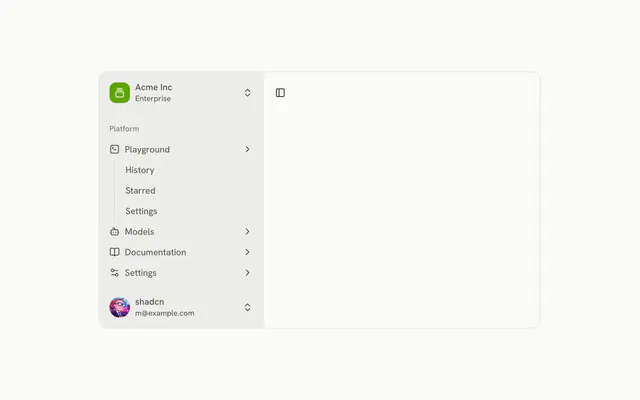
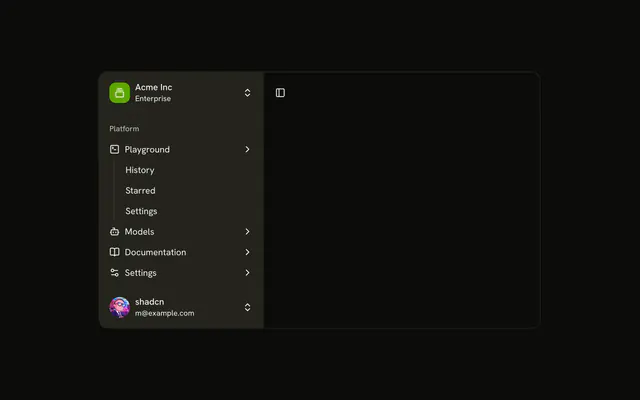
- SidebarNavigation
- DrawerOverlays
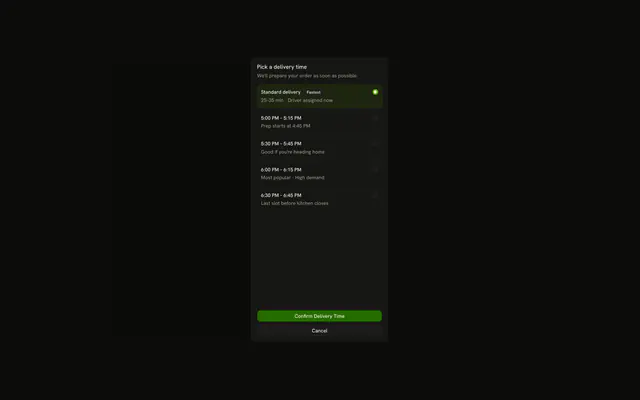
- SheetOverlays

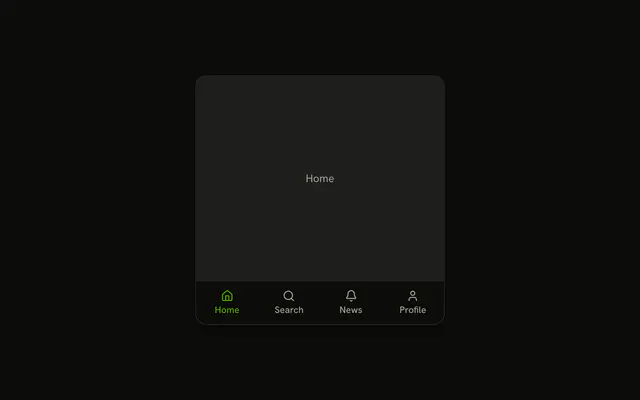
- Bottom NavigationNavigation
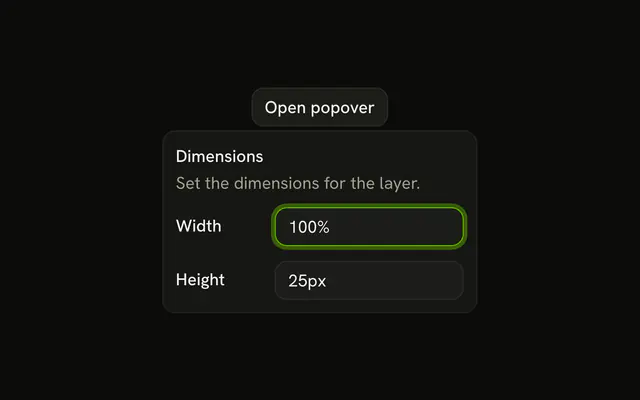
- PopoverOverlays
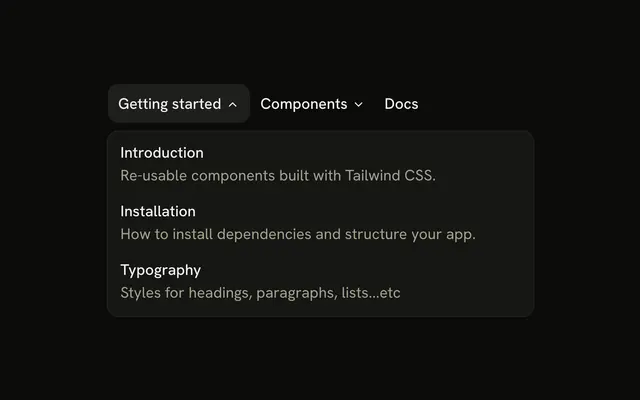
- Navigation MenuNavigation
Related
- useMediaQueryScreen & layout
- useWindowSizeScreen & layout

- useResizeObserverScreen & layout
- useIsClientLifecycle
- useScrollLockPage & browser
- useScreenScreen & layout