shadcn.io is an independent project built on shadcn/ui
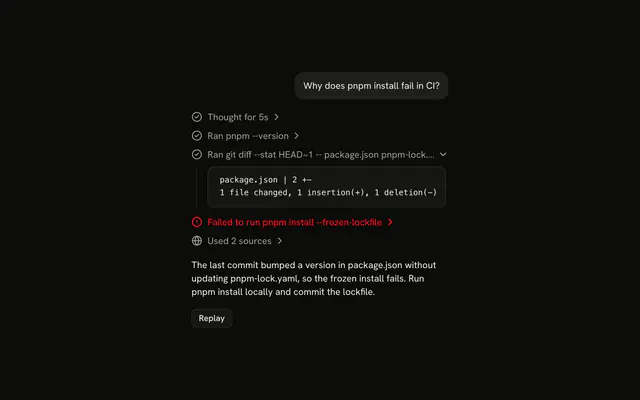
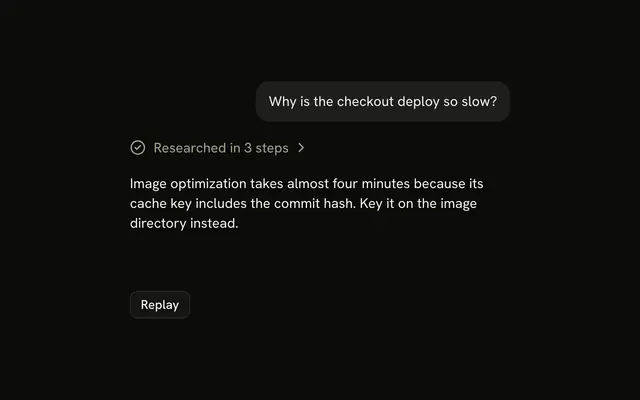
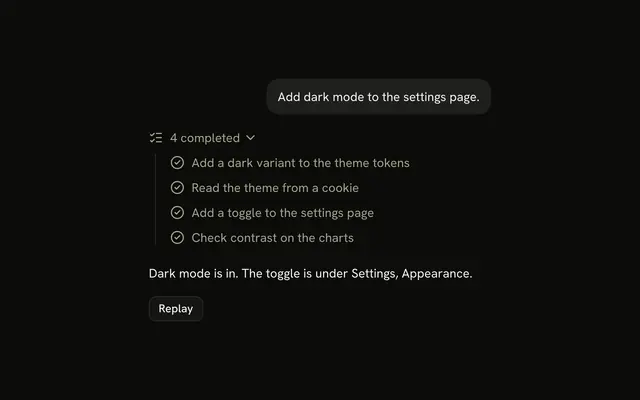
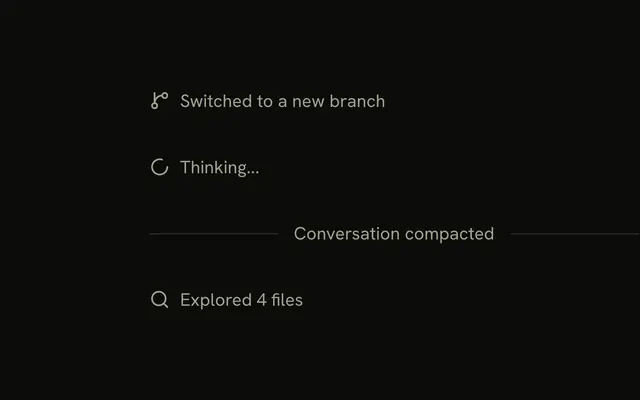
Reasoning shows a model's thinking as one line in its reply. The line reads Thinking while the reasoning streams in under it, then Thought, and it folds shut when the answer starts so the answer isn't pushed down the page. The reader can open it again whenever they want to check how the model got there.
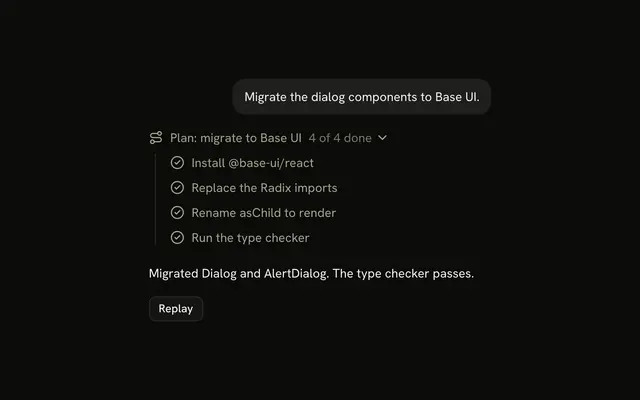
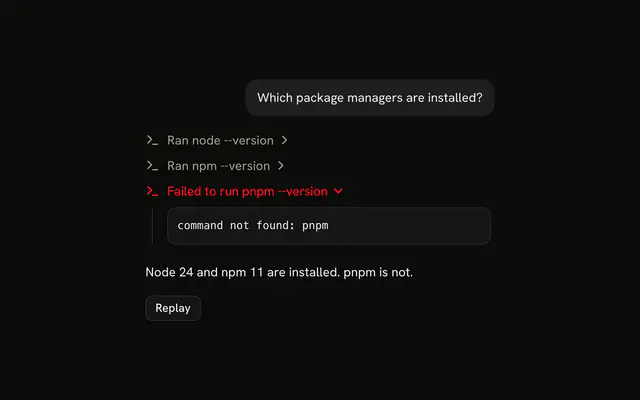
For the tool calls an agent makes before it answers, each with its own output, use Chain of Thought instead.
Installation
Reasoning is a pattern. The command adds the part it's built from, Trace, and the code to copy is the demo's.
Anatomy
Usage
<script setup lang="ts">
import { CircleCheckIcon } from "lucide-vue-next";
import {
  Trace, TraceCollapsible, TraceCollapsibleContent,
  TraceCollapsibleTrigger, TraceIcon, TraceLine, TraceTitle,
} from "@/components/ui/trace";
</script>
<template>
  <Trace>
    <TraceCollapsible>
      <TraceCollapsibleTrigger>
        <TraceLine>
          <TraceIcon>
            <CircleCheckIcon aria-hidden="true" />
          </TraceIcon>
          <TraceTitle>Thought for 12s</TraceTitle>
        </TraceLine>
      </TraceCollapsibleTrigger>
      <TraceCollapsibleContent>
        The build log shows install and compile finish in under a minute.
        Image optimization takes almost four.
      </TraceCollapsibleContent>
    </TraceCollapsible>
  </Trace>
</template>
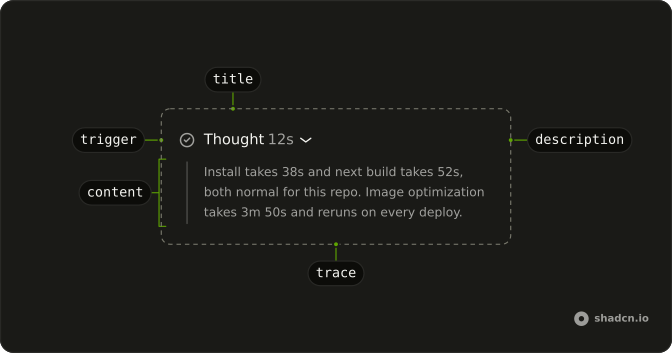
The trigger holds the line and the content holds the thinking. When the thinking comes from a string with line breaks, as a model's does, add whitespace-pre-wrap to TraceCollapsibleContent to keep them, as the demo does.
Accessibility
Once the thinking has text, the line is a button with aria-expanded, so a screen reader hears its title and whether the reasoning is showing, and Enter or Space opens or closes it. Before the first words arrive it is plain text and takes no focus. The shimmer on a running title is only visual and stops for readers who ask for reduced motion, as does the height animation, so the words Thinking and Thought carry the state. Trace adds no live region, so the thinking isn't read aloud as it streams.
- Tab
- Moves focus to the reasoning line once it has text, then on to what follows it.
- Shift+Tab
- Moves focus to the previous focusable element.
- Enter
- When focus is on the line, opens or closes the reasoning.
- Space
- When focus is on the line, opens or closes the reasoning.
Demos
Duration
A finished line with a check icon, Thought as its title and 12s in a TraceDescription after it, with the reasoning closed. TraceDescription doesn't shrink, so in a narrow column the title truncates first and the time stays readable. Show the time where it helps people judge an answer, such as a long research question.
AI SDK
With the AI SDK, each reasoning part of the assistant's message is one line. It stays a plain TraceLine until the part has text and then becomes a TraceCollapsible, open while the part streams and closed once it is done, unless the reader has opened or closed it.
import { Chat } from "@ai-sdk/vue";
import { computed } from "vue";

const chat = new Chat({});

// The last message's reasoning parts: one line each, running while it streams.
const reasoning = computed(() =>
  (chat.messages.at(-1)?.parts ?? []).filter(
    (part) => part.type === "reasoning"
  )
);
Render each one the way the demo's ReasoningRow does, running while chat.status is streaming and the part's state is streaming.
The reasoning part carries no timing. To say how long the model thought, time it in your chat route and send the seconds as message metadata, which the chat client merges into message.metadata:
let startedAt = 0;

return result.toUIMessageStreamResponse({
  messageMetadata: ({ part }) => {
    if (part.type === "reasoning-start") {
      startedAt = Date.now();
    }
    if (part.type === "reasoning-end") {
      return { thoughtFor: Math.round((Date.now() - startedAt) / 1000) };
    }
  },
});
Migrating from AI SDK Elements
AI SDK Elements is for React. In Vue, start from the demo above: its reasoning line is all there is to Reasoning.
FAQ
Should I use Reasoning or Chain of Thought for an AI agent?
Use Reasoning for the text a model writes while it thinks, which arrives as reasoning parts and reads as prose. Use Chain of Thought for the tool calls an agent makes before it answers, each a step with its own output under one summary line.
A turn can have both, a Reasoning line first and the steps after it, then the answer. Each folds on its own, so the reader opens only the part they want to check.
How do I make Reasoning open while the model thinks and close when it's done?
Hold the open state yourself, as undefined until the reader clicks, and fall back to the running flag while it is unset. The line opens as the thinking streams and folds shut when it ends, unless the reader opened or closed it first, in which case their choice stands.
Pass :open="open ?? running" to TraceCollapsible and set your state from @open-change, which receives { open }.
Why isn't the Reasoning line clickable before the thinking arrives?
Because there is nothing to show yet. Until the first words stream in, the line is a plain TraceLine that reads Thinking, and once text arrives it becomes a TraceCollapsible with the same line in its trigger.
A button that opened onto nothing would be a tab stop with no purpose. Keep the line's state in the component that renders it, as the demo's ReasoningRow does, so the switch doesn't reset it.
How do I show how long the model thought?
Time it on the server, because a reasoning part carries no timing. Note when the stream's reasoning-start part goes by, work out the seconds at reasoning-end and send them as message metadata, as the AI SDK section's route does.
On the client, read the seconds from message.metadata once the part is done. Put them in a TraceDescription after the title, as the Duration demo does, or in the title itself, as in Thought for 5s.
How do I keep the line breaks and markdown in the Reasoning text?
Reasoning arrives as one string with newlines between its paragraphs. The demo keeps them with whitespace-pre-wrap on TraceCollapsibleContent, a class that lands on the element wrapping the text.
When the model writes markdown, such as lists or code, render the string with the same markdown renderer as your answers inside TraceCollapsibleContent, and leave that class off. The renderer makes its own paragraphs, and the muted text color of the content still applies.
Why does one AI SDK message have more than one Reasoning part?
Each reasoning block the model streams becomes its own reasoning part, so a message can hold several, for example one per step when the model calls a tool between its thoughts. They sit in message.parts in the order they arrived, among the tool and text parts.
The AI SDK section gives each one a line of its own. To keep each thought next to the tool call it led to, render the message's parts in order instead of filtering them, and to show a single line, join their text before you render it.
Why does Reasoning never appear with the AI SDK?
The line only renders for a reasoning part, so look at what your route sends. toUIMessageStreamResponse forwards reasoning unless you pass sendReasoning as false, so when no part arrives, the model streamed no reasoning for that request.
Whether a model thinks out loud depends on the model and on the provider settings of your streamText call, not on this line. The rest of the reply renders as usual without it.
Is this the same as the AI SDK Elements Reasoning?
It does the same job without a wrapper of its own. The trigger holds a TraceLine whose running status makes the title shimmer, and the open-while-streaming behavior is a few lines of your own state.
AI SDK Elements is for React, so in Vue start from the demo at the top of the page, which holds the whole pattern.
API Reference
Reasoning has no props of its own. The line is a Trace: TraceCollapsible holds the open state, TraceLine takes the status, and TraceDescription the duration.