shadcn.io is an independent project built on shadcn/ui
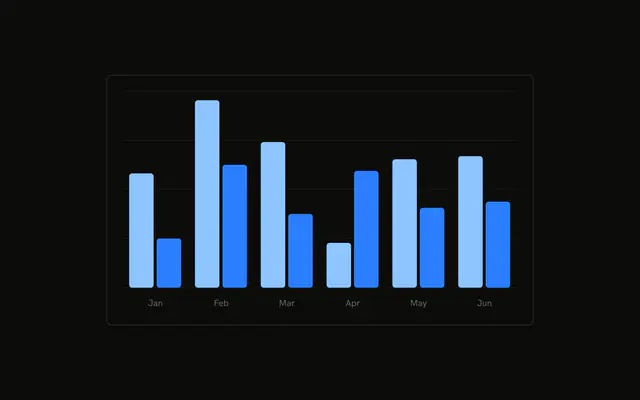
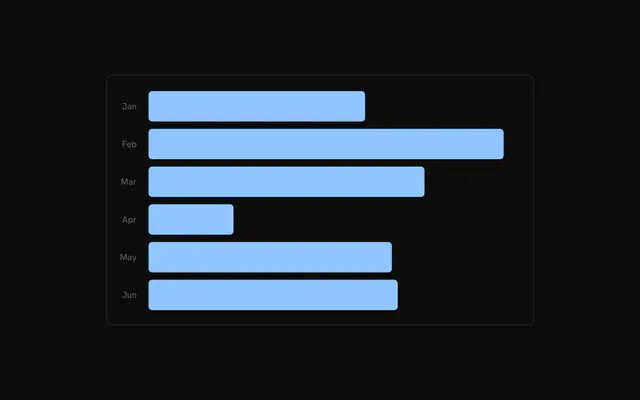
Six rounded bars, one per month, for desktop visitors. The axis shows Jan through Jun. Hover a bar and the tooltip gives that month's count.
Use it to compare one number across a short list of months. If people need every figure in a column, use a Table. In React, Base UI turns the config color into a variable. You still pass the months.
Installation
Anatomy

Usage
<div className="w-full max-w-xl rounded-md border bg-background p-4">
  <ChartContainer config={chartConfig}>
    <BarChart accessibilityLayer data={chartData}>
      <CartesianGrid vertical={false} />
      <XAxis
        axisLine={false}
        dataKey="month"
        tickFormatter={formatMonth}
        tickLine={false}
        tickMargin={10}
      />
      <ChartTooltip
        content={<ChartTooltipContent hideLabel />}
        cursor={false}
      />
      <Bar dataKey="desktop" fill="var(--color-desktop)" radius={8} />
    </BarChart>
  </ChartContainer>
</div>
FAQ
How are the bar corners rounded?
Bar sets radius to 8, so every corner of the desktop bars is rounded by 8px. The series is dataKey desktop, filled with var(--color-desktop).
Where does the bar color come from?
config gives desktop the label Desktop and color var(--chart-1). ChartContainer writes that as --color-desktop, which is what fill reads.
How are the month ticks shortened?
XAxis uses dataKey month and tickFormatter set to formatMonth, which returns value.slice(0, 3). axisLine and tickLine are off, and tickMargin is 10.
Why are the grid lines horizontal only?
CartesianGrid sets vertical to false, so the plot shows horizontal lines. BarChart also sets accessibilityLayer, which lets the bars be reached from the keyboard.
API Reference
Chart
Sets config={chartConfig} and hideLabel. The rest is on the Chart page.