shadcn.io is an independent project built on shadcn/ui
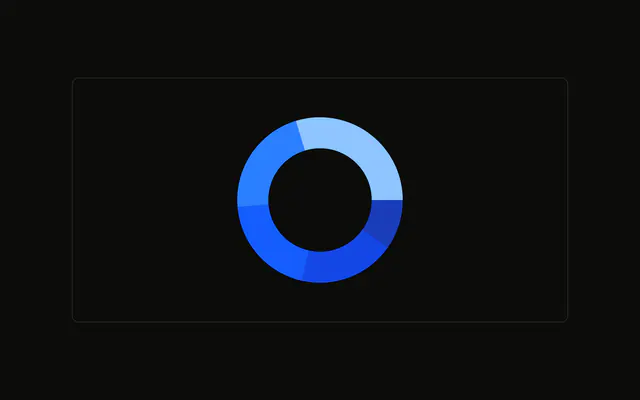
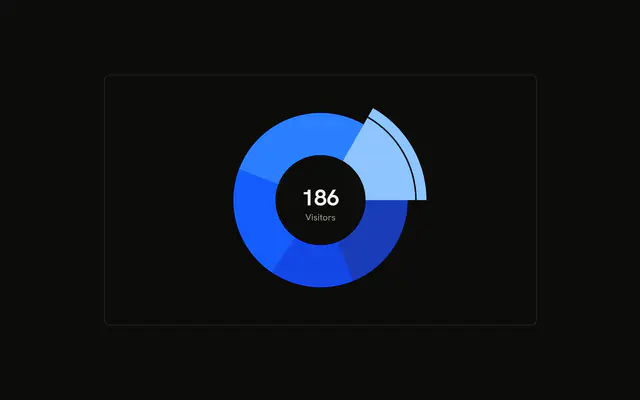
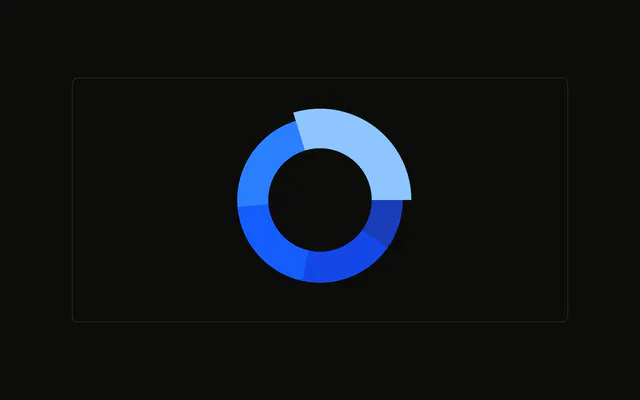
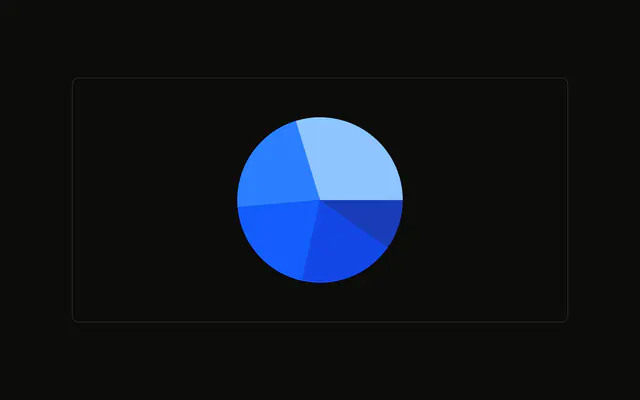
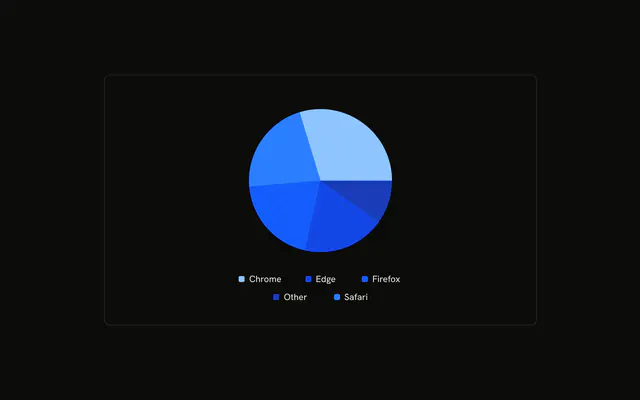
A browser donut with the sum of every slice in the hole, and the word Visitors under it. The number is the total of the rows in the file.
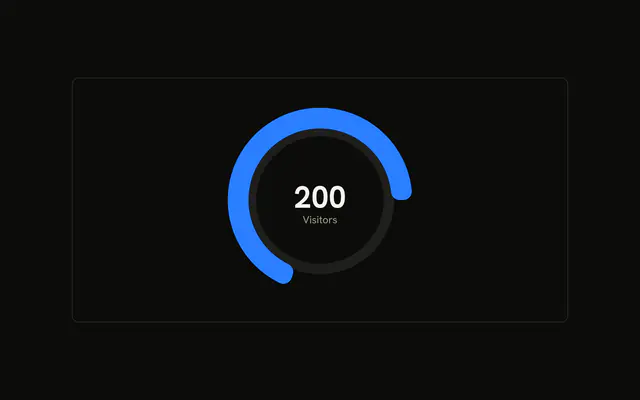
Use the center when the total matters as much as the split. A Progress bar is a better fit for one value with no slices. In React, Ark UI does not add the slices up. The demo sums the rows.
Installation
Anatomy

Usage
<div className="w-full max-w-xl rounded-md border bg-background p-4">
  <ChartContainer
    className="mx-auto aspect-square max-h-[250px]"
    config={chartConfig}
  >
    <PieChart>
      <ChartTooltip content={renderTooltipContent} cursor={false} />
      <Pie
        data={chartData}
        dataKey="visitors"
        innerRadius={60}
        nameKey="browser"
        strokeWidth={5}
      >
        <Label content={renderTotal} />
      </Pie>
    </PieChart>
  </ChartContainer>
</div>
FAQ
How is the total drawn in the hole?
Pie nests a Label whose content is renderTotal. When viewBox has cx and cy, that function returns an SVG text anchored at the center with textAnchor and dominantBaseline set to middle.
How is the center number calculated?
renderTotal sums chartData with reduce, starting at 0 and adding each visitors value, then calls toLocaleString(). These rows total 1,125: Chrome 275, Safari 200, Firefox 287, Edge 173, and Other 190.
How are the number and the word Visitors stacked?
The first tspan prints the total at viewBox.cy with className fill-foreground font-bold text-3xl. The second prints Visitors at viewBox.cy + 24 with className fill-muted-foreground.
How big is the hole the text sits in?
Pie sets innerRadius to 60 and strokeWidth to 5. dataKey is visitors and nameKey is browser.
API Reference
Chart
Sets config={chartConfig}, content={renderTooltipContent} and cursor={false}. The rest is on the Chart page.