shadcn.io is an independent project built on shadcn/ui
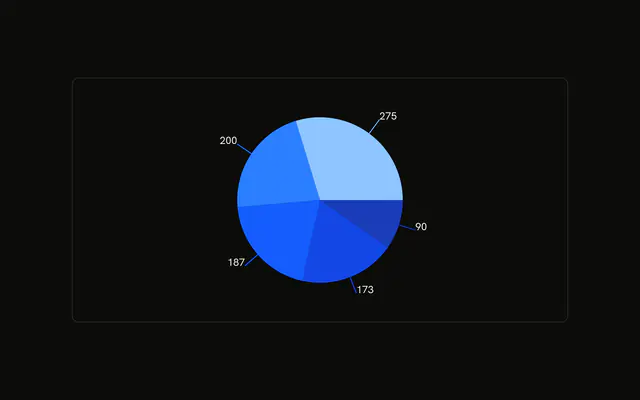
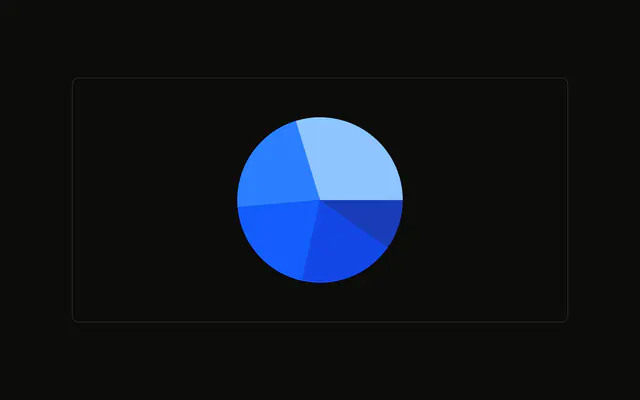
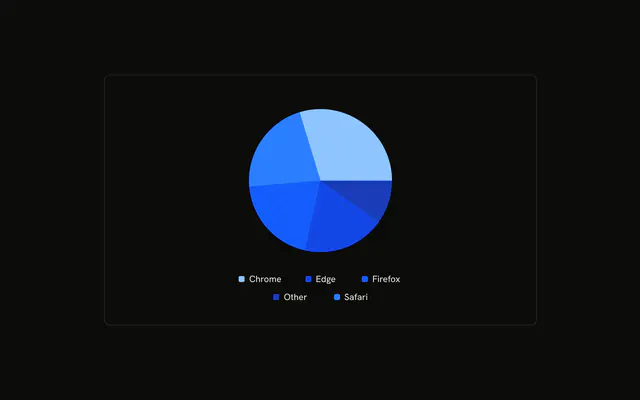
Each slice's visitor count is drawn beside it as text, in the foreground color. The usual label lines are off.
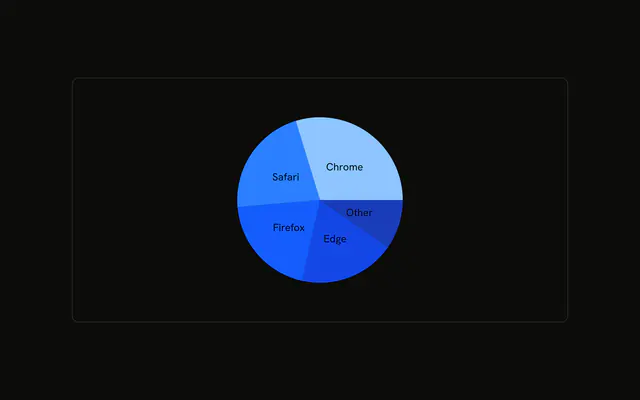
Use a custom label when the default one does not say what you need. A legend covers names, and a Table covers a longer list. In React, Ark UI does not draw this text. The label function in the demo does.
Installation
Anatomy

Usage
<div className="w-full max-w-xl rounded-md border bg-background p-4">
  <ChartContainer
    className="mx-auto aspect-square max-h-[250px] px-0"
    config={chartConfig}
  >
    <PieChart>
      <ChartTooltip content={renderTooltipContent} />
      <Pie
        data={chartData}
        dataKey="visitors"
        label={renderLabel}
        labelLine={false}
        nameKey="browser"
      />
    </PieChart>
  </ChartContainer>
</div>
FAQ
How is the number beside each slice drawn?
Pie sets label to renderLabel and labelLine to false. renderLabel returns an SVG text at the x and y it receives, copying textAnchor and dominantBaseline, and the text is payload.visitors.
How is that text colored?
The text element uses className fill-foreground. ChartContainer is mx-auto aspect-square max-h-[250px] with px-0, which leaves the side labels the width of the frame.
What do dataKey and nameKey do here?
dataKey is visitors, so the slice angle and the printed number are the visitor count. nameKey is browser, which is the slice name passed through to the chart.
What does the tooltip call each slice?
ChartTooltipContent sets hideLabel and nameKey to visitors. That key is labeled Visitors in config, so the tooltip row uses that name and the visitor count.
API Reference
Chart
Sets config={chartConfig} and content={renderTooltipContent}. The rest is on the Chart page.